Pros
- M4 chip delivers Pro-level efficiency in fanless chassis
- All-day battery for writers, devs, and students
- Silent operation — ideal for libraries and travel
- macOS ecosystem integration with iPhone and iPad
Cons
- Only two USB-C ports without hub
- Base 256GB SSD feels tight in 2026
- 60Hz display lags behind Windows OLED rivals
The MacBook Air M4 is Apple's refined answer to the question: how much laptop do most people actually need? In 2026 it remains the default recommendation for students, remote workers, and developers who want speed without fan noise, heat, or Pro pricing. This MacBook Air M4 review covers real-world performance, battery, display limits, and whether you should step up to MacBook Pro.
What Is the MacBook Air M4?
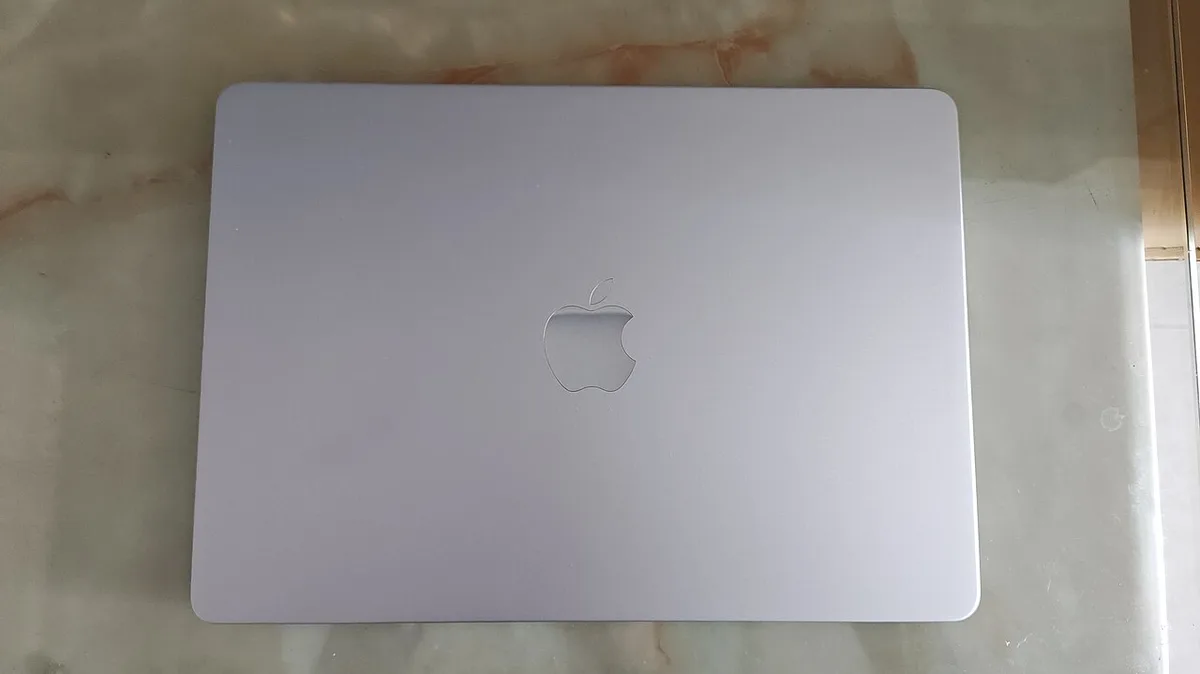
The MacBook Air M4 (2025 refresh) uses Apple's M4 chip in the familiar wedge design — no fan, 13-inch and 15-inch options, Liquid Retina display, MagSafe charging, and two Thunderbolt ports. It targets everyday productivity, light creative work, and software development — not sustained 4K video renders or AAA gaming.
Official screenshot — Apple Inc. (Wikimedia Commons)
Configurations start with 16GB unified memory (finally the sensible default) and SSD options from 256GB upward. For most buyers, the 16GB/512GB tier is the sweet spot in 2026.
Design and Build Quality
Apple's unibody aluminum remains class-leading for fit and finish. The Air is thin enough for backpack pockets, stiff enough to avoid flex on laps, and available in muted finishes that age well. MagSafe 3 reduces cable-snag accidents — a quality-of-life win for coffee-shop workers.

World and exploration — Apple Inc. (Wikimedia Commons)
Keyboard and trackpad are still the ultrabook benchmark: quiet keys, large glass trackpad, reliable biometrics via Touch ID. No OLED option — the IPS panel is bright and color-accurate but 60Hz only.
Performance and Features
M4 brings improved CPU cores and GPU headroom over M3 without breaking the fanless thermal budget. For browsers with 40 tabs, Notion, Slack, Xcode builds, and Lightroom exports, the Air feels instant. Compilation times for medium Swift or TypeScript projects stay within practical limits.
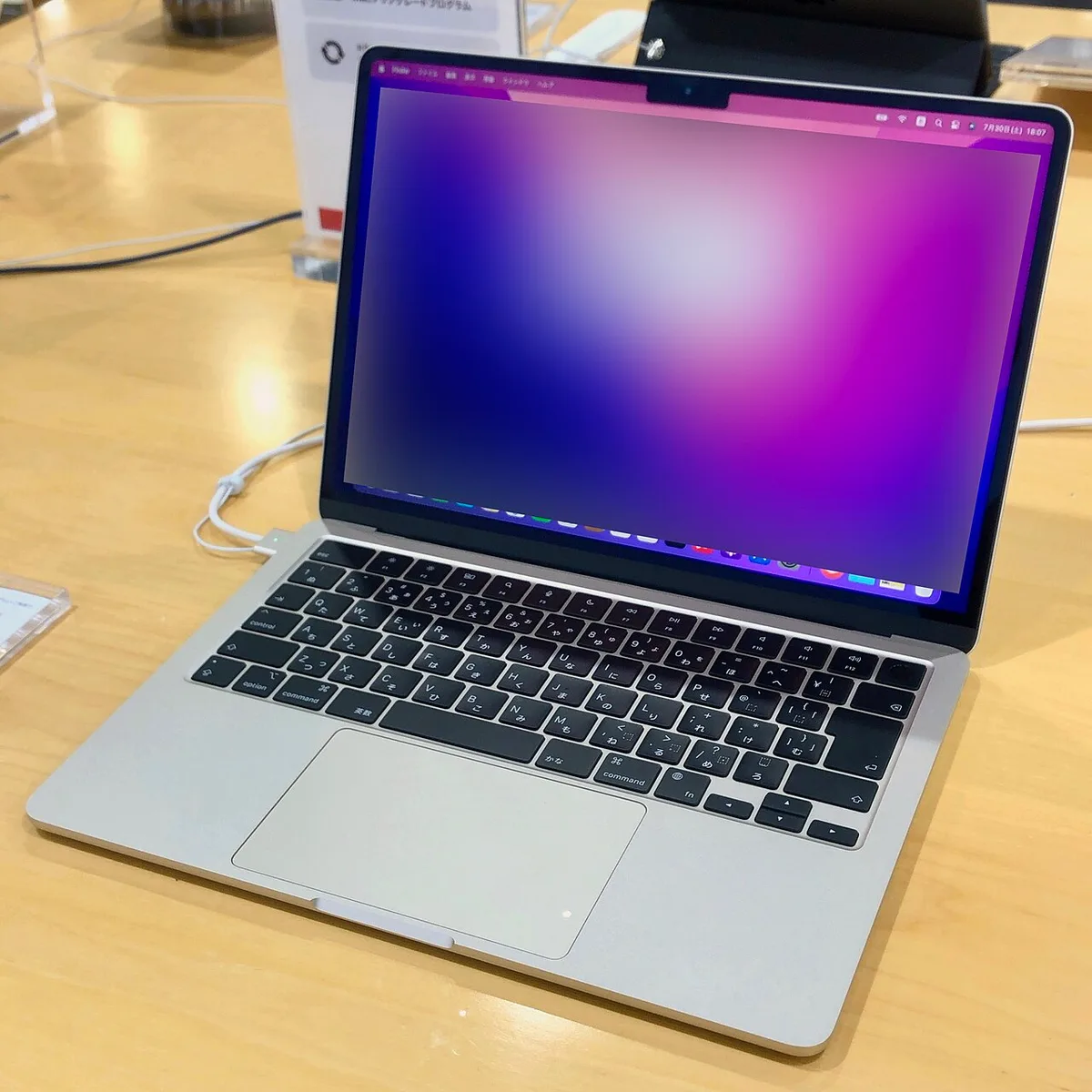
Systems and performance — Apple Inc. (Wikimedia Commons)
Where it throttles: sustained 4K video encodes, heavy ML training, or long gaming sessions. The MacBook Pro 14 with active cooling still wins for prosumer workflows — but that is a niche compared to Air buyers.
Who Should Consider Pro Instead?
- Video editors rendering long timelines daily
- Developers compiling massive monorepos constantly
- Users needing 120Hz ProMotion or HDMI/SD card built-in
Everyone else should save money and weight with the Air.
Battery Life and Portability
Real-world battery consistently exceeds a full workday — 12–15 hours of mixed writing, browsing, and video calls. Standby drain is low; sleep/wake is instant. For travel, the 13-inch model under 1.25 kg is liberating compared to gaming laptops or 16-inch workstations.
Two USB-C ports mean a hub or dock is mandatory for dual monitors and wired ethernet. Plan $30–80 for a quality hub in your total cost.
Pros and Cons
| Pros | Cons |
|---|---|
| Exceptional performance per watt | Limited ports |
| Silent, cool chassis | 256GB base storage tight |
| Excellent keyboard/trackpad | 60Hz display |
| Strong resale value | RAM/storage upgrades expensive at checkout |
Comparison and Alternatives
Windows alternatives like Dell XPS 13, Lenovo Yoga, and Surface Laptop offer OLED and more ports — but macOS integration and Apple Silicon efficiency keep the Air competitive. For headphones pairing, see our Sony WH-1000XM5 review.
FAQ
Is 16GB RAM enough in 2026?
Yes for most users; 24GB if you run local LLMs or heavy VMs daily.
M4 Air vs M4 Pro MacBook Pro?
Air for portability and silence; Pro for sustained loads and display refresh.
Can it run AI tools locally?
Light models yes via MLX and similar; serious local AI wants Pro/Max chips.
Verdict
The MacBook Air M4 is the best default ultrabook in 2026 — not because it wins every spec sheet, but because it removes friction from daily work. Buy 16GB/512GB, add a hub, and skip the Pro tax unless your workload proves you wrong.
Score: 9.2/10 — Best Ultrabook