Pros
- Todoist wins natural language, integrations, Android/Windows/web, and real team workspaces
- Things 3 wins calm UI, Areas-based GTD, one-time Apple purchases, and native macOS/iOS polish
- Both are legitimate flagship apps — not random App Store clones
Cons
- Things has zero collaboration and locks you inside Apple's garden
- Todoist Pro costs $60/year forever; heavy Apple users may pay more over a decade than Things
- Neither replaces full project management — compare Asana or Linear for dependency-heavy work
Todoist vs Things 2026 is the Mac and iOS productivity fork that never gets easier — because both apps are excellent and philosophically opposite. Todoist (from Doist, at todoist.com) is the cross-platform task hub with industry-leading natural-language capture, filters, labels, and a growing Assist AI bundle on paid tiers. Things 3 (from Cultured Code, sold only on Apple's App Store) is the quiet, award-winning personal planner built around Areas, Projects, and the Today / Upcoming / Anytime / Someday rhythm — buy once per device type, sync free through Things Cloud, and stay inside the Apple ecosystem.
This NexReview guide compares Todoist vs Things in 2026 with current pricing (including Todoist's late-2025 Pro increase), verified product identity, and practical calls on who should pay subscriptions versus one-time licenses. We are not reviewing unrelated "Things Todo" or "Todoist Pro" reskins — Things is Cultured Code's app; Todoist is Doist's.
For nearby decisions: our Todoist vs TickTick 2026 piece covers the subscription-all-in-one angle, Notion review if tasks live inside databases and wikis, and Microsoft 365 review when your employer already standardized on To Do and Outlook.
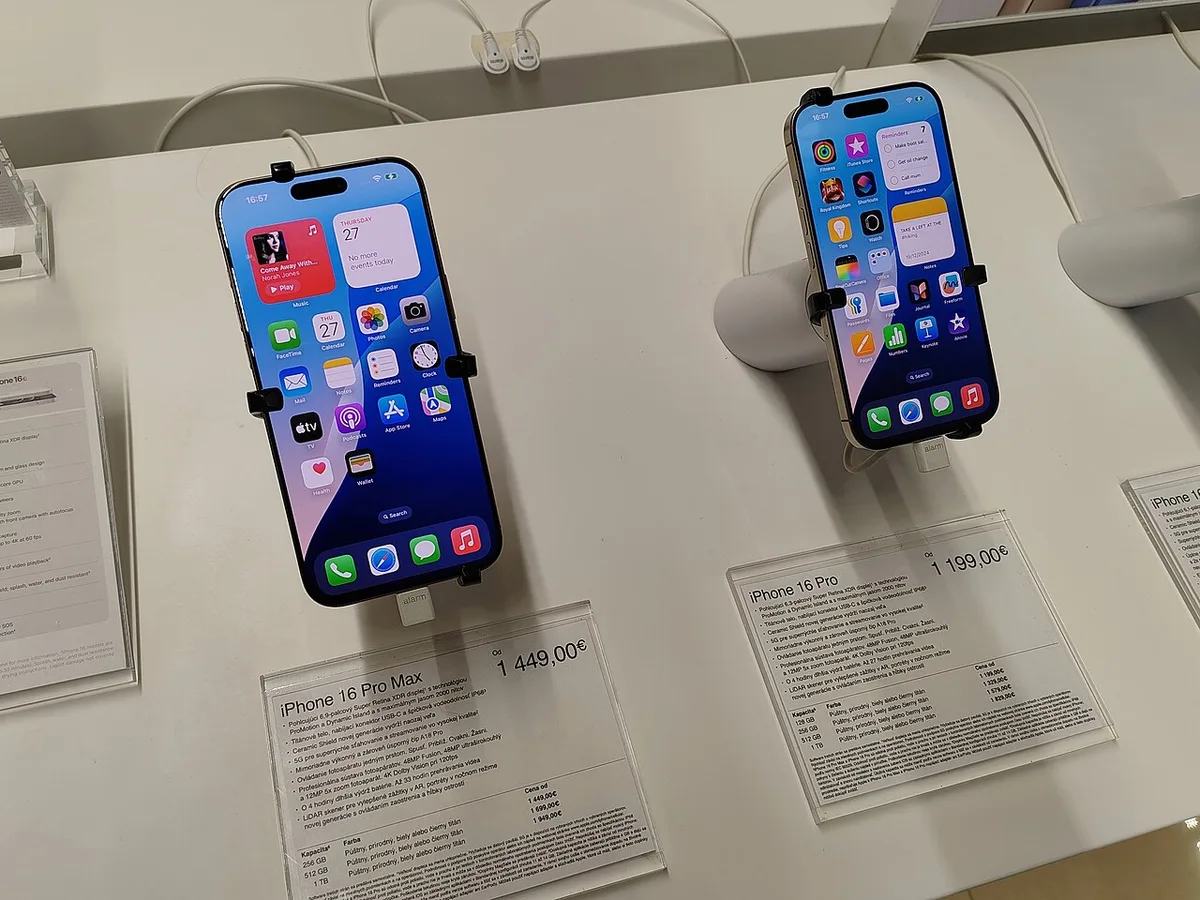
Todo list on phone — Wikimedia Commons
Todoist vs Things 2026 Snapshot
| Question | Todoist | Things 3 |
|---|---|---|
| Who makes it? | Doist (remote-first; Todoist since 2007) | Cultured Code (Stuttgart; Things since 2008) |
| Platforms | Web, Windows, macOS, Linux-friendly web, iOS, Android, watchOS, wearables | macOS, iOS, iPadOS, watchOS, visionOS — Apple only |
| Pricing model | Freemium + Pro subscription | One-time purchase per platform; free sync |
| US solo cost (typical) | $0 Beginner or ~$60/year Pro | ~$59.98 once for Mac + iPhone; iPad/Vision extra |
| Best at | Quick Add, integrations, shared work | Calm planning, Areas, native Apple UX |
| Collaboration | Shared projects; Business workspace | None — personal lists only |
| Natural language | Best-in-class on Quick Add + Ramble (Pro) | Basic date hints; no Todoist-grade parser |
| NexReview lean | Cross-platform & teams | Apple-only personal GTD |
Bottom line: If every device you own runs Apple software and you want the most peaceful daily planner, Things 3 is the cult classic that earns its reputation. If you touch Windows, Android, or a browser at work — or you assign tasks to humans — Todoist is the only serious answer in this pairing.
What Todoist and Things Actually Are
Todoist — tasks as a connected service
Todoist is a cloud task manager: projects (and nested sub-projects on paid tiers) hold tasks; labels slice across projects; filters are saved queries; priorities run P1–P4. The product's soul is inbox capture — dump tasks fast, sort later. Doist ships continuous updates across every platform, a mature REST API, and official connections to Slack, Gmail, Google Calendar, Outlook, Zapier, IFTTT, and dozens more.
On Pro, Todoist added calendar layout, task duration, deadlines, full activity history, and Todoist Assist: Ramble for voice capture, Task Assist for subtask suggestions, Filter Assist, and Email Assist. That stack matters in Todoist vs Things 2026 because Things deliberately avoids cloud-AI task features — your brain, not a model, plans the day.
Things 3 — personal GTD with Apple craftsmanship
Things is not "Things 4" in 2026 — the major version is still Things 3, maintained with free point releases (for example Things 3.23 in 2026 with stronger repeating to-do behavior). Cultured Code sells separate binaries for Mac, iPhone (Watch included), iPad, and Apple Vision Pro. Things Cloud syncs encrypted lists at no extra charge.
The data model is what converts lifelong users:
- Areas — life zones (Work, Home, Health) that contain projects and loose tasks
- Projects — outcomes with optional headings inside the list
- Plans — Today, This Evening, Upcoming, Anytime, Someday — a daily review loop baked into navigation
Single one-off tasks can live under an Area without inventing a fake "project" — a structural win over Todoist for strict GTD readers. Things also omits assignees, comments, and shared project admin entirely. That is a feature if you want zero coworker notifications; a dealbreaker if "task manager" means "lightweight Asana."
Todoist vs Things 2026 — Pricing and Five-Year Math
Pricing is where the philosophical split becomes spreadsheet real.
Todoist (verified November 2026)
| Plan | Price | What matters |
|---|---|---|
| Beginner | Free | 5 personal projects, 3 custom filters, 1-week activity history, list + board layouts |
| Pro | $7/mo or $60/year ($5/mo billed annually) | 300 projects, calendar layout, durations, 150 filters, full history, full Assist |
| Business | $10/user/mo or $96/user/year | Shared workspace, team projects, roles, templates, SOC 2 Type II |
Doist raised Pro and Business prices for renewals on or after December 10, 2025 (Pro annual moved from $48 to $60). Budget $60/year indefinitely unless you downgrade to Beginner and accept the five-project ceiling.
Things 3 (US App Store, November 2026)
| App | One-time price (US) | Notes |
|---|---|---|
| iPhone + Apple Watch | $9.99 | Watch app bundled |
| iPad | $19.99 | Separate SKU |
| Mac | $49.99 | 15-day free trial from Cultured Code |
| Apple Vision Pro | $29.99 | Separate SKU |
Cultured Code has held Mac/iPhone/iPad base prices since the 2017 Things 3 launch; there is no subscription and no student discount through the developer (Apple education programs may apply separately). Family Sharing can share purchases; lists themselves are not co-managed like Todoist shared projects.
Total cost of ownership (illustrative)
| Scenario | 5-year cost (approx.) |
|---|---|
| Todoist Pro, annual billing | ~$300 (5 × $60) |
| Things Mac + iPhone only | ~$60 once, then $0 |
| Things Mac + iPhone + iPad | ~$80 once |
| Todoist Beginner + Things on phone only | $9.99 + Todoist limits |
Todoist vs Things 2026 is often won on lifetime math: a Mac+iPhone Things buyer who never needs Pro features pays roughly one year of Todoist Pro for permanent access. The counterweight is opportunity cost — if Todoist's Quick Add saves you ten minutes a week, $60/year can still be cheap labor.
Confirm live numbers at todoist.com/pricing and your local App Store before purchase; VAT and mobile-store billing differ from web checkout.
Task Capture — Speed vs Serenity
Todoist treats typing as a programming language. Quick Add parses "Q4 budget draft every last Friday 4pm #Work p1" into project, recurrence, time, and priority in one shot. Power users chain labels, sections, and durations without touching the mouse. On Pro, Ramble extends that to walking-the-dog capture — the kind of friction that keeps Things users reaching for Apple Reminders as a side inbox.
Things optimizes for deliberate entry: Quick Entry on Mac (global hotkey), Magic Plus to insert a task mid-list, and Share extension / Mail to Things for clipping from Safari or email. You can type "tomorrow" in a title and get a nudge, but you will not bash complex recurrence strings the Todoist way. Repeating tasks improved materially in 2026 updates, yet Cultured Code still prioritizes clarity over parser gymnastics.
| Capture dimension | Todoist | Things 3 |
|---|---|---|
| Complex natural language | Excellent | Limited |
| Voice → structured task | Ramble (Pro) | Siri Shortcuts (DIY) |
| Email → task | Email Assist (Pro) | Mail to Things |
| Inbox speed for 30+ items/day | Excellent | Good — calmer, slower |
| "Throw it in Someday" | Via filters/labels | Native Someday list |
Practical test: For one workweek, count how often you create tasks on a non-Apple device or via automation. If the answer is "daily," Todoist's capture advantage compounds. If the answer is "never," Things' slower entry may feel like mindfulness instead of lag.
Organization — Labels and Filters vs Areas and Headings
Todoist organizes horizontally and vertically: nested projects, sections inside projects, labels across everything, and filters like today & @calls. Everything is a task in a project — even quick errands — unless you abuse a "Misc" project. It works, but GTD purists complain that Areas are simulated with naming conventions, not first-class objects.
Things makes Areas official. A project "Kitchen remodel" lives under Home; standalone "Call dentist" can sit in Health without a project wrapper. Headings inside projects replace faux subtasks-for-grouping. Tags exist but the app nudges you toward navigation (Today, Anytime) instead of filter algebra.
Todoist wins when your system is query-driven — saved filters for @errands & #Work or overdue & p1. Things wins when your system is review-driven — morning pass through Today and Upcoming, weekly Area walk-through. Neither is wrong; mixing mental models (building Todoist filters to mimic Areas) is where migrants waste weekends.

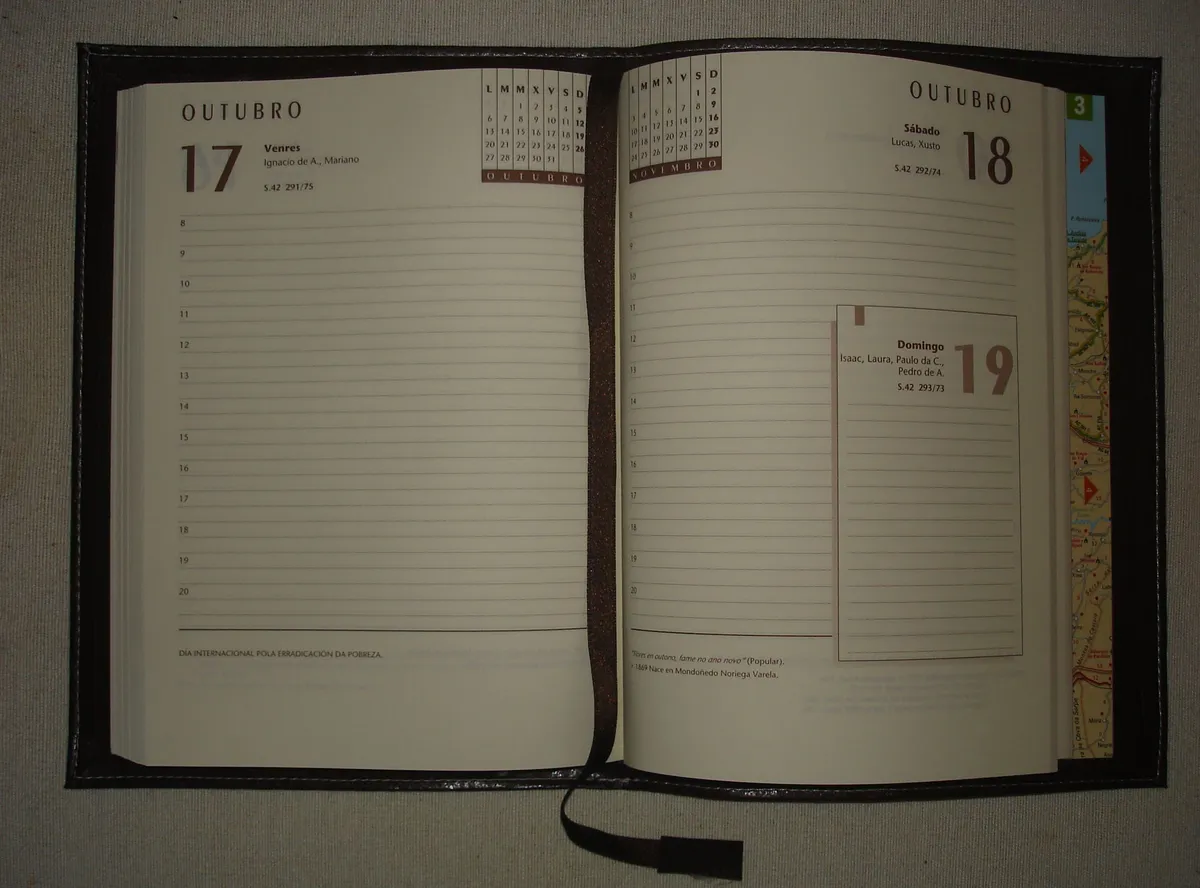
Productivity planner desk — Wikimedia Commons
Planning Views — Calendar Grids vs Today-Centric Flow
Todoist Pro ships calendar layout and table layout, plus Google/Outlook calendar integrations. You can see tasks on a timeline and drag durations — a credible answer to "I live in my calendar." The product remains list-first in DNA; many users still pair Todoist with Fantastical or native Calendar for heavy time blocking.
Things integrates Apple Calendar events into Today and Upcoming so appointments and tasks share a scroll — but there is no full web calendar product, no Android calendar mirror, and no team scheduling layer. This Evening is a subtle killer feature for people who overcommit mornings and need a parking lot for after-dinner tasks.
For Todoist vs Things 2026 on pure daily planning ergonomics inside macOS, Things feels like it emerged from Cupertino's HIG workshop; Todoist feels like a polished SaaS dashboard. Both sync reliably; Things' offline experience on Apple silicon often feels snappier because local-first UI is the entire brand.
Integrations, API, and Automation
Todoist is the integration champion between the two. Official connectors, Zapier/Make recipes, GitHub hooks, and a documented API mean tasks can originate from chat, email, code repos, and custom scripts. If your workflow is "Slack message becomes task with assignee," Todoist Business or Pro shared projects are the realistic path.
Things lives in the Apple automation lane: Shortcuts, Siri, Focus filters, Widgets, and Apple Watch complications. Power users build elaborate Shortcut chains; none of that helps on a Windows laptop at the office. Things Cloud has no public third-party task API comparable to Todoist's — by design, not oversight.
Rule of thumb: Count systems that must create tasks without you opening the app. Three or more non-Apple sources → Todoist. Zero, only Safari/Mail → Things is fine.
Related: if integrations are overkill and you need databases plus docs, read Obsidian vs Notion 2026 before buying another subscription.
Collaboration — The Dealbreaker Row
Things does not do shared work. No assignees, no comment threads, no guest access, no admin console. Couples sometimes share an iCloud workaround or split Areas manually — that is hobbyist territory, not IT policy.
Todoist supports shared projects on consumer plans and a full Business workspace: roles, centralized billing, team templates, activity logs, up to hundreds of guests. It is not Jira, but marketing teams and agencies run client work through it daily.
If Todoist vs Things 2026 is a household decision and one partner runs Android, the conversation ends before UI taste: Things is disqualified. If both partners are on iPhone and only share groceries, Apple Reminders may be free enough — these apps are for personal systems that occasionally spill into light sharing.
Platform Support and Long-Term Lock-In
| Platform | Todoist | Things 3 |
|---|---|---|
| iPhone / iPad | ✅ Native apps | ✅ Native apps |
| macOS | ✅ Native | ✅ Native (flagship) |
| watchOS | ✅ | ✅ (with iPhone purchase) |
| visionOS | Via iOS ecosystem | ✅ Dedicated app |
| Windows | ✅ Native | ❌ |
| Android | ✅ Native | ❌ |
| Web | ✅ Full client | ❌ No browser access |
| Linux | Web + wrappers | ❌ |
Things is a strategic bet on Apple. Cultured Code's slow, polished release cadence assumes you value that bet. Todoist assumes platforms change — job switches, BYOD Android phones, Chromebooks — and your task history should survive.

Task manager on laptop — Wikimedia Commons
Todoist vs Things 2026 — Feature Table
| Feature | Todoist | Things 3 | Edge |
|---|---|---|---|
| Natural language Quick Add | Industry-leading | Basic dates | Todoist |
| Areas (GTD life zones) | Simulated with projects | Native | Things |
| Someday / Anytime lists | Via filters | Built-in navigation | Things |
| Shared / team tasks | ✅ Business | ❌ | Todoist |
| One-time purchase option | ❌ | ✅ | Things |
| Android / Windows / web | ✅ | ❌ | Todoist |
| Apple-native polish | Good | Exceptional | Things |
| AI capture (2026) | Assist + Ramble (Pro) | None | Todoist |
| Repeating tasks | Advanced | Improved in 3.23 | Todoist |
| Karma / gamification | ✅ | ❌ | Todoist (if you want it) |
| Offline on Apple | Good | Excellent | Things |
| 5-year solo TCO | ~$300 at Pro | ~$60–110 upfront | Things |
Who Should Choose Todoist
Pick Todoist in 2026 if you:
- Use Android, Windows, or web during a normal week
- Depend on natural language for messy recurrence ("every 3rd Tuesday")
- Need Slack, Gmail, Zapier, or API automation into tasks
- Assign tasks to coworkers or clients, even lightly
- Want calendar layout and durations without leaving the task app
- Accept ~$60/year Pro as a line item (or stay on Beginner with five projects)
- Might leave Apple hardware in the next few years
Todoist is the portability play — the same inbox on a Dell at work and an iPhone in your pocket.
Who Should Choose Things 3
Pick Things 3 if you:
- Live entirely in Apple's ecosystem and plan to stay
- Prefer one-time purchases over another recurring subscription
- Organize life with Areas and daily Today / Upcoming reviews
- Want the calmest, least SaaS-bloated task UI on Mac and iPad
- Will never need shared project permissions — personal system only
- Value This Evening, Someday, and Anytime as first-class homes, not filters
- Already tried Todoist and felt overwhelmed by labels, karma, and settings surface area
Things is the "I will still be using this in 2031" bet for Apple loyalists who hate rent-seeking on basic productivity.
Who Should Skip Both
Pause Todoist vs Things 2026 if:
- You need dependencies, portfolios, or sprint planning — try Linear, Asana, or Jira
- Notes + tasks + wiki must be one product — Notion or Obsidian stacks win
- Your org mandates Microsoft To Do — see Microsoft 365 review
- You only need groceries and gift reminders — Apple Reminders is enough
- You searched random "Things tasks" apps — confirm Cultured Code Things 3, not homonyms
Migration Tips
Todoist → Things: Export CSV from Todoist settings. Import via third-party converters or manual project rebuild (common path: Todoist2Things scripts and Cultured Code's migration docs from older versions). Expect to remap labels → tags and recreate filters as Anytime discipline. Budget a long weekend; Areas reward clean hierarchy.
Things → Todoist: Export from Things (limited official export — often use CSV via backup tools). Recreate Areas as top-level projects or labels. Someday items map to a dedicated project or @someday label. Repeating rules must be retyped — test five critical repeats before deleting Things.
Parallel run: Duplicate your top three Areas/Projects in both apps for 14 days. The app you open on a stressful Monday without guilt wins.
FAQ — Todoist vs Things 2026
Is Todoist or Things better in 2026?
Neither wins universally. Todoist is better for cross-platform capture, integrations, collaboration, and natural language. Things 3 is better for Apple-only users who want one-time pricing, Areas-based GTD, and the calmest daily planning UI. Your device mix decides more than star ratings.
How much does Todoist vs Things cost in 2026?
Todoist Pro is about $7/month or $60/year after the December 2025 price update; Beginner stays free with tight limits. Things is a one-time App Store purchase — commonly $49.99 Mac, $9.99 iPhone, $19.99 iPad in the US — with free Things Cloud sync. A typical Mac + iPhone Things setup costs ~$60 once versus ~$60 every year for Todoist Pro.
Does Things 3 require a subscription?
No. Cultured Code sells Things as a one-time purchase per platform with free updates within Things 3.x. There is no Things subscription tier in 2026.
Can Things work on Windows or Android?
No. Things runs only on Apple operating systems (macOS, iOS, iPadOS, watchOS, visionOS). If you need Windows or Android, Todoist vs Things 2026 is decided for you: choose Todoist.
Which has better natural language task entry?
Todoist, by a wide margin. Quick Add and Ramble on Pro handle complex dates, recurrence, priorities, and projects in one line. Things supports simpler date hints and manual scheduling.
Which is better for GTD — Todoist or Things?
Things maps closer to classic Getting Things Done with native Areas, Someday, Anytime, and review-friendly Today / Upcoming. Todoist can implement GTD with projects, labels, and filters, but Areas are not first-class objects.
Can I share tasks with my team on Things?
No. Things is personal-only. For shared workspaces, use Todoist Business or a dedicated PM tool — not Things.
Did Todoist get more expensive recently?
Yes. Pro annual billing rose to $60/year and monthly to $7 for renewals on or after December 10, 2025. Things' US prices for Mac and iPhone have been stable since the 2017 launch (Vision Pro app added later).
Is there a free trial for Things or Todoist?
Todoist offers a 7-day Pro trial on the web. Things offers a 15-day Mac trial from Cultured Code's site — mobile apps have no trial, only purchase/refund via Apple.
Which app should Apple-only users pick — Todoist or Things?
If you will never need Windows/Android and you dislike subscriptions, Things 3 is the enthusiast choice. If you want AI capture, heavier automation, or might change platforms, Todoist is safer despite the annual fee.
Verdict — Todoist vs Things 2026
Todoist vs Things 2026 contrasts rented universality against owned serenity. Todoist still owns the moment a thought must become a structured task on any OS — parsers, integrations, and Business workspaces are why Doist earns $60/year from millions of power users. Things 3 still owns the moment you sit down with coffee, open Today on a MacBook, and feel zero dashboard anxiety — Cultured Code's one-time pricing is the quiet protest against subscription fatigue.
Our scores encode that split: Todoist 8.8/10 for capture-and-ecosystem maximalists; Things 9.1/10 for Apple-native focus and design; comparison framework 8.6/10 because the wrong choice is almost always about platform lock-in, not missing checkboxes.
Choose Things when your world is Apple-shaped and personal. Choose Todoist when your world is multi-platform or multiplayer. Install both trials (Todoist Pro + Things Mac demo) across two messy weeks — Todoist vs Things 2026 stops being theory the first time you try to check tasks on a PC.
Comparison score: 8.6/10 — Things for Apple-Only Clarity, Todoist for Everywhere & Teams