Pros
- Fastest path from idea to social post or slide deck
- Massive template library for every niche
- Magic Studio AI speeds background removal and copy
- Brand kits keep teams on-brand
Cons
- Not a Figma replacement for product UI design
- Advanced print color workflows need care
- AI outputs can look generic without editing
Canva democratized design — drag-and-drop templates for social posts, presentations, resumes, and print without Adobe learning curves. This Canva review updates July 2026 for Magic Studio AI, team workflows, and when to graduate to Figma or Adobe.
What Is Canva?
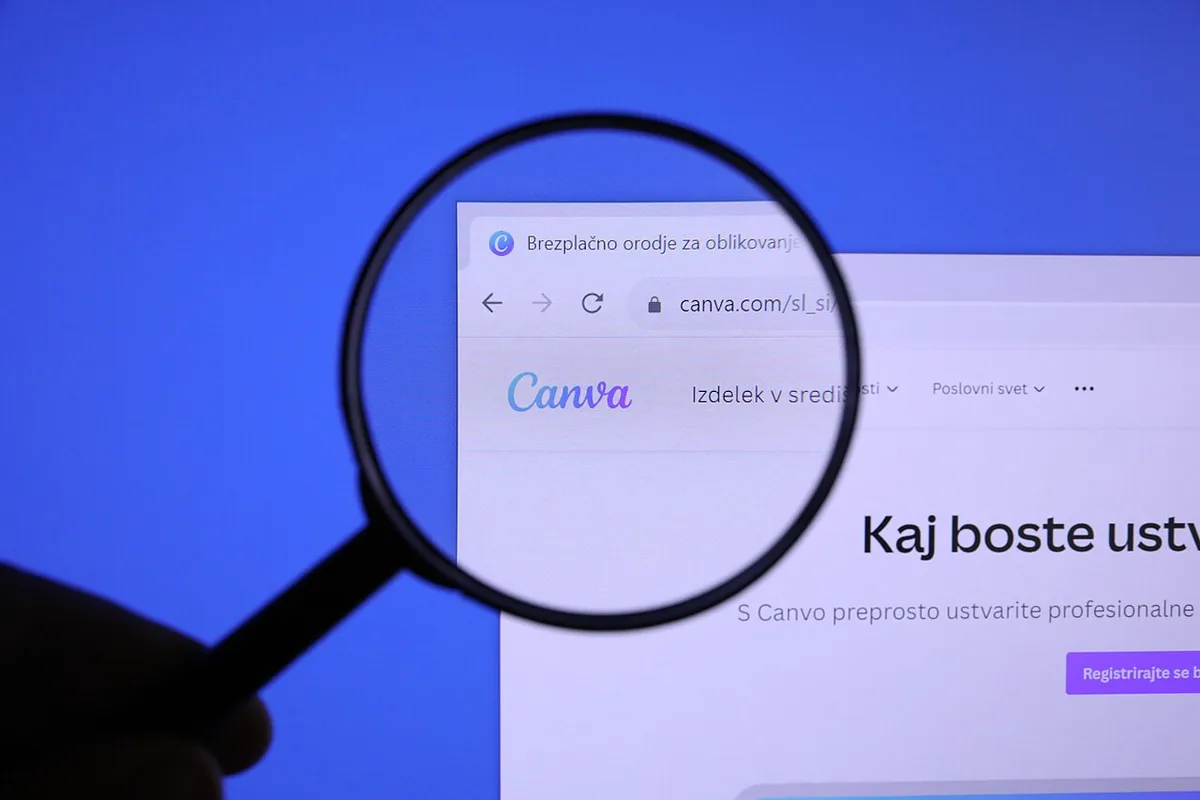
Canva is a browser-first design platform with mobile apps. Millions of templates, stock photos, fonts, and animations ship ready to customize. Canva Pro adds brand kits, background remover, resize magic, and premium assets.
Product interface — Canva (Wikimedia Commons)
Targets marketers, teachers, small businesses, and creators — not replacement for professional UI systems design.
Features and Workflow
Typical workflow:
- Pick template (Instagram, pitch deck, flyer)
- Swap text, colors, and images to brand
- Use Magic Write for captions and Magic Edit for photos
- Export PNG, PDF, or MP4 for video templates
- Schedule posts via Content Planner (Pro)
Speed beats precision — perfect for weekly social cadence.
AI and Collaboration
Magic Studio bundles background removal, generative fill, and copy suggestions — good enough for drafts, not final brand campaigns without human polish. Teams share folders; comments streamline approval chains.
Compare depth with Figma for component-based product design — Canva wins marketing velocity, Figma wins design systems.
Pricing
Free tier generous for casual users; Pro unlocks premium assets and resize tools. Teams tier adds SSO and admin — evaluate vs Adobe Express bundles if already Creative Cloud subscribers.

Workflow example — Canva (Wikimedia Commons)
Pros and Cons
| Pros | Cons |
|---|---|
| Zero design barrier | Generic AI look |
| Huge template pool | Weak for UI engineering |
| Affordable Pro | Print color pitfalls |
| Quick exports | Offline limited |

App in use — Canva (Wikimedia Commons)
FAQ
Canva vs Figma?
Canva marketing; Figma product UI.
For YouTube thumbnails?
Excellent — fast text + image combos.
With ChatGPT Plus?
GPT for scripts, Canva for visuals — common stack.
Verdict
Canva is the best design tool for beginners and lean teams in 2026 — start here, move to Figma when building software interfaces. Pro pays for itself with one client project monthly.
Score: 8.9/10 — Best for Beginners