Pros
- Deep codebase indexing beats generic chat prompts
- Composer agent edits multi-file features quickly
- VS Code fork — extensions mostly compatible
- Tab completion tuned for real project patterns
Cons
- Subscription cost adds up for teams
- Occasional over-eager AI edits need review
- Large repos require indexing patience
Cursor is the AI-native code editor that forced GitHub Copilot and JetBrains to accelerate their own roadmaps. Built as a VS Code fork, it embeds large language models into every coding surface — autocomplete, inline edit, chat, and autonomous Composer agents that refactor across files. This Cursor IDE review evaluates July 2026 builds for professional developers, indie hackers, and teams standardizing on AI-assisted workflows.
What Is Cursor?
Cursor is a desktop code editor (Windows, macOS, Linux) developed by Anysphere. It indexes your repository for semantic context, then exposes AI through:
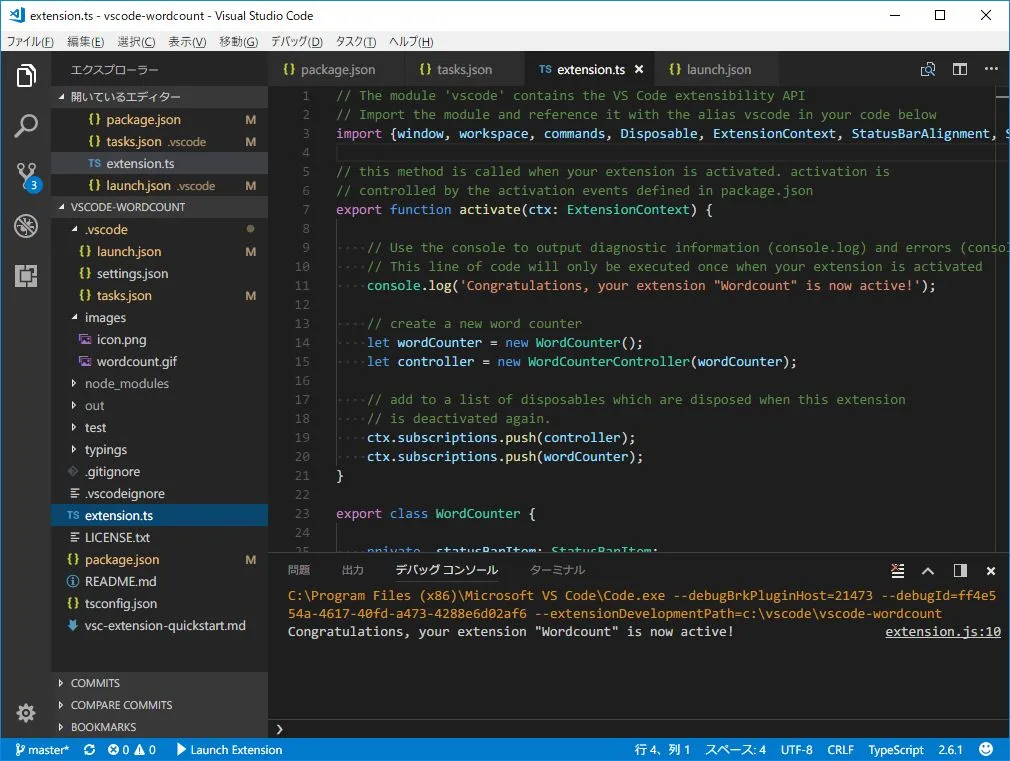
Official screenshot — Editorial illustration (Wikimedia Commons)
- Tab — inline completion beyond single lines
- Cmd+K — targeted edits on selection
- Chat — codebase-aware Q&A with @file references
- Composer — multi-file agent tasks with diff review
It supports mainstream stacks: TypeScript, Python, Go, Rust, Java, and more — quality varies by language model training density.
Features and Workflow
Effective Cursor workflow:
- Open repo — indexing completes in background
- Write specs in comments or Composer prompt
- Review diffs before accepting multi-file changes
- Use @ symbols to pin context (files, docs, web)
- Run tests locally — AI suggests, you verify
Composer shines for scaffolding features, migration chores, and test generation. It is not a replacement for code review discipline — hallucinations still appear in edge cases.
AI Models and Context
Cursor offers model picker (GPT-4 class, Claude, etc. depending on plan and region). Codebase indexing differentiates Cursor from browser chat — it understands folder structure, imports, and patterns you already use.
Large monorepos need .cursorignore tuning to exclude artifacts and node_modules from slow reindexing. Teams should document prompt conventions like internal runbooks.
Pricing and Teams
Individual Pro plans cover serious solo developers; Business adds admin controls and privacy options for orgs. Compare total cost vs GitHub Copilot Enterprise + standard VS Code if you already pay Microsoft stack.
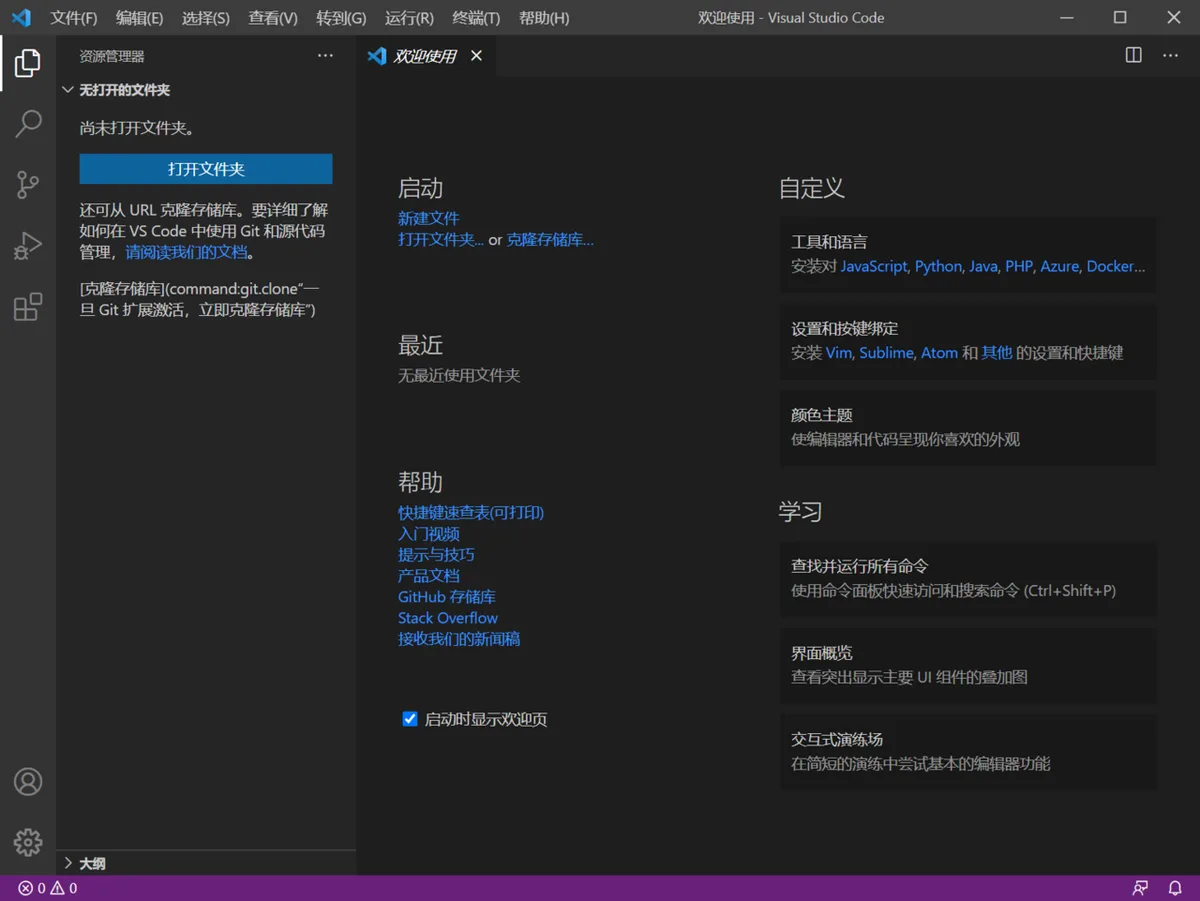
Systems and performance — Editorial illustration (Wikimedia Commons)
ROI appears in hours saved on boilerplate, refactors, and onboarding — not in eliminating senior engineers.
Pros and Cons
| Pros | Cons |
|---|---|
| Best-in-class repo context | Learning curve for safe AI review |
| Faster feature prototyping | Monthly fees per seat |
| Familiar VS Code UX | Privacy policies need legal review |
| Active product velocity | Model variance by language |
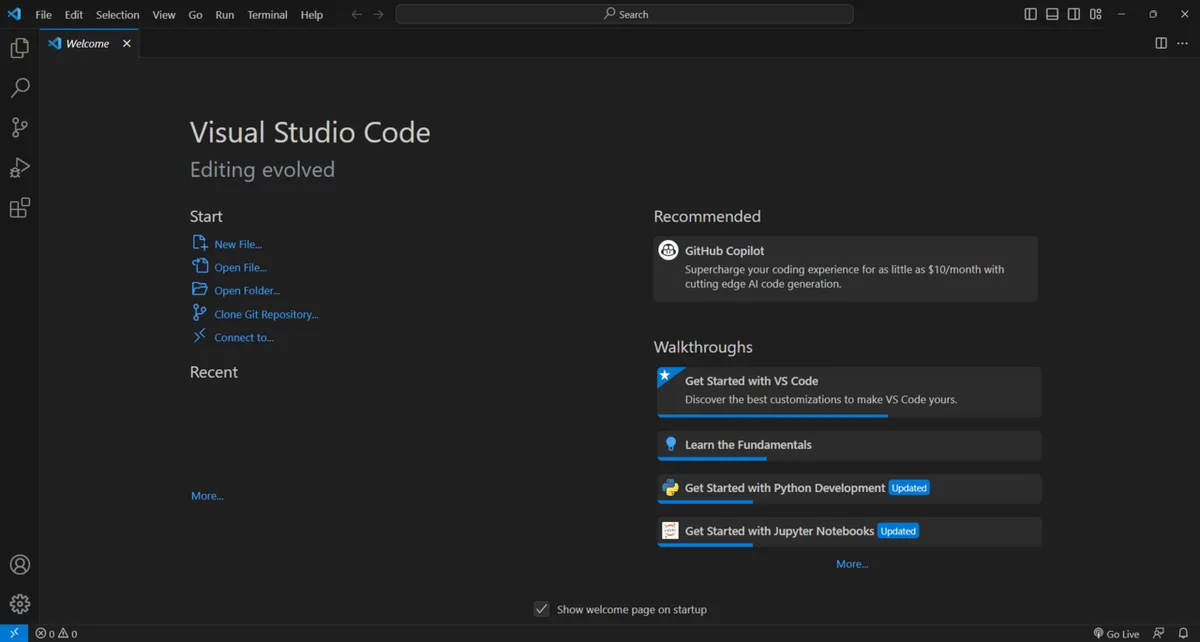
World and exploration — Editorial illustration (Wikimedia Commons)
Comparison — Cursor vs GitHub Copilot vs JetBrains AI
GitHub Copilot integrates everywhere but lacks Cursor's agentic Composer depth. JetBrains AI serves IntelliJ loyalists. Cursor wins developers living in VS Code who want AI-first UX.
Pair documentation workflows with our Notion review for spec-to-code loops.
FAQ
Is Cursor safe for proprietary code?
Review Anysphere privacy settings; Business tiers offer zero-retention options — verify contracts.
Will it break VS Code extensions?
Most work; occasional incompatibilities — keep vanilla VS Code installed as backup.
Junior devs vs seniors?
Juniors move faster but must learn verification habits; seniors gain refactor speed.
Verdict
Cursor IDE is the best AI code editor for VS Code users in 2026 — not perfect, not autonomous, but a genuine force multiplier when paired with tests and review discipline. Start Pro monthly, measure velocity, then expand team seats if diffs stay trustworthy.
Score: 9.0/10 — Best AI Code Editor
Editorial note: UI reference images may depict VS Code-based interfaces for illustration; Cursor builds on the VS Code platform.