Pros
- Tandem OLED screen is stunning for art and HDR
- M4 chip handles 4K editing and 3D apps
- Thin lightweight chassis improves portability
- Apple Pencil Pro adds haptic feedback and squeeze
Cons
- iPadOS still limits pro workflows vs macOS
- Accessories cost hundreds extra
- No native calculator-era jokes aside — multitasking gaps remain
The iPad Pro M4 is Apple's thinnest pro tablet — Tandem OLED display, M4 performance, and accessory ecosystem aimed at illustrators, editors, and executives who want touch-first workflows. This iPad Pro M4 review updates July 2026 for iPadOS maturity, Apple Pencil Pro pairing, and when to buy MacBook Air M4 instead.
What Is the iPad Pro M4?
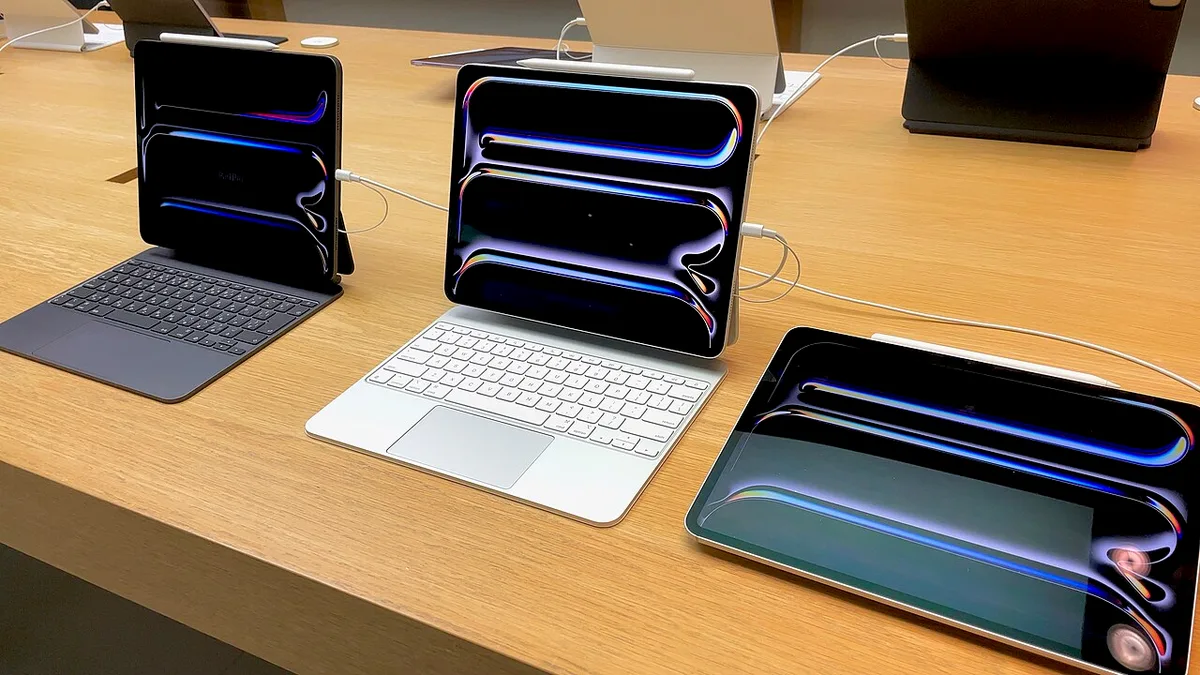
2024 iPad Pro ships in 11-inch and 13-inch sizes with M4 chip, OLED tandem panels, landscape Face ID, and USB-C Thunderbolt ports. Optional Magic Keyboard and Apple Pencil Pro complete the laptop-replacement pitch — success depends on your software needs.
Product photo — Apple Inc. (Wikimedia Commons)
Display and Design
OLED tandem stack delivers deep blacks, high brightness outdoors, and ProMotion 120Hz — best mobile display for photo review and HDR video client approvals. Chassis thinner than prior generations; durability requires cases for bag travel.
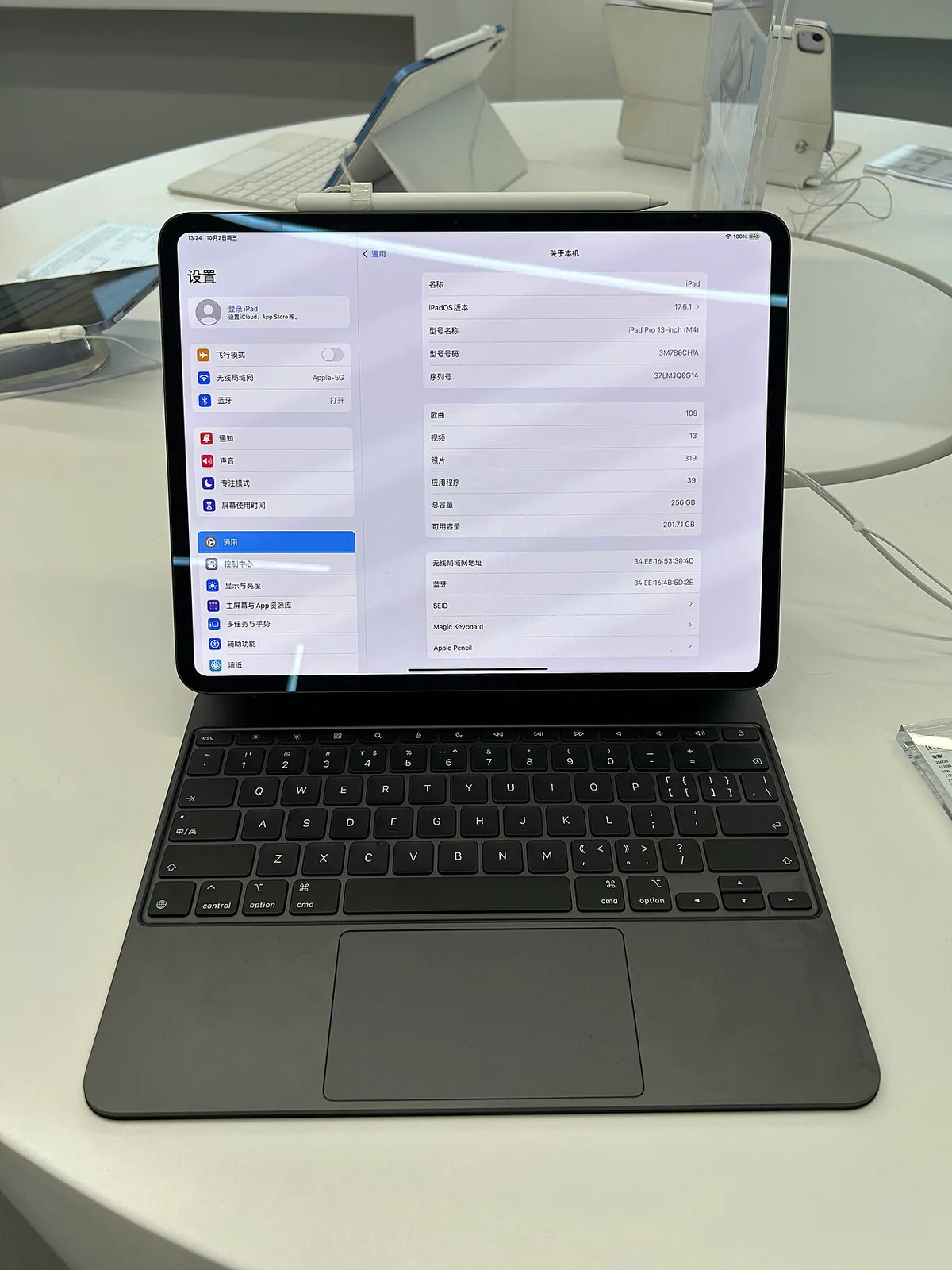
Product detail — Apple Inc. (Wikimedia Commons)
Performance and Creative Workflow
M4 handles Procreate, LumaFusion, Logic for iPad, and light DaVinci workloads. Not a render farm — MacBook Air M4 wins sustained exports — but sketching, note-taking, and field editing excel.
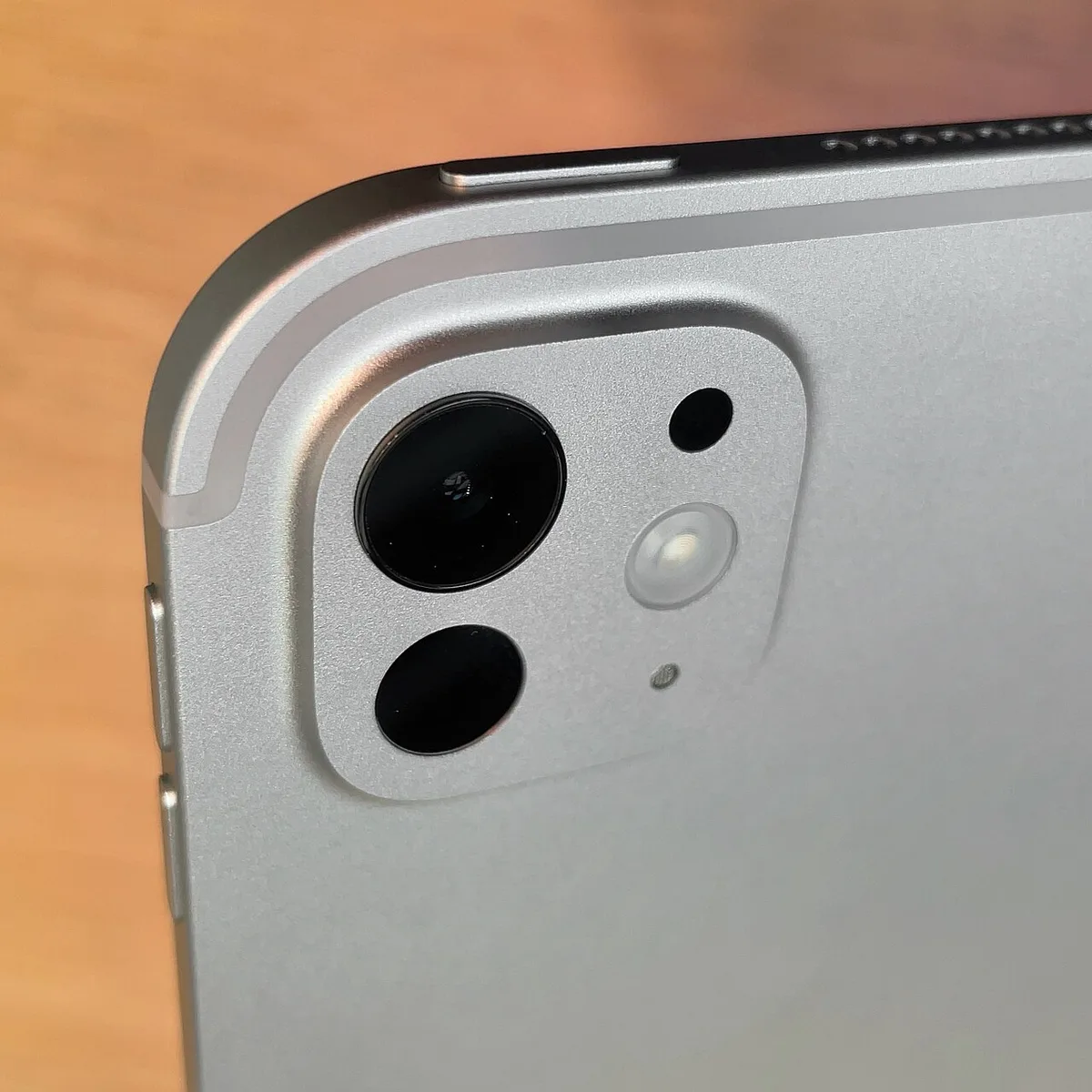
Product in context — Apple Inc. (Wikimedia Commons)
Apple Pencil Pro squeeze gestures and haptic feedback improve tool switching for artists migrating from Wacom habits.
iPadOS Limitations
iPadOS 18+ improves windowing and Stage Manager but still frustrates developers wanting full terminal and Docker workflows. Buy iPad Pro as tablet-first; buy MacBook for code and pro video pipelines. Many creatives own both.
Pros and Cons
| Pros | Cons |
|---|---|
| Best tablet display | Accessory costs |
| Excellent pen input | iPadOS ceilings |
| Portable power | Not full laptop |
| M4 headroom | Storage upgrades pricey |
FAQ
iPad Pro vs MacBook Air M4?
MacBook for general computing; iPad for pen/display.
11 vs 13 inch?
13 for art canvas; 11 for travel.
vs Samsung Galaxy S25 Ultra?
Phone for mobile; iPad for creation screen size.
Verdict
iPad Pro M4 is the best creative tablet in 2026 — unmatched screen, strong pen, M4 speed. Budget for keyboard and pencil; accept iPadOS tradeoffs or wait for macOS rumors that may never land on iPad.
Score: 9.1/10 — Best Creative Tablet