
Pros
- Stunning 14-inch OLED (FHD+ or 2.8K 120Hz options)
- Light ~1.2 kg chassis with full-day 75Wh battery
- Useful ports: dual Thunderbolt 4, USB-A, HDMI
- Strong everyday Core Ultra performance for the price
Cons
- Glossy OLED reflections in bright offices
- RAM is soldered — pick capacity carefully
- Thin chassis warms under sustained heavy loads
The ASUS Zenbook 14 OLED is one of the strongest Windows ultraportables you can buy when the screen matters as much as the weight. This ASUS Zenbook 14 OLED product info and reviews guide updates July 2026 for UX3405-class configs, real-world battery expectations, and who should choose it over MacBook Air M4 or XPS-style rivals.
What Is the ASUS Zenbook 14 OLED?
A 14-inch aluminum clamshell for students, creators, and professionals who want a vivid OLED panel without jumping to a $2,000 flagship. Recent generations pair Intel Core Ultra processors with a 75Wh battery, modern Wi-Fi, and a compact USB-C charger.
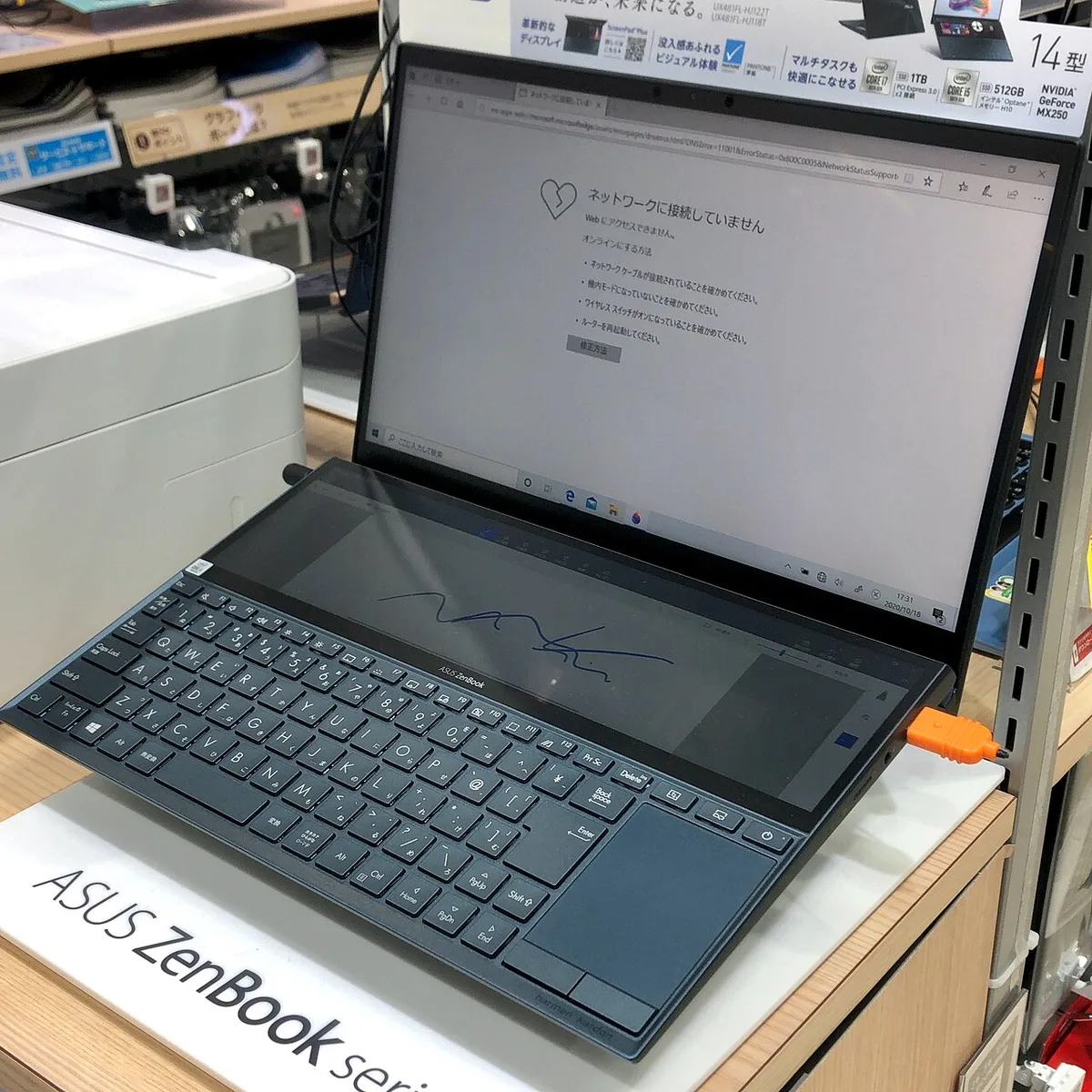
ASUS Zenbook family product photo — Wikimedia Commons
Key product info (varies by SKU)
| Spec | Details |
|---|---|
| Display | 14" 16:10 OLED — 1920×1200 60Hz or 2880×1800 (2.8K) up to 120Hz |
| CPU / GPU | Intel Core Ultra (H-series options) + Intel Arc graphics |
| Memory | LPDDR5X soldered (commonly 16GB or 32GB) |
| Storage | M.2 SSD (512GB–1TB+ common) |
| Battery | 75Wh |
| Weight | About 1.2–1.28 kg |
| Ports | 2× Thunderbolt 4 / USB-C, 1× USB-A, HDMI, headphone jack |
Display and Everyday Experience
The OLED is the reason to buy. Deep blacks, wide color (often 100% DCI-P3, Pantone-validated on many SKUs), and sharp 16:10 productivity space make documents, streaming, and photo work look richer than midrange IPS panels. The 2.8K 120Hz option feels especially smooth for scrolling and light creative work; FHD+ 60Hz configs trade some sharpness for longer battery and a lower price.
Trade-offs: glossy coatings reflect overhead lights, and some users notice PWM flicker at low brightness — try before buying if you are sensitive.
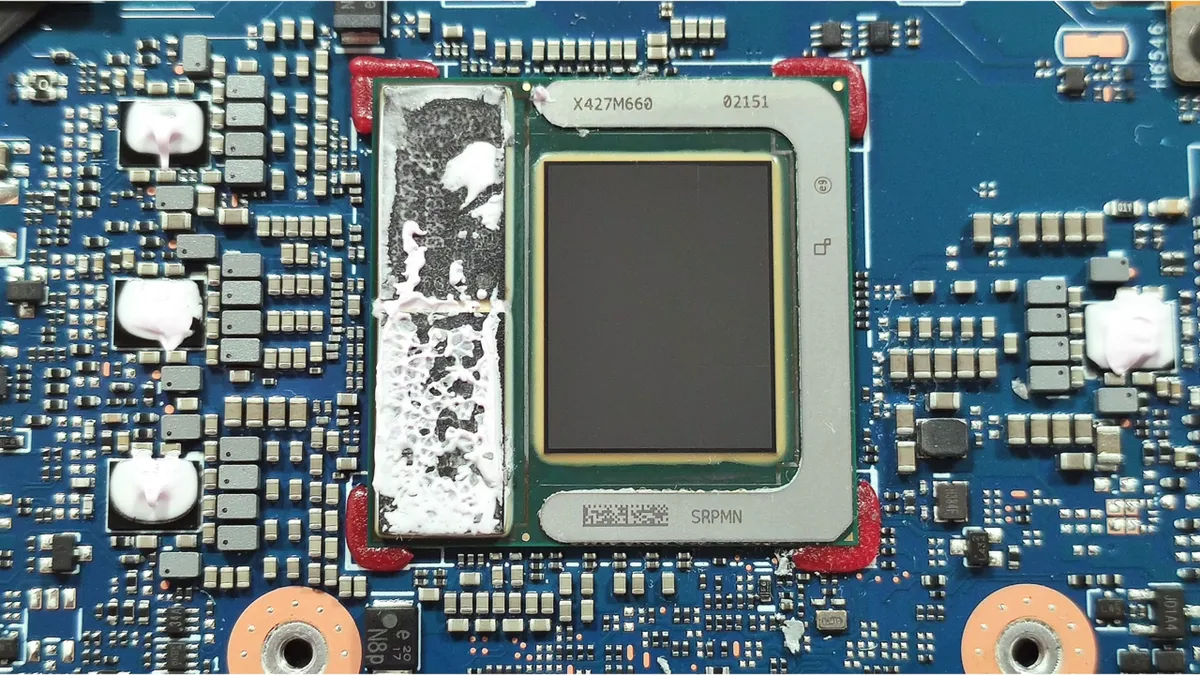
Zenbook chassis / internals context — Wikimedia Commons
Performance, Keyboard, and Ports
Core Ultra chips handle Office, browsers with dozens of tabs, light Photoshop/Lightroom, and casual gaming on Arc iGPU without drama. It is not a replacement for a thick gaming laptop or workstation — sustained encodes will warm the chassis and may throttle in quiet modes.
The keyboard is comfortable for a thin lid, with a large glass touchpad (NumberPad on many units). Ports are a quiet win: HDMI + USB-A + dual Thunderbolt 4 means fewer dongles than many ultraportables — a clear edge versus MacBook Air M4 for Windows users who hate hubs.
Battery Life and Charging
With a 75Wh pack in a ~1.2 kg body, mixed productivity commonly lands around 10–14 hours depending on panel (60Hz vs 120Hz), brightness, and CPU SKU. Video playback can stretch further with dimmed OLED and efficient decode. Expect shorter runtimes if you lock 120Hz and keep the screen bright all day. The compact USB-C charger is easy to travel with.
Who Should Buy the Zenbook 14 OLED?
Buy it if you want Windows, a gorgeous OLED, real ports, and all-day battery in a bag-friendly chassis — students, writers, analysts, and light creators.
Skip it if you need CUDA/workstation GPUs, upgradable RAM, or macOS. Power users should look at ASUS ProArt/ROG or a MacBook Pro-class machine.
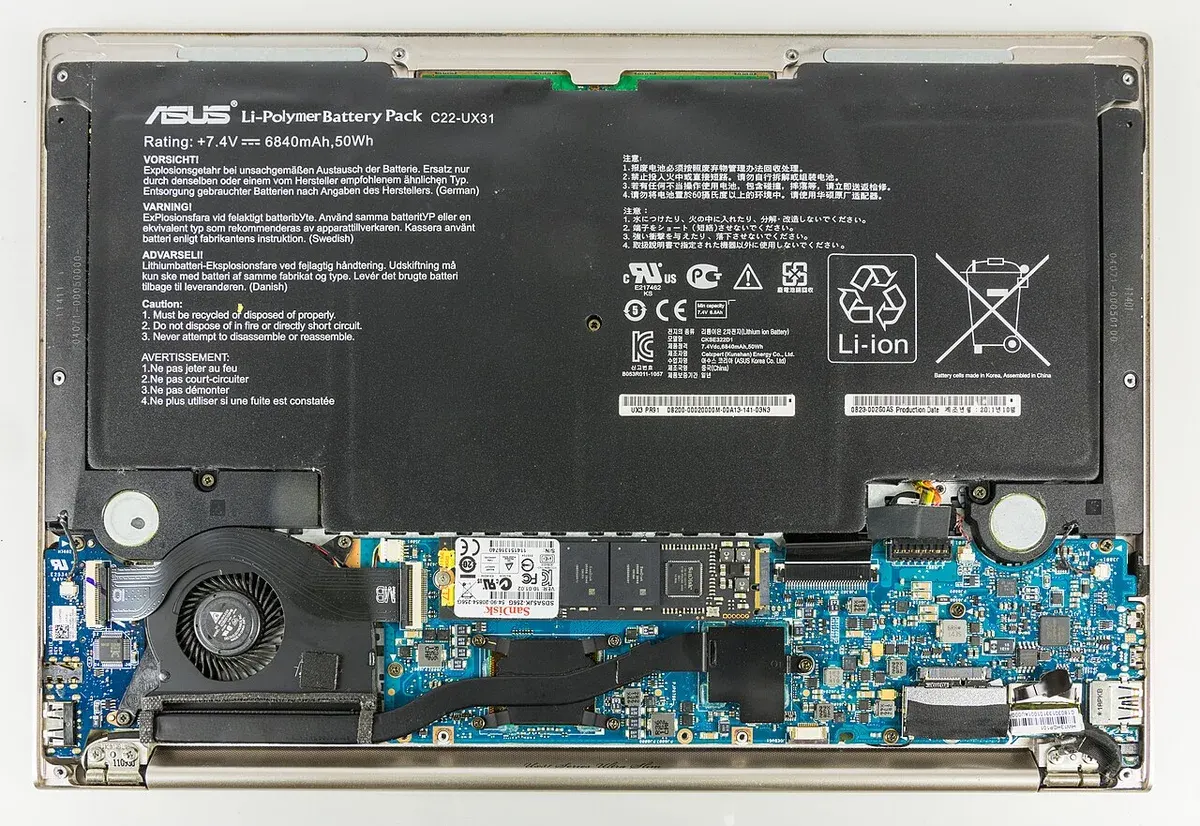
Zenbook design detail — Wikimedia Commons
Pros and Cons
| Pros | Cons |
|---|---|
| Gorgeous OLED value | Glossy reflections |
| Light + strong battery | Soldered RAM |
| Real ports | Warm under load |
| Sharp everyday speed | Not a heavy GPU machine |
FAQ — ASUS Zenbook 14 OLED Product Info and Reviews
Is the ASUS Zenbook 14 OLED good for students?
Yes — light, long battery, and a screen that makes studying and streaming enjoyable.
2.8K 120Hz or FHD+ 60Hz?
Pick 2.8K if display quality is priority; FHD+ if you want max battery and a lower price.
Better than a MacBook Air?
Choose Zenbook for Windows, OLED contrast, and ports; choose MacBook Air M4 for macOS efficiency and Apple’s ecosystem.
Can I upgrade RAM later?
No — memory is soldered. Buy 32GB if you keep VMs, huge browser sessions, or creative apps open for years.
Does it replace a gaming laptop?
No. Light esports and older titles can work on Arc iGPU; modern AAA belongs on a thicker gaming machine.
Verdict
The Zenbook 14 OLED remains one of the best ultraportable values in 2026: product specs that prioritize a stunning screen, usable I/O, and all-day battery in a bag-friendly chassis. Creators who need CUDA/workstation power should look higher up the ASUS lineup — everyone else who wants Windows OLED on the go should shortlist this first.
Score: 8.7/10 — Best OLED Ultrabook Value