Pros
- Industry-leading aesthetic quality and lighting
- Strong stylistic consistency across prompt iterations
- Commercial usage rights on paid tiers
- Active model updates through v7 generation
Cons
- Discord-first workflow confuses newcomers
- No native desktop app like some competitors
- Subscription required — no meaningful free tier
Midjourney set the standard for AI art aesthetics — cinematic lighting, painterly styles, and rapid iteration through Discord commands and web beta. This Midjourney review updates July 2026 for v7 quality, licensing rules, and comparison to Canva design workflows and ChatGPT DALL-E integration.
What Is Midjourney?
Midjourney generates images from text prompts using proprietary diffusion models. Users submit prompts via Discord bot or midjourney.com web interface; the model returns four variations per generation with upscale and remix tools. Paid subscriptions unlock commercial licenses and relaxed rate limits.
Official screenshot — Midjourney Inc. (Wikimedia Commons)
Image Quality and Creative Control
v7 generations excel at portraits, environments, and product mockups with coherent lighting — ahead of generic stock for mood boards. Style references and character consistency improved through 2025–2026 updates.
Designers pair outputs with Figma and Canva for layout polish; Midjourney supplies concept art, not vector logos.
Workflow and Usability
Discord interface intimidated early adopters; web UI lowered friction but power users still mix both. Prompt craft matters — community guides and parameter flags (--ar, --style) shape results. Less conversational than ChatGPT Plus image tools; more control for artists willing to learn syntax.
Licensing, Ethics, and Commercial Use
Paid tiers grant commercial rights to generated images you create — verify current Terms of Service before client deliverables. Avoid trademarked characters and living artist mimicry; industry norms shift with legal precedents.
Watermarking and metadata policies evolved — check Midjourney docs before publishing marketing assets.
Pricing and Value
| Tier | Best for |
|---|---|
| Basic | Hobby exploration |
| Standard | Freelancers and content creators |
| Pro | Agencies with high volume |
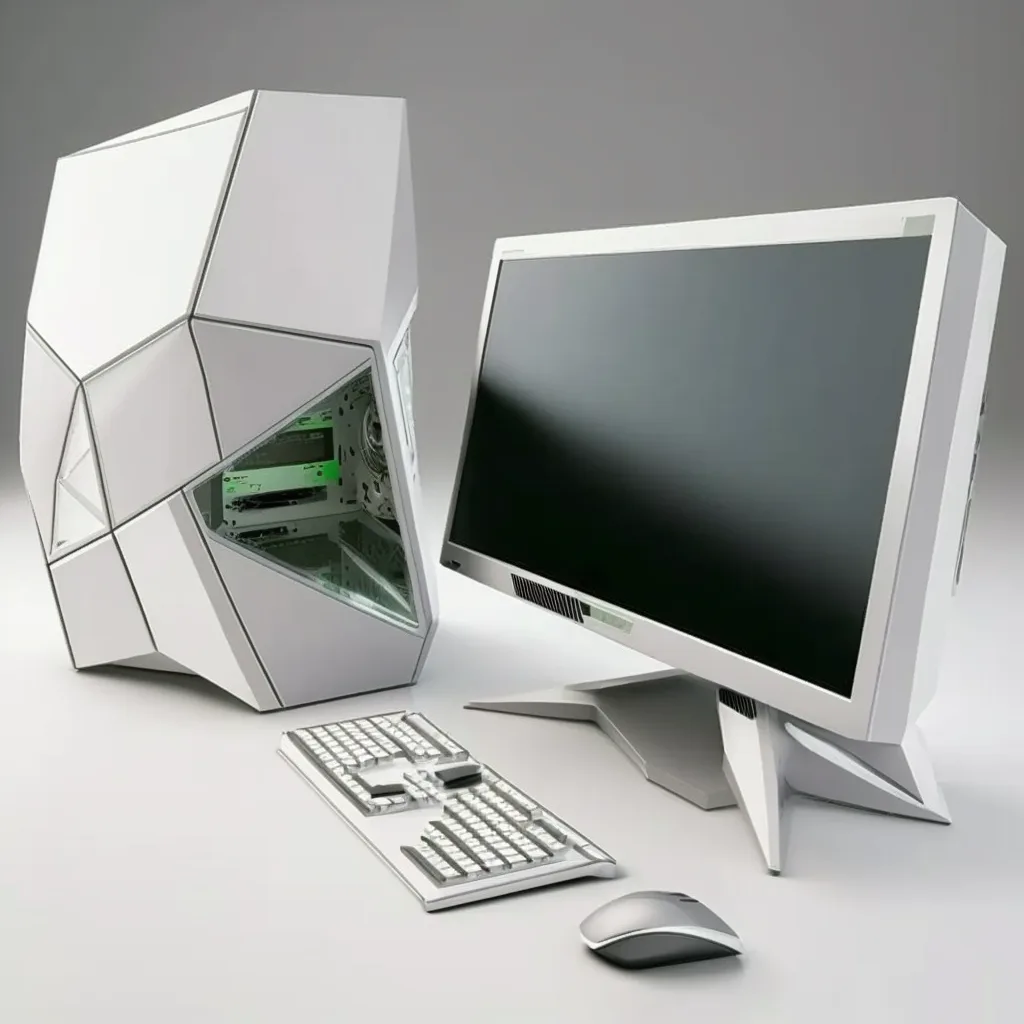
Systems and performance — Midjourney Inc. (Wikimedia Commons)
No perpetual free tier — trial windows occasional. GPU compute costs justify subscription versus one-off credits for daily creators.
Pros and Cons
| Pros | Cons |
|---|---|
| Best aesthetics | Discord learning curve |
| Fast iteration | Subscription only |
| Commercial license | Not for precise UI mockups |
| Strong community | Prompt skill required |
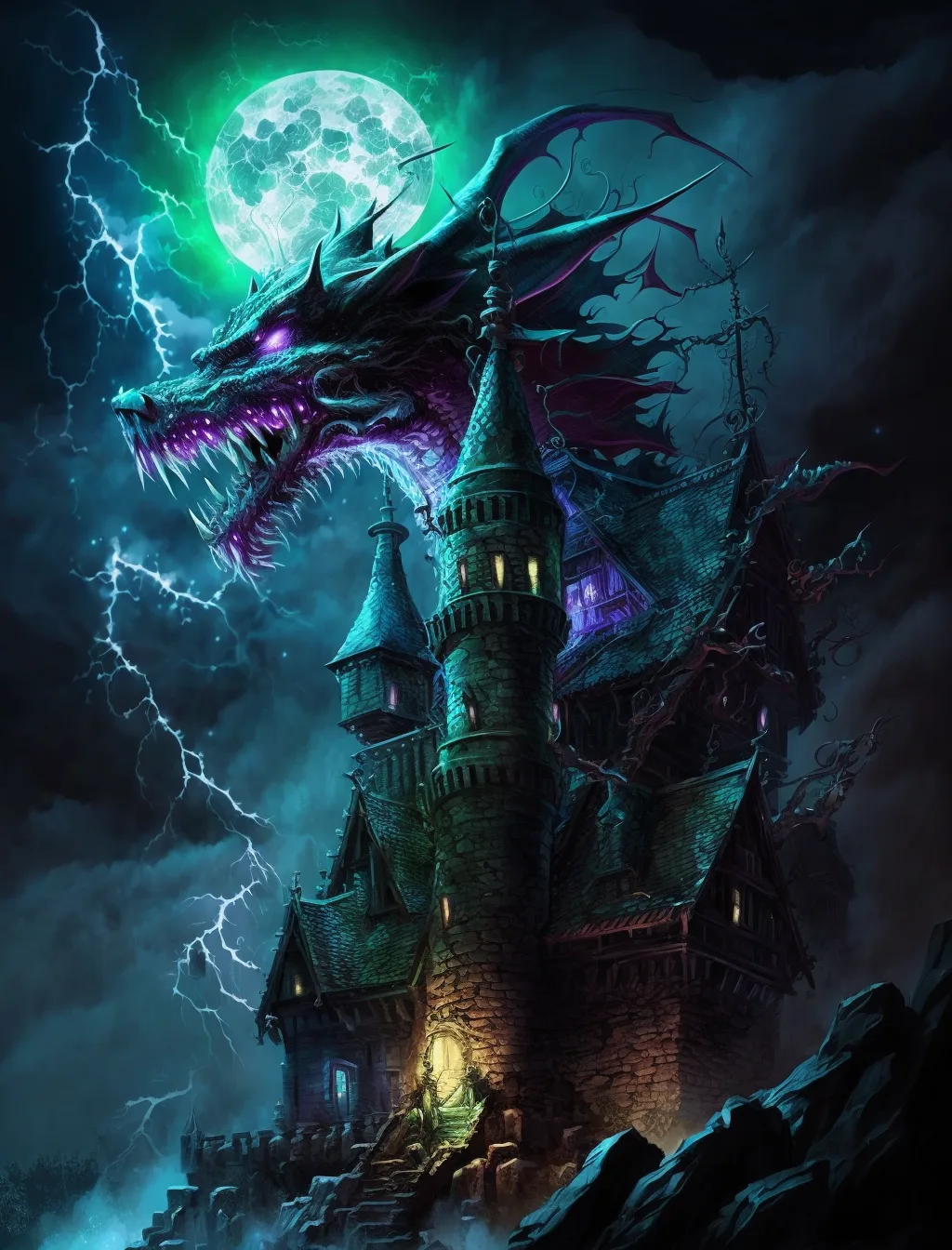
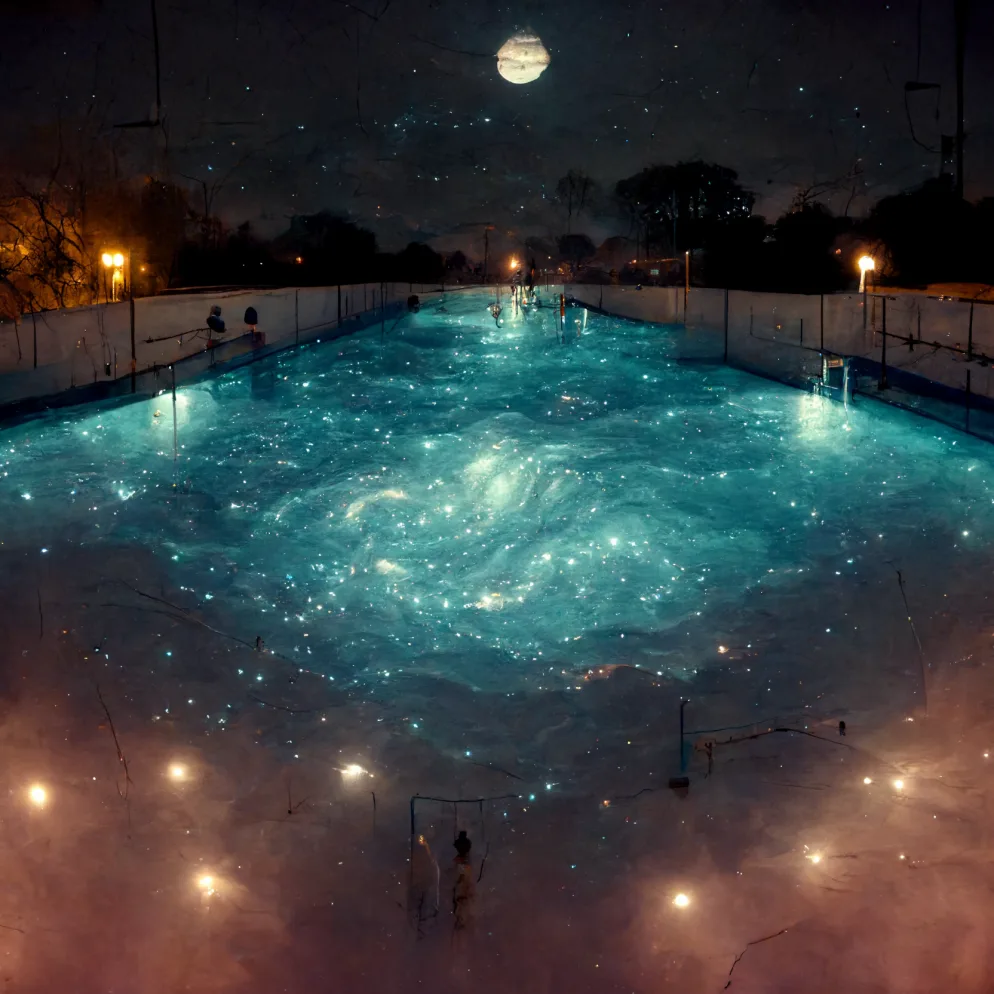
World and exploration — Midjourney Inc. (Wikimedia Commons)
FAQ
Midjourney vs DALL-E 3?
Midjourney for art quality; DALL-E for ChatGPT integration.
Need design skills?
Prompt writing helps; no traditional drawing required.
Use for logos?
Poor fit — hire vector designer for brand marks.
Verdict
Midjourney is the best AI art generator for creators prioritizing visual quality in 2026 — worth subscribing if images drive your content or client work. Casual users should start with Canva AI tools; professionals invest in Midjourney plus manual refinement.
Score: 9.0/10 — Best AI Art Generator