
Pros
- Unmatched layer, mask, and compositing toolkit
- Generative Fill and Firefly AI integrated natively
- Camera Raw and color grading for photographers
- Huge plugin and tutorial ecosystem
Cons
- Subscription-only — no perpetual license
- Steep learning curve for beginners
- Resource-heavy on older hardware
Adobe Photoshop remains the professional standard for photo editing, compositing, and digital art — now augmented by Firefly generative AI. This Adobe Photoshop review updates July 2026 for Generative Fill maturity, pricing, and when Canva or Midjourney suffice instead.
What Is Adobe Photoshop?
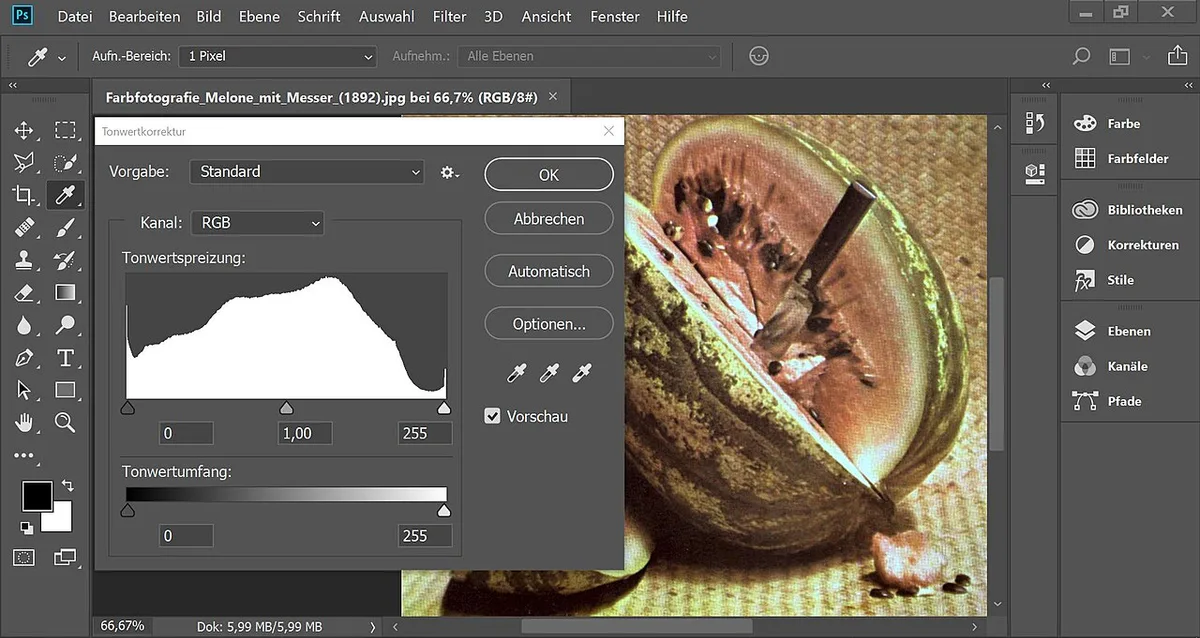
Photoshop is Adobe's flagship raster editor — layers, masks, brushes, and adjustment tools for photographers, designers, and retouchers. Creative Cloud subscription includes Photoshop, Lightroom integration, and cloud document sync.
Official screenshot — Adobe Inc. (Wikimedia Commons)
Editing Power and AI Features
Non-destructive editing via Smart Objects and adjustment layers remains industry benchmark. Generative Fill expands selections with AI content; Neural Filters handle skin smoothing, style transfer, and depth blur. Camera Raw pipeline rivals dedicated RAW developers for most photographers.
Professionals rely on precise pen tool paths, channel masking, and batch actions — features casual tools cannot replicate.
Workflow, Performance, and Learning Curve
Photoshop integrates with Illustrator, After Effects, and third-party plugins. M1/M2/M3 Macs and modern GPUs accelerate filters; 16 GB RAM minimum for large composites. Beginners face overwhelming UI — LinkedIn Learning and Adobe tutorials essential.
Systems and performance — Adobe Inc. (Wikimedia Commons)
Pros and Cons
| Pros | Cons |
|---|---|
| Professional standard | Subscription cost |
| Best compositing | Hard to learn |
| Firefly AI built-in | RAM hungry |
| Plugin ecosystem | Overkill for social |
World and exploration — Adobe Inc. (Wikimedia Commons)
FAQ
Photoshop vs Canva Pro?
Photoshop for pro work; Canva for quick marketing graphics.
Worth Photography Plan?
Yes if you use Lightroom — bundle saves vs single app.
Generative Fill good?
Improved in 2026 — useful for cleanup and expansion, not final art alone.
Verdict
Adobe Photoshop is still the industry-standard photo editor in 2026 — unmatched depth for professionals despite subscription friction. Hobbyists posting to Instagram may prefer Canva; serious photographers and designers need Photoshop.
Score: 9.1/10 — Industry-Standard Photo Editor