Pros
- First Kindle with color e-paper — covers, highlights, and comics finally make sense
- Same waterproof 7-inch body and fast page turns as the latest Paperwhite
- Weeks of battery life without LCD eye strain or tablet distractions
- Audiobook playback over Bluetooth on a device built for reading
Cons
- Color layer softens black-and-white text versus a dedicated Paperwhite
- $90–$120 premium over the Paperwhite for a feature many novel readers never need
- 150 ppi color is fine for covers and charts, not native comic resolution
- Amazon account lock-in; sideloading still more awkward than Onyx or Kobo
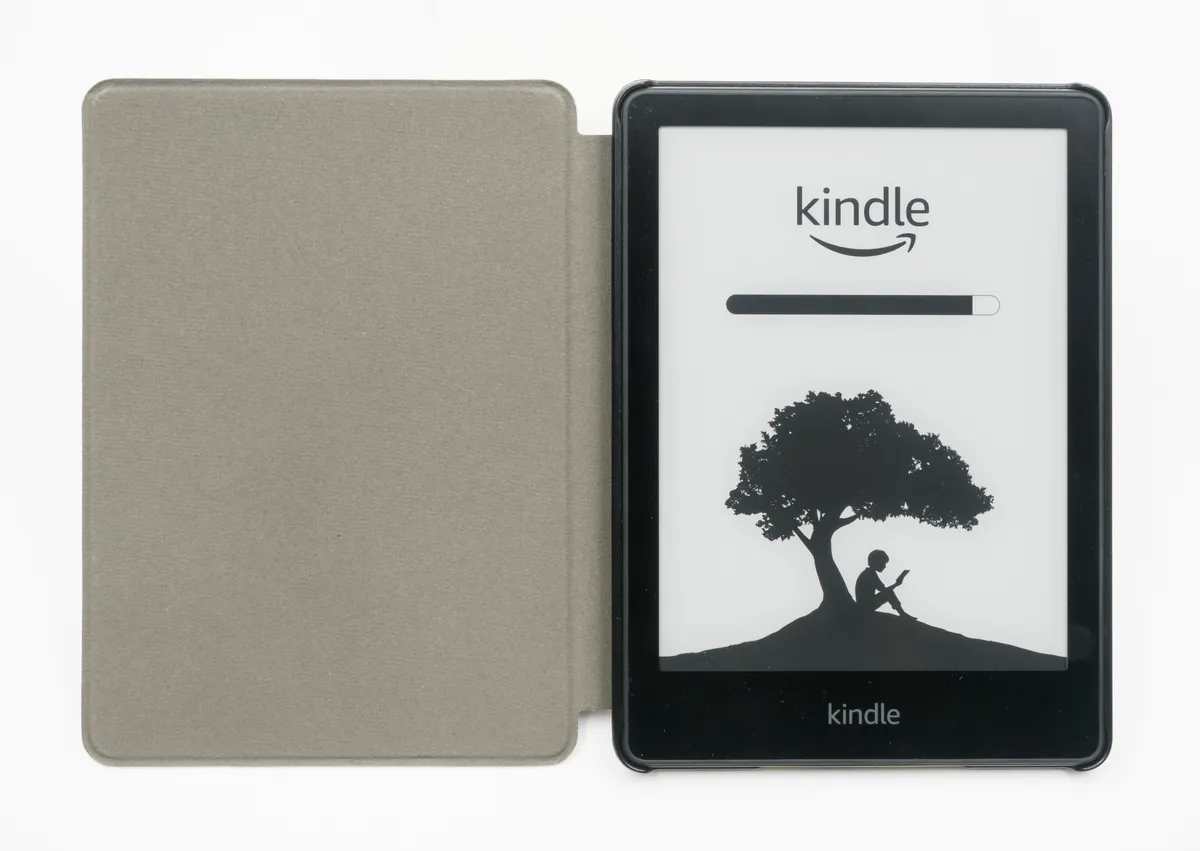
The Kindle Colorsoft is Amazon's first color e-reader — a waterproof 7-inch device that adds a Kaleido 3 color layer on top of the same 300 ppi E Ink panel you know from the Kindle Paperwhite. This Kindle Colorsoft review (updated September 2026) covers both current SKUs, what color actually looks like on e-paper, who should pay the premium, and when a tablet like the iPad Pro M4 or Samsung Galaxy Tab S9 still wins.
If you searched kindle colorsoft review because book covers on your old Kindle look like muddy thumbnails, or because you want Marvel and manga without an OLED bedtime glow, you are evaluating the right product — not a lookalike. The Colorsoft is made by Amazon, sold through Amazon's Kindle store, and uses the same account ecosystem as every other Kindle. There is no unrelated "ColorSoft" tablet brand or third-party knockoff with the same name worth confusing here.
Color e-reader reading context — Wikimedia Commons
Kindle Colorsoft Review Snapshot (2026)
| Question | Short answer |
|---|---|
| What is it? | Amazon's first color Kindle — 7-inch Kaleido 3 e-paper, IPX8 waterproof |
| Who makes it? | Amazon (Kindle division) — not Onyx, Kobo, or a white-label clone |
| Current models | Colorsoft 16GB ($249.99) and Colorsoft Signature Edition ($279.99, 32GB) |
| Display | 300 ppi B&W text; ~150 ppi color via Kaleido filter layer |
| Battery (rated) | Up to ~8 weeks at 30 min/day, airplane mode, front light ~level 13 |
| Best for | Comics, magazines, illustrated nonfiction, color highlights, cover art |
| Skip if | You only read novels — save money with the Paperwhite |
| NexReview score | 8.3/10 — excellent niche reader, not a universal Paperwhite replacement |
Editorial stance: The Colorsoft is real, useful, and slightly overpriced for text-only readers. Treat it as a specialty Kindle, not "the Kindle everyone should buy in 2026."
What Is the Kindle Colorsoft?
Amazon announced the Kindle Colorsoft Signature Edition in late 2024 as its first color-screen Kindle. For years, color e-paper existed on Kobo, Onyx Boox, and Bigme devices while Amazon stayed black-and-white. The Colorsoft closes that gap inside the Kindle walled garden — same WhisperSync, same Kindle Store, same Send-to-Kindle pipeline, but with pigment that shows up on screen.
In July 2025, Amazon added a cheaper Kindle Colorsoft with 16GB storage at $249.99, plus a Kindle Colorsoft Kids bundle at $269.99 (16GB hardware, kid cover, two-year guarantee, one year of Amazon Kids+). The Signature Edition stayed at $279.99 with 32GB, wireless charging, and an auto-adjusting front-light sensor.
Both adult models share the same core hardware story:
- 7-inch flush E Ink Kaleido 3 panel (glass-front, like recent Paperwhites)
- 300 pixels per inch for monochrome text and UI chrome
- Roughly 150 ppi effective color — enough for covers and charts, not tablet-grade comics
- Adjustable warm front light with separate white and amber LED banks (12 white, 13 amber on Signature; the 16GB model drops auto-brightness, not the LEDs themselves)
- IPX8 waterproofing — bath and poolside safe with the usual freshwater caveats
- USB-C charging (under ~2.5 hours on a 9W adapter, per Amazon)
- Wi-Fi 6 and Bluetooth for Audible and Bluetooth headphones
- No lock-screen ads on either Colorsoft SKU (unlike the budget Kindle)
Physically, the Colorsoft is essentially a Paperwhite-class slab: about 7 × 5 × 0.3 inches, roughly 7.6–7.7 ounces, rounded corners, thick bottom bezel for one-handed grip, power button and USB-C on the bottom edge, no page-turn buttons on either model. Amazon only sells the standard Colorsoft in black; Signature Edition uses a metallic black finish that shows fingerprints a bit more, per hands-on reports from launch units.
The name "Colorsoft" is marketing fluff — there is nothing uniquely "soft" about the panel versus other Kaleido 3 readers. E Ink Holdings produces essentially all commercial color e-paper today, so Amazon, Kobo, and Onyx are fighting over the same underlying technology with different software and store ecosystems.
Kindle Colorsoft Review: Display and Color Quality
This is the section that makes or breaks a Kindle Colorsoft review, because color e-paper is not mini-iPad OLED. It is a two-layer trick: a high-resolution grayscale E Ink panel renders sharp text and line art, then a Kaleido color filter matrix sits above it. Light passes through RGB subpixels to tint regions of the image. The result looks more like a printed magazine page than a phone screen — muted, slightly warm, restful for long sessions, and static (no 120Hz scrolling smoothness).
Black-and-white text
Monochrome novels still look good, but reviewers consistently note a trade-off versus the latest Kindle Paperwhite: blacks are a touch less deep because the color layer adds a faint warm cast. Amazon compensates by auto-bolding downloaded book text on Colorsoft units. You can disable that in reading settings, but most people should leave it on — it restores perceived contrast without feeling cartoonish in fiction.
If your library is 95% prose and you side-by-side a Paperwhite and Colorsoft under the same front-light level, the Paperwhite wins on crispness. The gap is not catastrophic; it is real enough that text purists notice.
Color content
Where the Colorsoft earns its price:
- Book covers finally look like covers — not dithered sepia ghosts
- Highlights can be yellow, pink, blue, and green instead of shades of gray
- Charts, maps, and photography in nonfiction become legible at a glance
- Comics, manga, and graphic novels are readable and pleasant, though line work shows the 150 ppi ceiling
- Magazines and kids' illustrated titles benefit more than 500-page fantasy epics
Color does not destroy battery the way an LCD or OLED would. Kaleido pixels hold like any E Ink image — power goes to page turns and front-light LEDs, not continuous refresh. Amazon still rates about eight weeks per charge on mixed use assumptions (30 minutes daily, wireless off, moderate light). Real-world comic bingeing with frequent page turns and higher light levels lands closer to four to six weeks, which is still tablet-absurd.
The yellow-band saga (and why 2026 buyers care)
Early Signature Edition shipments in late 2024 drew complaints about a yellow horizontal band visible with the front light on — a manufacturing alignment issue between the color layer and backlight assembly, not a universal Kaleido flaw. Amazon paused some shipments, pushed firmware attempts, and ultimately revised hardware on later production runs.
By the time the 16GB Colorsoft launched in mid-2025, buyers reported the band largely gone on fresh units. If you shop used Signature Editions from the first wave, inspect photos or buy from a retailer with a generous return window. New 2026 inventory should be clean, but we still recommend a week of night-reading tests before your return window closes.
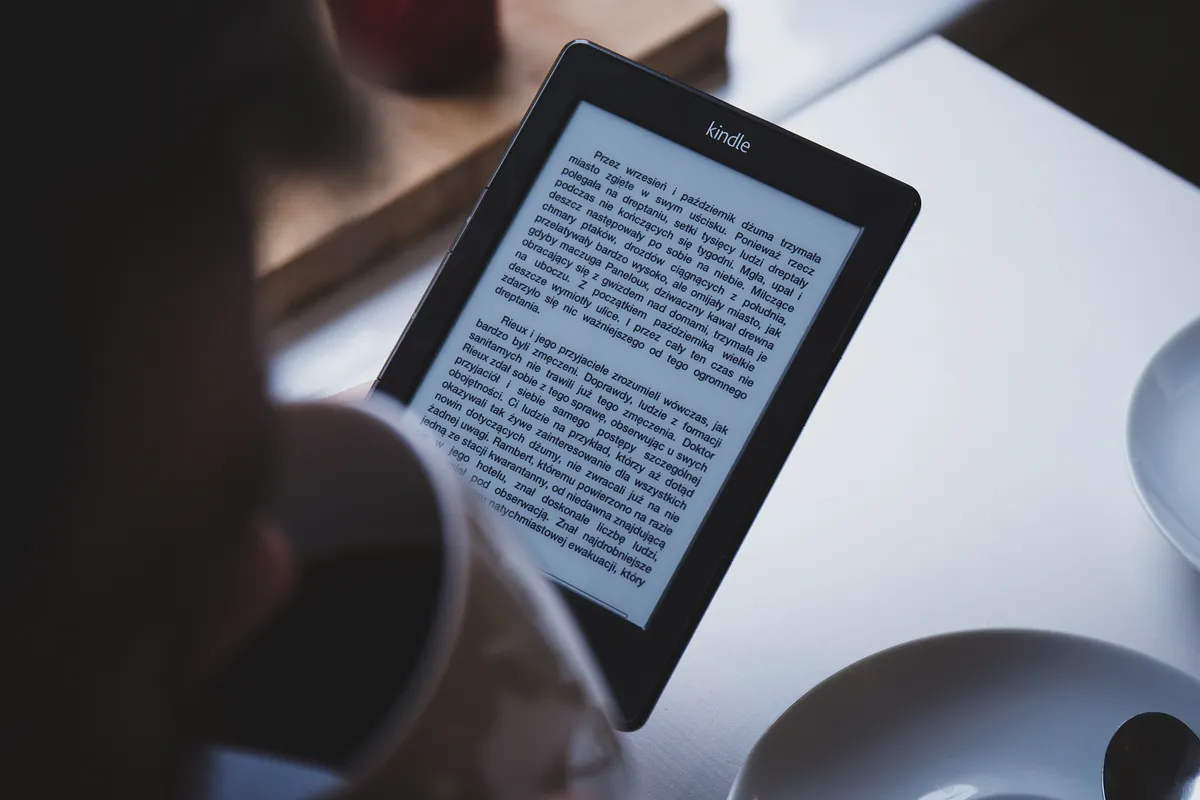
Relaxed ebook reading — Wikimedia Commons
Models, Pricing, and Which SKU to Buy
Amazon keeps the lineup simple — two adult tiers plus a Kids bundle:
| Model | MSRP (US) | Storage | Extras vs base |
|---|---|---|---|
| Kindle Colorsoft | $249.99 | 16GB | USB-C only; manual front light |
| Kindle Colorsoft Signature Edition | $279.99 | 32GB | Wireless charging, auto-adjust light |
| Kindle Colorsoft Kids | $269.99 | 16GB (Colorsoft hardware) | Cover, 2-year guarantee, 1 yr Kids+ |
Who should buy the 16GB Colorsoft ($249.99)?
Readers who want color for covers and occasional comics, carry modest libraries, and do not care about wireless charging. Sixteen gigabytes holds thousands of reflowable ebooks; it gets tight only if you hoard large PDF scans, CBZ comic archives, or dozens of Audible downloads simultaneously. Amazon often bundles three months of Kindle Unlimited with the 16GB model during promos — worth factoring if you already wanted Unlimited.
Who should buy the Signature Edition ($279.99)?
Heavy comic collectors, audiobook + ebook hybrid readers, and anyone who likes drop-on wireless charging (requires Amazon's separate dock). The auto-adjusting light sensor is genuinely nice for bed partners — the 16GB model makes you tweak brightness manually. Double storage is insurance, not luxury, if you sideload graphics-heavy content.
Who should consider Colorsoft Kids?
Parents who already live in Amazon Kids+ and want a color screen for illustrated books. The hardware is the 16GB Colorsoft; you pay a premium for the case, warranty, and subscription bundle. Teenagers reading full-length YA novels without picture books may be happier with a Paperwhite or a used Signature Edition.
Sale reality in 2026: Like other Kindles, both Colorsoft SKUs dip during Prime Day and Black Friday — sometimes $30–$80 below MSRP. If you are price-sensitive and not urgent, waiting for a seasonal event is rational. MSRP already dropped $30 versus launch-only Signature pricing once the 16GB model arrived.
Build, Battery, and Everyday Hardware
The Colorsoft inherits the Paperwhite family's best physical traits. IPX8 means freshwater immersion survival at shallow depths for limited time — fine for bath reading if you do not drop it onto hard tile every week. The flush glass front feels modern and wipes clean; the matte 16GB plastic back picks up fingerprints faster than the Signature's metallic finish but weighs slightly less (on the order of 0.1 oz — not a decision driver).
Page turns are among the fastest Amazon has shipped — on par with the 2024 Paperwhite refresh. Comics with full-page spreads still flash a brief ghosting pulse; that is E Ink physics, not Kindle laziness. Dark mode (inverted white-on-black) works and looks striking on color panels, though some color tinting looks odd until you adjust contrast.
Audiobooks play over Bluetooth — headphones or a speaker — while you read another title or browse the store. It is not a replacement for a dedicated Audible player with cellular fallback, but it removes the "carry a second device" friction on flights.
Wi-Fi 6 keeps store downloads snappy; there is no cellular Colorsoft as of September 2026. Travelers who buy books on the go without phone tethering still need a Paperwhite with LTE, a phone hotspot, or pre-downloaded libraries.
Charging is USB-C everywhere. Signature adds Qi-style wireless via Amazon's dock — convenient on a nightstand, irrelevant if you already have USB-C cables in every room.
Reading Experience: Comics, Magazines, PDFs, and the Kindle Store
Comics and graphic novels
This is the emotional reason many Kindle Colorsoft review searches happen. Kindle Store comic selection has improved, but serious collectors often sideload CBZ/CBR or buy elsewhere and convert. Colorsoft makes those panels readable in ways grayscale Kindles never did — skin tones, cape reds, and sky gradients register as intentional art, not mud.
Manage expectations: 150 ppi color means fine linework and small speech bubbles are softer than on a 264 ppi iPad Mini or a 300 ppi Paperwhite monochrome panel. Double-page spreads require zoom-and-pan like any 7-inch reader. For weekly floppies and manga volumes, Colorsoft is the first Kindle that feels purpose-built; for archival omnibus editions with tiny lettering, a larger tablet still wins.
Magazines and newspapers
Periodicals with photos, infographics, and color-coded sections benefit immediately. Text-heavy newspapers are fine; photo essays finally look like photo essays. Subscription billing still runs through Amazon's magazine storefront — check regional availability before assuming your favorite title syncs.
Illustrated nonfiction and textbooks
Business books with red/green chart bars, travel guides with maps, cookbooks with plated photos, and STEM titles with diagrams are the silent killer use case grayscale Kindles fumble. Colorsoft does not turn a 7-inch screen into a textbook replacement for serious annotation — there is no stylus layer — but it removes the "which bar is which?" guesswork.
PDFs and sideloading
Kindle PDF rendering remains workable, not great on a 7-inch screen. Color helps scanned color documents more than it helps tiny two-column academic PDFs. Power users who live in PDF markup should look at the Galaxy Tab S9 with S Pen or an Onyx Boox Note class device, not a Colorsoft.
EPUB sideloading via Send to Kindle or USB transfer works as on other modern Kindles — email, browser upload, or cable. Amazon's formats still nudge you toward AZW/KFX for best typography features.
Colorsoft vs Kindle Paperwhite (2026)
Most buyers cross-shop here first — and should.
| Factor | Kindle Colorsoft | Kindle Paperwhite |
|---|---|---|
| Starting price | $249.99 (16GB) | ~$159.99 (often less on sale) |
| Color | Yes (Kaleido 3) | No |
| Text sharpness | Very good; Paperwhite wins slightly | Best-in-class for prose |
| Storage | 16GB or 32GB | 16GB base; Signature adds 32GB |
| Comics / covers | Strong | Poor |
| Battery | ~8 weeks rated | ~6–8 weeks rated |
| Waterproof | IPX8 | IPX8 |
Buy the Paperwhite if you read novels, biographies, and long-form journalism without illustrations, or if $90+ matters more than cover art. Our Kindle Paperwhite review still calls it the best e-reader for most people — that verdict holds.
Buy the Colorsoft if color materially changes your library — comics, kids' books, cookbooks, design portfolios, or highlight color-coding for study. The premium is content-driven, not prestige-driven.
Colorsoft vs Tablets and Other Color E-Readers
vs iPad Pro / Galaxy Tab
Tablets win on resolution, app flexibility, video, and annotation. They lose on weight, glare, battery anxiety, and sleep hygiene — backlit panels keep your brain in "screen time" mode. Colorsoft is the compromise when you want color without notifications, TikTok, or email badges.
If you already own an iPad Pro M4 for work, duplicating it for bedside reading is optional, not mandatory. If you want one device that does everything, you already know it is a tablet. If you want one device that does reading well, Colorsoft plus Paperwhite still costs less than a base iPad.
vs Onyx Boox Go Color 7 (Gen II)
Onyx sells a $249.99 Kaleido-class 7-inch reader with Android, Google Play, and note-taking — PCMag and others picked it as Editors' Choice for tinkerers who reject Amazon lock-in. Boox wins on openness and sideloaded apps; Kindle wins on store simplicity, family sharing, and WhisperSync with your existing purchases. Neither is a scam; they serve different philosophies.
vs Kobo Clara Colour
Kobo's color reader competes on OverDrive/Libby library integration and epub-native workflows without Amazon accounts. If your public library is the primary feed and you dislike Amazon's ecosystem politics, Kobo remains the principled pick. If you already own 200 Kindle titles, switching costs dominate.

Digital reading hardware — Wikimedia Commons
Who Should Buy — and Who Should Skip
Buy the Colorsoft if:
- You read comics, manga, or graphic novels weekly
- Cover art and color highlights matter to how you enjoy books
- You want waterproof color e-paper inside Amazon's store
- You listen to Audible on the same device you read ebooks
- You upgraded from a decade-old Kindle and want a generational jump that includes color
Skip the Colorsoft if:
- Your library is almost entirely text — get the Paperwhite
- You need cellular downloads on the road
- You annotate PDFs or textbooks with a stylus
- You expect iPad-level color saturation and 60 fps scrolling
- You refuse Amazon account tie-in on principle — buy Kobo or Boox
Wait if:
- You own a 2024 Paperwhite Signature and never finish a comic — firmware updates will not add color
- Yellow-band anxiety on used Signature units scares you — buy new 16GB stock or wait for open-box deals with returns
Pros and Cons
| Pros | Cons |
|---|---|
| First color Kindle — covers and highlights finally pop | B&W text slightly softer than Paperwhite |
| Kaleido color without LCD battery drain | 150 ppi color limits fine comic detail |
| IPX8 waterproof, fast page turns | $90+ premium over Paperwhite for many users |
| Huge Kindle Store + Unlimited compatibility | No cellular SKU; PDFs still cramped at 7 inches |
| Bluetooth audiobooks on a reading-first device | Amazon ecosystem lock-in persists |
FAQ — Kindle Colorsoft Review
Is the Kindle Colorsoft the same as Kindle Paperwhite with color?
Mostly yes in chassis and waterproofing — same 7-inch class, similar weight, USB-C, fast turns. The panel adds Kaleido color, and Amazon tunes typography (auto-bold) to offset contrast loss. It is not a separate giant-tablet line.
How much does the Kindle Colorsoft cost in 2026?
$249.99 for the 16GB Colorsoft and $279.99 for the 32GB Signature Edition at US MSRP. Kids bundle is $269.99. Seasonal sales often cut $30–$80.
Kindle Colorsoft vs Signature Edition — which should I buy?
Pay $30 more for Signature if you want 32GB storage, wireless charging, and auto-adjusting front light. Otherwise the 16GB model is the sane default in most Kindle Colorsoft review comparisons.
Can the Colorsoft read comics and manga well?
Yes — dramatically better than grayscale Kindles. Expect soft fine lines versus a tablet; double-page spreads need zoom. For weekly serial reading it is excellent; for archival omnibus tiny text, consider a larger screen.
Does color hurt battery life?
Slightly versus Paperwhite in heavy comic use because page turns increase, but nothing like phone OLED drain. Rated ~8 weeks on light mixed use; comic marathons land around 4–6 weeks in real homes.
Was the yellow band problem fixed?
Early Signature units had a front-light band; Amazon revised hardware and firmware through 2025. New 16GB Colorsoft shipments and late-run Signature units largely cleared the issue — still test during your return window.
Does Kindle Colorsoft show ads?
Neither adult Colorsoft SKU ships with lock-screen ads — unlike the budget Kindle. You still see Amazon store prompts inside the UI; that is normal Kindle behavior.
Can I use Kindle Unlimited and Audible?
Yes. Unlimited works like any modern Kindle. Audible audiobooks stream or download over Wi-Fi and play via Bluetooth — no headphone jack.
Colorsoft vs iPad for reading — which wins?
Colorsoft for distraction-free, weeks-long battery, outdoor-readable e-paper color. iPad for apps, video, sharp LCD/OLED comics, and stylus notes. Many households keep both; neither makes the other obsolete.
Should Paperwhite owners upgrade?
Only if color content is already in your shopping cart — illustrated books, comics, or highlight color you will actually use. Prose-only readers gain little for $90+.
Verdict
The Kindle Colorsoft delivers what Amazon promised: a true color Kindle that makes covers, highlights, and sequential art feel native inside the store you already use. It is not a universal upgrade — black-and-white text remains slightly sharper on the Kindle Paperwhite, and the price gap hurts if you never open a comic panel.
For the reader who has been sideloading color PDFs onto a tablet and resenting the glow, or who highlights study material in four colors, the Colorsoft is the first Amazon device that feels complete. For everyone else, wait for a sale — or stay on Paperwhite and borrow color reading on the Galaxy Tab S9 you might already own.
Score: 8.3/10 — Best Color Kindle — Niche Upgrade Over Paperwhite