Pros
- Full-auto calibration before every print — Z-offset, bed mesh, resonance, pressure advance
- Fast bed-slinger motion with 500 mm/s headline speed and strong out-of-box Benchy results
- AMS lite brings four-color printing to a desk-friendly footprint
- Quiet silent mode under 48 dB — viable for apartments and shared desks
- MakerWorld and Bambu Studio make first prints feel closer to a smart appliance than a science project
Cons
- 180 × 180 × 180 mm build volume limits helmets, long brackets, and full-size cosplay pieces
- No enclosure and 80 °C bed cap — ABS, ASA, and nylon are officially not recommended
- Multi-color purging wastes filament unless you tune flush volumes in the slicer
- Cloud-first workflow bothers privacy-focused makers despite LAN mode
- Stainless nozzle and open frame are not ideal for abrasive or high-chamber-temp materials
The Bambu Lab A1 mini is Bambu Lab’s compact entry into high-speed FDM printing — a pre-assembled bed-slinger with automatic calibration, optional AMS lite multi-color, and the same “it just prints” reputation that made the X1 and P1 lines famous among makers. This Bambu Lab A1 mini review (September 2026) covers real-world setup, print quality, whether the Combo bundle is worth it, how it compares to the full-size A1 and P1S, and who should skip the hype entirely.
If you searched bambulab a1 mini review because a YouTube Benchy finished in fourteen minutes and you want to know if the desk footprint is the catch — you are in the right place. Bambu Lab (bambulab.com) is the Shenzhen-based manufacturer behind the X1, P1, and A1 families. This is not “Bambu” kitchenware, not unrelated “A1 Mini” gadgets on Amazon, and not the larger Bambu Lab A1 that underwent a separate 2024 heatbed-cable recall. The A1 mini was explicitly not part of that callback.
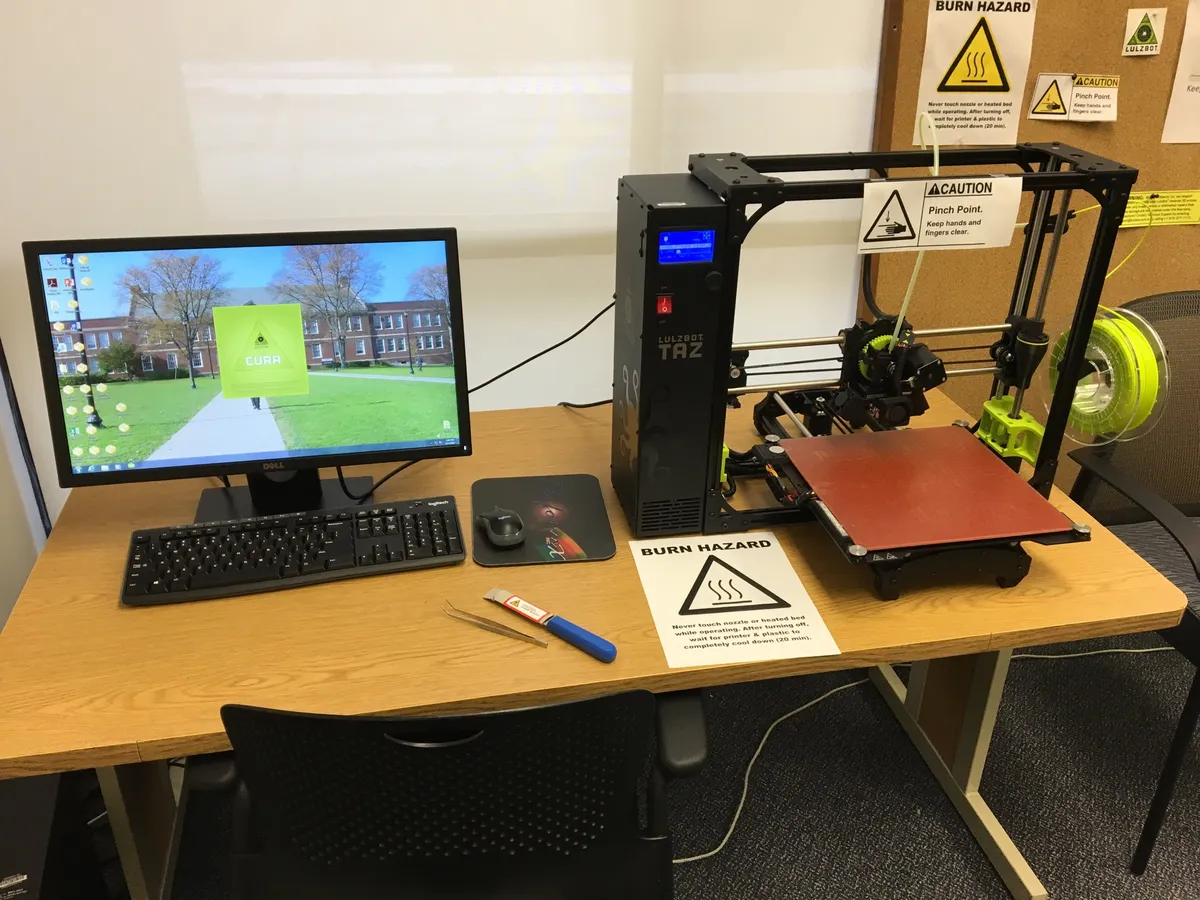
Desktop 3D printing setup — Wikimedia Commons
Bambu Lab A1 Mini Review: Quick Verdict (For Skimmers)
| Field | Detail |
|---|---|
| Manufacturer | Bambu Lab (bambulab.com / store.bambulab.com) |
| Type | FDM bed-slinger, CoreXY-inspired toolhead motion |
| Build volume | 180 × 180 × 180 mm |
| Max speed / acceleration | 500 mm/s / 10,000 mm/s² (marketing peaks; sensible profiles lower) |
| Hotend / bed max | 300 °C / 80 °C |
| Multi-color | AMS lite (up to 4 filaments) — Combo or add-on |
| Slicer / app | Bambu Studio (PC), Bambu Handy (mobile) |
| Typical street price (verify live) | ~$219–249 standalone · ~$329–399 Combo with AMS lite |
| NexReview score | 8.7/10 |
Buy it if you want a first printer that calibrates itself, fits a dorm desk next to a Framework Laptop 13, and mostly prints PLA, PETG, and TPU under 180 mm. Skip it if you need enclosure-grade ABS/ASA, large cosplay armor, or a fully offline open-source stack with zero cloud account friction.
What Is the Bambu Lab A1 Mini?
The A1 mini sits at the bottom of Bambu Lab’s 2024–2026 consumer lineup by build volume, not by ambition. Where budget printers once meant manual paper leveling, loose belts, and YouTube rabbit holes, Bambu ships the mini pre-assembled, pre-squared, and pre-tuned. Official setup guidance targets roughly twenty minutes from box to first print — a credible claim if you follow the on-screen wizard and already have Wi-Fi credentials ready.
Physically, the printer measures about 347 × 315 × 365 mm on the desk and weighs 5.5 kg net. That is small enough to share space with a monitor arm, a Keychron Q1 HE keyboard, and a normal task lamp without dominating the room. The trade is the 180 mm cube build area — fine for miniatures, brackets, cosplay buckles, and household fixes, tight for full-size helmet shells or long drone arms.
Motion hardware is more premium than the price suggests: full-metal linear rails, a rigid steel and extruded-aluminum frame, a direct-drive all-metal hotend with hardened steel extruder gears, and a stainless steel 0.4 mm nozzle in the box (optional 0.2 / 0.6 / 0.8 mm nozzles sold separately). A filament cutter enables clean swaps when AMS lite is attached. Sensors include filament runout, odometry, tangle detection, power-loss recovery, and accelerometers used for auto resonance calibration on both X and Y before prints.
The UI is a 2.4-inch IPS touchscreen — enough for load/unload, calibration status, and silent-mode toggles without feeling like a phone grafted onto a printer. Connectivity is Wi-Fi (802.11 b/g/n), microSD, and Bambu-Bus for AMS lite. A low-frame-rate 1080p camera supports remote monitoring and timelapses through Bambu Handy or Bambu Studio.
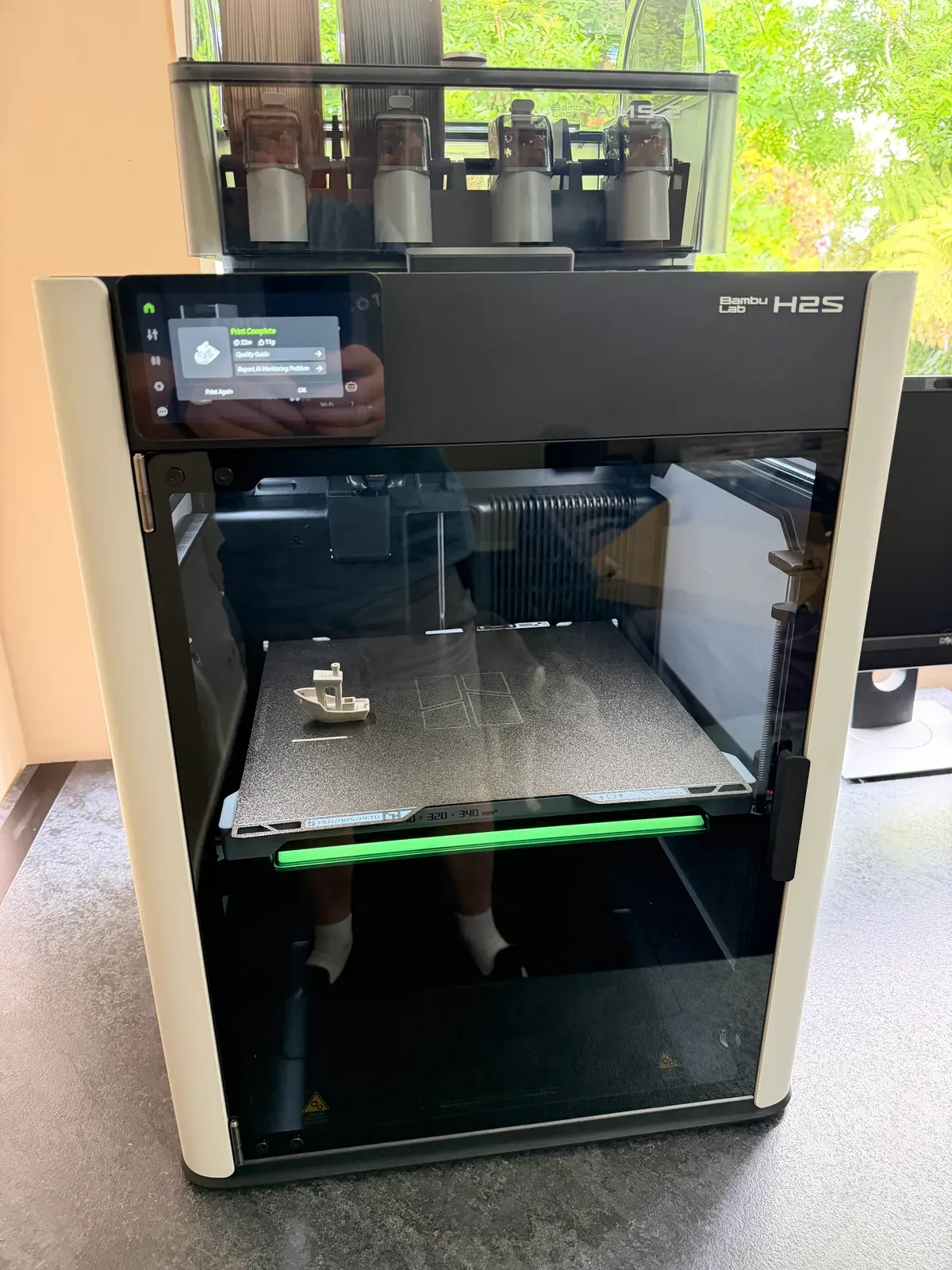
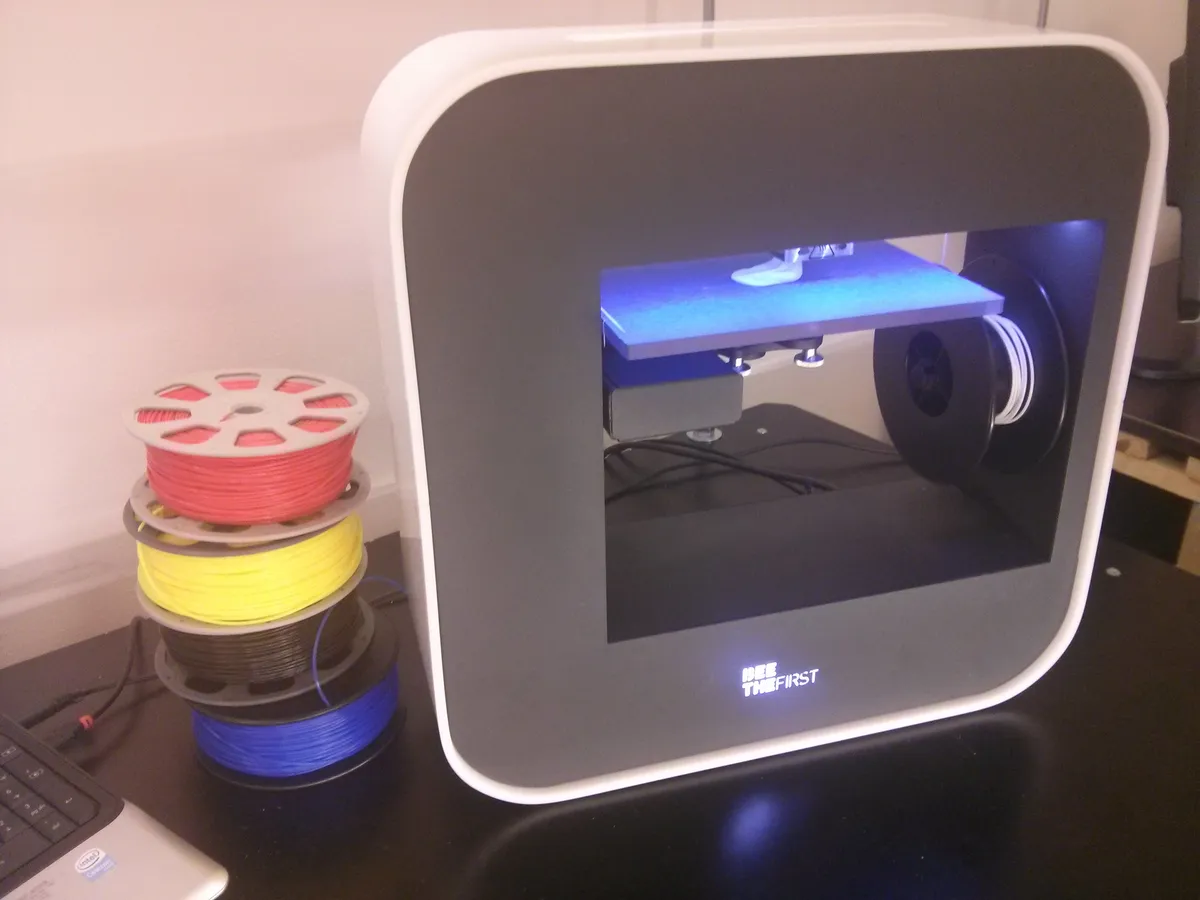
Filament spools and printed models — Wikimedia Commons
Key Specs (2026 Reference)
Always confirm live listings before checkout — Bambu runs bundles, regional pricing, and promotional credits that move the number week to week.
| Spec | A1 mini |
|---|---|
| Build volume | 180 × 180 × 180 mm |
| Chassis | Steel + extruded aluminum |
| Motion | Bed-slinger with high-speed toolhead control |
| Max toolhead speed | 500 mm/s |
| Max acceleration | 10,000 mm/s² |
| Max hotend temp | 300 °C |
| Max bed temp | 80 °C |
| Max hotend flow (claimed) | 28 mm³/s @ ABS test conditions |
| Nozzle (included) | 0.4 mm stainless steel |
| Build plate (included) | Bambu textured PEI |
| Ideal materials | PLA, PETG, TPU, PVA |
| Not recommended | ABS, ASA, PC, PA, PET, carbon/glass fiber reinforced |
| Display | 2.4" 320 × 240 IPS touch |
| Storage | microSD |
| Power | 100–240 VAC, max 150 W |
| Noise (silent mode) | ≤48 dB (manufacturer claim) |
Pricing snapshot (September 2026 — verify at store.bambulab.com):
| SKU | Typical US street | What you get |
|---|---|---|
| A1 mini standalone | ~$219–249 | Printer, textured PEI plate, sample filament, tools |
| A1 mini Combo | ~$329–399 | Above + AMS lite stand, body, four rotary spool holders |
| AMS lite alone (if added later) | ~$149–199 (varies) | Multi-color upgrade for A1 / A1 mini only |
The Combo is the better deal if you already know you want multi-color logos, multi-material supports, or rainbow benchies. If you are unsure, the standalone printer is excellent without AMS — add AMS lite after a month when purge waste math stops feeling abstract.
Setup and First-Print Experience
Unboxing follows the modern Bambu pattern: remove foam, attach the spool holder and purge wiper, peel PEI protection, power on, connect Wi-Fi, run the guided calibration, load filament with one-touch auto load, and send a test model from Bambu Studio or MakerWorld.
What separates the A1 mini from Creality-style “some assembly required” boxes is calibration depth. Before each job the printer can automatically:
- Probe Z-offset with the nozzle — no paper-feeler ritual.
- Mesh the bed for tramming compensation.
- Run input-shaping / resonance calibration on X and Y using onboard accelerometers.
- Execute pressure-advance (PA) calibration using the eddy-current nozzle pressure sensor — no manual line-pattern matching.
That last item is genuinely unusual at this price. Flow dynamics change with filament brand, color additives, and humidity. The A1 mini measures nozzle pressure at high frequency and adjusts extrusion actively — Bambu markets this as Active Flow Rate Compensation. In practice it reduces corner bulging and surface ripples when you switch from dusty PLA to fresh PETG without rebuilding profiles from scratch.
First-print success rates in community reports are high if you accept Bambu’s ecosystem defaults: Bambu Studio profiles, official or well-tested third-party filament presets, and sensible speed limits rather than max-advertised 500 mm/s on day one. The printer can sprint; your tolerance for ringing on tall thin parts may not.
Print Quality and Speed: Realistic Expectations
Marketing loves peak numbers. Useful bambulab a1 mini review impressions focus on quality at moderate speed — 200–300 mm/s outer walls dialed intelligently, autos calibration doing the heavy lifting.
Out of the box, the textured PEI plate grips PLA and PETG confidently. Overhangs on benchmark models (Benchy, calibration towers) look competitive with printers costing more — smooth hull lines, reasonable chimney points, minimal scarring on standard 0.2 mm layer heights. TPU prints are feasible thanks to direct drive, though flexible filaments still demand slower feed rates and dry storage.
The famous 14-minute Benchy is a Bambu lab stunt using tuned speed rules and ideal PLA — not a promise for every model with supports and multi-color purges. Treat it as proof the motion system is fast, not as your default slicer profile.
Surface quality on functional parts (brackets, cable clips, keyboard feet) is where the mini shines for makers upgrading from a first-generation Ender. Layer consistency holds across the 180 mm bed because automatic mesh compensation catches minor warp. Stringing on PETG improves after PA calibration runs — still not magic if filament is wet.
Where quality hits walls:
- Tall slender parts can show ghosting if you crank speed without rerunning resonance tuning after belt changes.
- Stainless nozzles wear faster on carbon-filled filament — Bambu officially marks CF/GF materials as not recommended; heed that unless you swap to hardened steel and accept warranty ambiguity.
- No enclosure means large ASA/ABS flat panels warp — not a slicer skill issue, a physics issue.
AMS Lite: Multi-Color Without the Full AMS
The AMS lite is Bambu’s simplified four-spool loader for the A1 family. It sits above the printer on an included stand, feeds up to four 1.75 mm spools, and switches filaments mid-print for multi-color models. RFID sync on Bambu spools can auto-load presets — convenient, not mandatory.
Critical compatibility facts (easy to miss when shopping):
| Question | Answer |
|---|---|
| Works on A1 mini? | Yes — this is the intended multi-color path |
| Works on X1 / P1? | No — those need the enclosed AMS / AMS 2 Pro |
| Same as full AMS? | No — AMS lite is open-frame; full AMS is enclosed and incompatible with A1 mini |
| Other brands’ printers? | No — Bambu-Bus tether, not universal |
Multi-color printing introduces purge waste — filament flushed between color changes. Bambu Studio lets you tune flush volumes and use flush into infill tricks, but rainbow prints still consume extra material. Budget 10–25% more filament on busy multi-color jobs until you learn your palette.
For many beginners, AMS lite is a delight machine — keycaps, logos, dual-color toys. For functional single-color brackets, leave it off and enjoy a simpler filament path.
3D printed models and prototypes — Wikimedia Commons
Software, MakerWorld, Cloud vs LAN
Bambu’s software stack is half the product:
- Bambu Studio (Windows/macOS) — slicer with built-in calibration helpers, multi-color painting, and printer farm views.
- Bambu Handy — mobile monitor, timelapse clips, remote start/stop.
- MakerWorld — model library with one-click print workflows tied to profiles.
The experience is polished — closer to installing a smart appliance than compiling Marlin forks. Third-party slicers that export standard G-code (PrusaSlicer, SuperSlicer, Cura) can drive the printer, but you lose some advanced features tied to Bambu’s ecosystem.
Cloud controversy is real. Default workflows account-bind your printer for remote access and firmware channels. Privacy-focused users should enable LAN mode (supported) to control the printer on your local network without cloud relay, and use the physical camera shutter if the lens bothers you. You are still running Bambu firmware — not fully open-source RepRap — so accept vendor lock-in at some level.
If your threat model includes “no IoT on my network,” the A1 mini will frustrate you regardless of print quality. If your threat model is “I want timelapses on my phone while I walk the dog,” Bambu delivers.
Materials: What Prints Well (and What Does Not)
| Material | Verdict on A1 mini | Notes |
|---|---|---|
| PLA / PLA matte | Excellent | Default happy path |
| PETG | Excellent | Dry filament; watch stringing on old spools |
| TPU (95A) | Good | Slow, direct drive helps |
| PVA supports | Good | For soluble support experiments |
| ABS / ASA | Not recommended | Needs enclosure + higher bed temps |
| Nylon / PA | Not recommended | Chamber stability matters |
| PC | Not recommended | Too hot for open 80 °C bed cap |
| Carbon/glass fiber blends | Not recommended | Abrasive + stiffness fight open bed-slinger |
The 300 °C hotend headline is real; the 80 °C bed and lack of chamber are the limiting factors. You can technically push some ABS with a brim and enclosure tent hacks — community forums are full of “works for me” posts — but Bambu’s official guidance says no, and warranty/support will point to that document if warped panels fail.
For engineering plastics, step up to P1S or X1 Carbon class machines with enclosed chambers — or buy a cheap enclosure tent and accept inconsistent results.
A1 Mini vs A1 vs P1S: Which Bambu?
| Model | Build volume | Bed max | Enclosure | AMS type | Best for |
|---|---|---|---|---|---|
| A1 mini | 180³ mm | 80 °C | Open | AMS lite | Desks, dorms, beginners, gifts |
| A1 (full) | 256 × 256 × 256 mm | 100 °C | Open | AMS lite | Larger parts without enclosure |
| P1S | 256³ mm | 100 °C | Enclosed | AMS (not lite) | ABS/ASA, faster materials |
Choose the mini when footprint and price beat sheer size. Choose the full A1 when 180 mm is too tight but you still do not need an enclosure. Choose P1S when material range includes ABS/ASA and you want the classic enclosed Bambu workflow.
Recall clarity: In 2024 Bambu recalled the full-size A1 (CPSC notice, heatbed cable damage risk). Bambu’s official callback FAQ states the A1 mini is not affected. If you shop used gear, verify model badges — do not confuse a discounted full A1 with a mini.
Competitors Worth Cross-Shopping
The A1 mini is not the only compact speed printer in 2026:
- Creality Ender-3 V3 KE / similar — lower price, more tinkering, weaker out-of-box calibration.
- Prusa MINI+ — smaller community speed focus, legendary support, slower headline accelerations, open ecosystem ethos.
- AnkerMake M5C — compact speed competitor; ecosystem smaller than Bambu’s MakerWorld gravity.
- Flashforge Adventurer series — enclosed options at similar prices but different software polish.
Bambu wins time-to-first-good-print and silent apartment operation. Prusa wins open firmware culture and long-term repair narrative. Creality wins budget if your hobby includes tuning as entertainment.
Who Should Buy the A1 Mini
Strong fit
- First-time makers who would rather print than calibrate
- Students and apartment dwellers needing quiet, compact hardware
- Gift buyers wrapping a complete starter box with minimal assembly
- Miniature and tabletop gamers printing terrain and figures under 180 mm
- Desk accessory designers — keyboard feet, headphone hooks, phone stands beside Meta Quest 3S charging docks
Skip or upgrade elsewhere
- Cosplay armor and full-size helmets — volume is the bottleneck, not skill
- ABS/ASA functional automotive parts — get an enclosure printer
- Open-source purists who refuse vendor accounts
- Production farms needing identical 256 mm beds — standardize on A1 or P1S
- Abrasive CF/GF daily drivers — nozzle and material policy mismatch
Ownership Tips After the Honeymoon
- Dry PETG and TPU — wet filament defeats PA compensation.
- Keep firmware current — calibration features improve over time; use official channels.
- Clean PEI with IPA — oils from hands cause first-layer ghosts.
- Check belt tension notifications — HMS alerts after resonance tests are worth obeying.
- Tune AMS lite flush volumes when switching between dark and light colors — save grams, save time.
- Use LAN mode if cloud latency or privacy bothers you — still fully usable on home Wi-Fi.
Quick-swap hotends reduce downtime when you clog — clip, swap, resume. Stock a spare if you print daily.
FAQ
Is the Bambu Lab A1 mini good for beginners?
Yes — among the strongest beginner choices in 2026 if you accept the 180 mm build limit and Bambu’s software ecosystem. Auto calibration, guided setup, and reliable first layers remove the steepest part of the old hobby learning curve.
How much does the A1 mini cost in 2026?
Standalone listings on Bambu’s US store have shown ~$219 during promotions; MSRP often lists higher (~$249–299). The Combo with AMS lite typically lands ~$329–399 depending on bundles. Always read the live checkout total before buying.
Do I need AMS lite?
No. Single-color printing is fully featured without it. Buy the Combo if multi-color prints are core to your motivation; otherwise start standalone and add AMS lite later if rainbow projects stick.
What is the build volume of the Bambu Lab A1 mini?
180 × 180 × 180 mm — about seven inches per side. Measure your largest intended model including brim/skirt before ordering.
Can the A1 mini print ABS?
Bambu officially does not recommend ABS, ASA, PC, PA, or PET on the A1 mini because of the open frame and 80 °C bed limit. PLA, PETG, TPU, and PVA are the intended materials.
Was the A1 mini recalled?
No. Bambu’s 2024 heatbed cable callback and CPSC recall applied to the full-size Bambu Lab A1, not the A1 mini. Bambu’s support FAQ explicitly states the mini is unaffected.
How loud is the A1 mini?
Bambu claims under 48 dB in silent mode with active motor noise canceling — roughly library-quiet. Faster modes are louder but still reasonable for shared spaces compared with vintage cartesian printers.
Can I use the printer without cloud?
LAN mode allows local network control and reduces cloud dependence. You still use Bambu firmware and apps; this is not full OctoPrint-style open stack, but it addresses the main privacy complaint.
A1 mini vs full A1 — which should I buy?
Buy the mini for minimum desk footprint and lowest entry price. Buy the full A1 when you need 256 mm beds and 100 °C bed temperatures for slightly wider material headroom — still open-frame, still AMS lite.
Is Bambu Lab the same as other “A1” products online?
No. Verify the seller is Bambu Lab (bambulab.com). Random “A1 Mini” listings from unknown brands are unrelated hardware with similar naming.
Verdict
The Bambu Lab A1 mini earns its reputation as the compact “easy button” FDM printer — not because it is perfect, but because it removes the cruel early hobby steps (manual tramming, guesswork PA, belt tension anxiety) while staying small enough for real desks. Print quality at sensible speeds rivals machines that cost more; auto calibration before every job is the feature you will miss most when using anything else.
The honest ceiling is physical: 180 mm, no enclosure, and AMS lite purge waste cap what you can build and how efficiently you run rainbow jobs. Cloud-first software will never satisfy every open-source maker, and stainless nozzles are the wrong default for abrasive composites.
If those limits match your projects — miniatures, household fixes, desk gadgets, learning CAD — the A1 mini is one of 2026’s best starter investments. If you need ABS enclosures or 250 mm beds, save the difference and buy upstream once instead of upgrading in six months.
Score: 8.7/10 — Best Compact Beginner Printer — If 180mm Fits Your Parts
Related on NexReview
Pair a maker desk with our Framework Laptop 13 review for repairable CAD hardware, the Keychron Q1 HE review for a solid typing surface beside the printer, and the Meta Quest 3S review if you print VR accessory mounts and want the headset that goes on the shelf above the spools.