Pros
- Full aluminum gasket-mount chassis with quiet, smooth Gateron Nebula magnetic switches
- Per-key actuation from 0.2–3.8 mm plus rapid trigger and four-action dynamic keystrokes
- Tri-mode connectivity — USB-C wired, 2.4 GHz at 1,000 Hz, and Bluetooth multi-device
- Keychron Launcher web app is deeper than most Hall-effect competitors at this price
- Double-shot PBT OSA keycaps, volume knob, and QMK/VIA-friendly enthusiast layout
Cons
- Heavy at ~1.7 kg — not a travel board despite wireless
- Only Gateron double-rail magnetic switches fit — limited hot-swap ecosystem
- No height adjustment or bundled wrist rest at $219+
- Bluetooth polling at 90 Hz — competitive FPS players should use 2.4 GHz or wired
- Keychron K2 HE offers the same HE features in a plastic shell for roughly $80 less
The Keychron Q1 HE is Keychron’s premium 75% wireless keyboard built around Gateron double-rail magnetic (Hall effect) switches — not a rebranded mechanical Q1 Pro with different stems. If you searched for a Keychron Q1 HE review, you probably want to know whether the aluminum case justifies the price jump over the plastic K2 HE, how the magnetic switches feel for daily typing, and whether rapid trigger is actually useful outside of Counter-Strike 2 strafing debates.
This NexReview guide covers the real product (Keychron’s Q1 HE QMK Wireless Custom Keyboard — not the separate wired-only Q1 HE 8K variant), current pricing, build and sound, Launcher software, battery reality, comparisons, and a clear buy/skip list for September 2026.
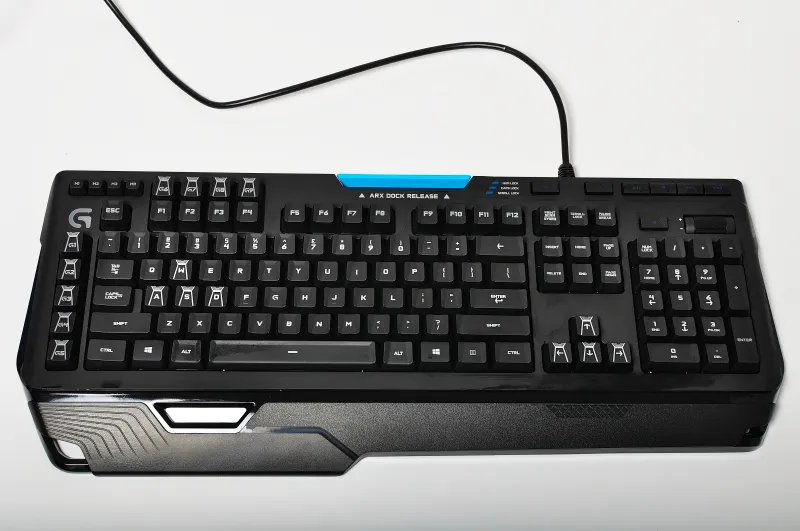
Mechanical keyboard desk setup — Wikimedia Commons
Keychron Q1 HE Review Snapshot (2026)
| Field | Detail |
|---|---|
| Manufacturer | Keychron |
| Layout | 75% (81 keys) — compact with F-row, arrows, nav cluster |
| Switches | Gateron double-rail magnetic (prebuilt: Nebula linear) |
| Case | CNC aluminum, gasket mount, aluminum plate |
| Connectivity | USB-C wired, 2.4 GHz dongle (1,000 Hz), Bluetooth 5.2 (90 Hz) |
| Battery | 4,000 mAh — up to ~100 hours RGB off per Keychron |
| MSRP (prebuilt) | $219 (often $219–$239 street) |
| Barebones | $199 (no switches/keycaps) |
| Software | Keychron Launcher (browser, USB for HE tuning) |
| NexReview score | 8.6/10 |
Buy it if you want a quiet, heavy, enthusiast-grade 75% with Hall-effect depth and tri-mode wireless. Skip it if you only need HE features in a lighter budget shell — the K2 HE is the smarter value play — or if you demand 8,000 Hz wired-only competition tuning (see Q1 HE 8K).
What Is the Keychron Q1 HE?
Keychron positions the Q1 HE as the Hall-effect evolution of its Q1 Pro line. The regular Q1 Pro ($219 at launch) is a 75% aluminum gasket keyboard with traditional mechanical switches. The Q1 HE swaps those switches for magnetic Hall-effect stems measured by TMR sensors, which lets the keyboard register key travel continuously instead of at a fixed metal-contact point.
That difference matters for two audiences:
- Typists and office workers who want a smooth linear feel, long switch lifespan, and the option to shorten actuation for faster input without buying a separate “speed” switch set.
- Competitive gamers who use adjustable actuation, rapid trigger (re-arming a key before full release), and dynamic keystrokes (multiple actions on one press based on travel depth).
The Q1 HE is not a gaming-only brand like Wooting or SteelSeries Apex Pro — it is still a Keychron Q-series board first: aluminum case, screw-in stabilizers, south-facing RGB, double-shot PBT keycaps, and open-source QMK firmware with Keychron Launcher for remapping. The HE layer sits on top of that enthusiast foundation.
Do not confuse it with these lookalikes
- Keychron Q1 / Q1 Pro / Q1 Max — mechanical switch versions; no Hall effect unless labeled “HE.”
- Keychron K2 HE — same magnetic switch family and Launcher features, but plastic case, different layout (84-key compact TKL-ish), lower price.
- Keychron Q1 HE 8K — newer wired-only variant with 8,000 Hz polling and broader north-facing magnetic switch compatibility; no Bluetooth or 2.4 GHz.
- Random “Q1 magnetic” listings on marketplaces — verify the listing says Q1 HE and ships Gateron double-rail switches.
Build, Layout, and First Impressions
The Q1 HE inherits the Q1 family’s blocky aluminum silhouette: roughly 327.5 × 145 mm footprint, ~22.6 mm front height rising to ~35.8 mm at the back, fixed 5.2° typing angle, and ~1,735 g assembled weight. At 3.8 pounds, it feels like a desktop anchor — excellent stability, poor portability. Pair it with a Framework Laptop 13 or MacBook Air M4 on a desk mat, not in a backpack slot.
The 75% layout keeps a dedicated arrow cluster and a trimmed function row — a sweet spot for programmers and gamers who refuse 60% layer gymnastics. A rotary volume knob sits top-right (shared media duties via layers). Keycaps are OSA profile PBT double-shot, which resist shine better than ABS and sit taller than Cherry profile — worth noting if you plan aftermarket sets.
Inside, you get gasket mount isolation, case and plate foam, and an aluminum plate that contributes to a deeper, softer sound profile than many clacky mechanical Q boards. Reviewers consistently describe the stock typing sound as muted and thock-leaning — closer to a dampened linear mechanical board than a sharp tactile crack. Stabilizers arrive factory-lubed; spacebar rattle may improve after break-in but enthusiast buyers still sometimes relube.
Missing at this price: adjustable feet beyond small rubber pads, bundled wrist rest, USB passthrough, and onboard profile storage for HE settings (profiles live in Launcher and sync to the board when connected).
Custom keycaps on a mechanical keyboard — Wikimedia Commons
Hall Effect Switches: Nebula, Dawn, and Aurora
Prebuilt Q1 HE units ship with Gateron Nebula double-rail magnetic linears — roughly 60 g bottom-out force in practice, very smooth with minimal stem wobble. Keychron also sells Dawn (~50 g) and Aurora (~70 g) variants separately for users who want lighter or heavier springs.
Critical compatibility note: the Q1 HE accepts only Gateron double-rail magnetic switches. Standard MX mechanical switches, and many third-party Hall-effect switches using different rail geometry, do not fit. Hot-swap is real but narrow — three official weight options, not the endless MX catalog that makes the mechanical Q1 popular.
What Hall effect changes in daily use
Traditional mechanical switches actuate once, at a factory-fixed point (often ~2 mm travel on a 4 mm total stroke). Magnetic switches measure position continuously:
| Feature | What it does | Who cares |
|---|---|---|
| Adjustable actuation | Set trigger point per key from 0.2–3.8 mm in 0.1 mm steps | Gamers tuning WASD; fast typists |
| Rapid trigger | Re-trigger on partial release after actuation | FPS movement, rhythm games |
| Dynamic keystrokes | Up to four actions on one key by travel depth | Advanced MMO/macros; experimental |
| Analog-style input | Continuous travel reporting (game-dependent) | Racing/flight sims where supported |
For office typing, most users set actuation around 1.8–2.0 mm — familiar to Cherry-like linears — and ignore rapid trigger. For gaming, dropping WASD to 0.8–1.0 mm with rapid trigger enabled is the headline advantage that made Hall-effect boards mainstream in 2024–2026.
Keychron Launcher and HE Mode
Software separates good HE hardware from great HE hardware. Keychron’s answer is Launcher — a browser-based configurator (Chrome/Edge recommended) that handles standard QMK remapping plus an HE Mode tab when the keyboard is connected over USB-C.
From Launcher you can:
- Set global or per-key actuation distances
- Enable rapid trigger in Basic (symmetric press/release sensitivity) or Advanced (split trigger vs reset distance)
- Configure dynamic keystrokes / four-action keys with demo and live test tools
- Adjust RGB, macros, and layer assignments
Changes save to the keyboard firmware after submission — you are not stuck cloud-dependent for daily use once synced. Wireless tuning still requires a wired session first, which is standard across the category.
Compared to SteelSeries GG on the Apex Pro or Wootility on Wooting boards, Launcher on the Q1 HE is surprisingly deep for a generalist brand — Tom’s Guide and other outlets have noted four-action keys as a step beyond dual-actuation on some rivals. The trade-off is polish: web UI latency and the USB requirement feel less seamless than native apps, but functionality is there.
Fair warning for CS2 players: Valve has tightened rules around input automation advantages. Rapid trigger and last-key prioritization (pressing the same key again without full release) can be powerful for peeking and counter-strafing — and controversial in ranked play. Treat competitive features as tools to configure thoughtfully, not cheat codes.
Connectivity, Polling, and Battery Life
The Q1 HE is tri-mode:
| Mode | Polling | Best for |
|---|---|---|
| USB-C wired | 1,000 Hz | Competitive gaming, HE profile edits |
| 2.4 GHz wireless | 1,000 Hz | Daily desktop with low latency |
| Bluetooth 5.2 | 90 Hz | Multi-device hopping (up to 3 paired) |
For serious gaming, use wired or 2.4 GHz — Bluetooth’s 90 Hz polling is fine for work and casual play but not ideal for twitch shooters alongside a high-refresh monitor. Switching modes uses the side toggle and Fn combinations documented in Keychron’s user guide; macOS/iOS and Windows/Android are supported with included OS-specific keycaps and a layout switch on the bottom of the case.
Battery capacity is 4,000 mAh. Keychron quotes up to 100 hours with backlight off and roughly 35–50 hours at full RGB — in line with Macworld’s real-world Bluetooth drain test (heavy RGB use burned ~79% over 36 hours of active use). Expect to charge weekly if you run bright RGB all day, or every two-plus weeks with lights dim or off. USB-C charging works while typing wired.
Compared with the mechanical Q1 Pro (which Keychron rates up to ~300 hours RGB-off on a similar cell in some listings), the HE model is more power-hungry — magnetic sensing and lighting take their toll. Still adequate for a wireless desk keyboard if you are not expecting e-reader endurance.
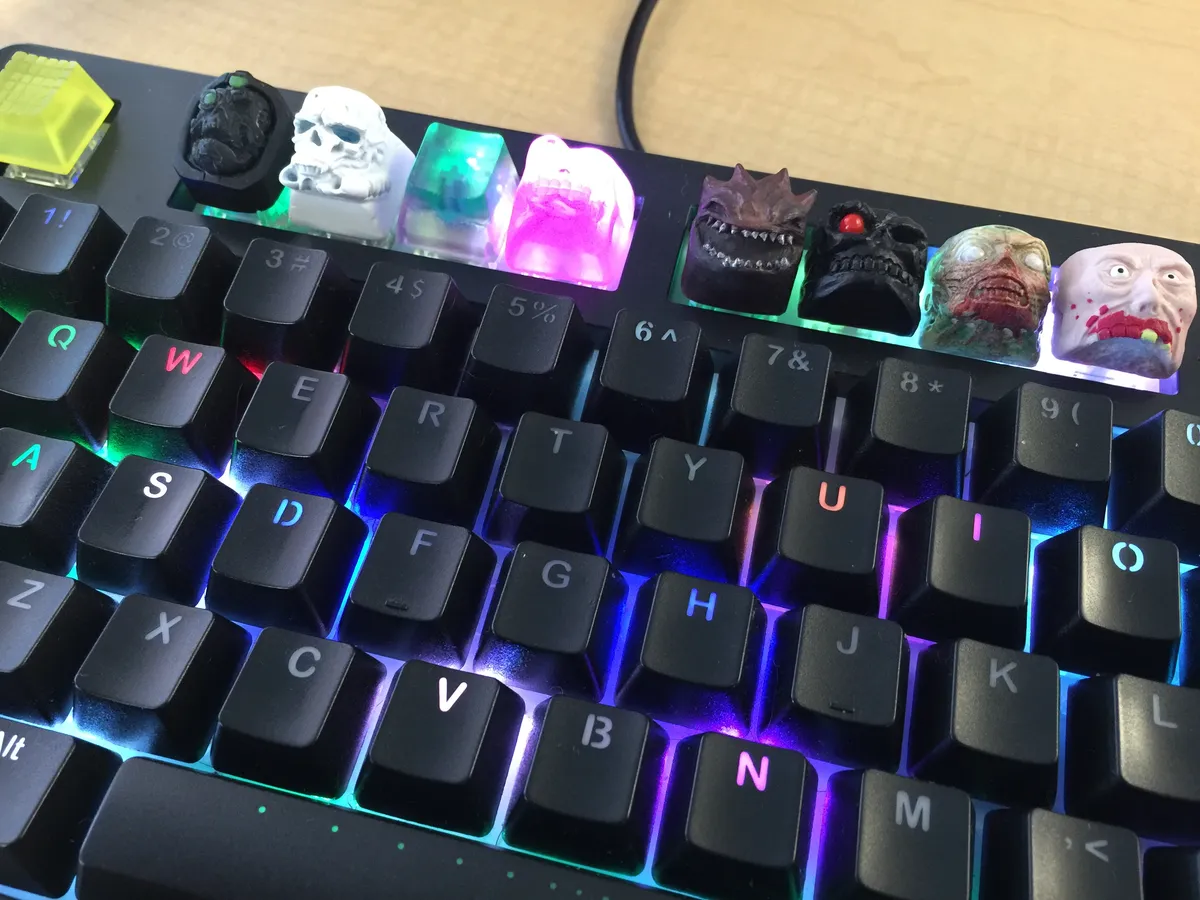
Gaming keyboard RGB desk setup — Wikimedia Commons
Typing and Gaming Experience
Typing
Out of the box, the Q1 HE feels quiet, smooth, and consistent — WIRED’s review compared the stock sound to softer Topre-adjacent tones rather than pingy aluminum mechanical builds. Linear magnetic switches do not tactile-bump your fingers; if you need tactile feedback for error checking, look at mechanical Q1 versions or a tactile board elsewhere.
The fixed 5.2° angle works for many users but no flip-out feet frustrate taller people or those who prefer steep angles. Budget a wrist rest if you type long documents — Keychron does not include one.
For writers pairing this with a tablet workflow, see our Remarkable Paper Pro review for a different kind of quiet desk — the Q1 HE fits the “one clean desktop” aesthetic better than a clicky mechanical.
Gaming
On 2.4 GHz or USB at 1,000 Hz, the Q1 HE keeps pace with mainstream gaming keyboards. Rapid trigger shines in arena shooters and movement-heavy titles where input repeat matters more than macro complexity. MOBA and MMO players may prefer mapping dynamic keystrokes to ability bars — powerful, but setup time in Launcher is real.
If you split time between PC and handheld, our Steam Deck vs ROG Ally comparison is a reminder that Hall-effect boards target desktop play first; portable gaming still lives on built-in controls or separate compact boards.
Keychron Q1 HE vs Keychron K2 HE
The most important comparison in any Keychron Q1 HE review is not Glorious or SteelSeries — it is Keychron’s own K2 HE.
| Q1 HE | K2 HE | |
|---|---|---|
| Case | Aluminum gasket | Plastic (special editions add wood sides) |
| Layout | 75% (81 keys) | 84-key compact |
| Weight | ~1.7 kg | Lighter |
| HE features | Full — actuation, RT, dynamic keys | Same magnetic stack & Launcher |
| Wireless | BT + 2.4G + wired | BT + 2.4G + wired |
| Price | ~$219+ | ~$139–$169 depending on config |
| Best for | Premium feel, enthusiast mods | Value Hall effect |
Verdict: Same Hall-effect brain, different body. The K2 HE wins value and portability; the Q1 HE wins build rigidity, sound profile, and desk presence. If you will never appreciate aluminum gasket mount, you are paying ~$80+ for aesthetics and heft.
Keychron Q1 HE vs Other Hall-Effect Rivals
| Competitor | Angle | Q1 HE contrast |
|---|---|---|
| Glorious GMMK 3 Pro HE (~$239) | Modular HE gaming board | Similar price; Q1 HE stronger wireless + Mac workflow |
| SteelSeries Apex Pro / Mini | Mature HE software, gaming brand | Q1 HE deeper multi-action keys; SteelSeries stronger esports marketing |
| Wooting 60HE/80HE | Gold standard rapid trigger community | Wooting tighter for pure FPS; Q1 HE better as daily typer |
| Keychron Q1 HE 8K (~$230 wired) | 8,000 Hz, wider switch support | No wireless; pick for wired-only comp play |
None of these are “wrong” — they optimize different priorities. The Q1 HE’s niche is premium wireless 75% for mixed work and play, not tournament-only wired minimalism.
Who Should Buy the Keychron Q1 HE?
Good fit
- Developers and writers who want a quiet linear board with Mac/Windows dual support
- Gamers who need rapid trigger but refuse a garish full-size gaming chassis
- Enthusiasts already in the Q1 ecosystem who understand gasket mount and QMK
- Desk-setup focused buyers who treat the keyboard as furniture — weight is a feature
Poor fit
- Budget Hall-effect curious — start with K2 HE and upgrade later if you miss aluminum
- Travel workers — weight and size fight every flight
- MX switch collectors — incompatible hot-swap limits you to three Gateron magnetic weights
- Bluetooth-only gamers — use 2.4 GHz or wire the board
- Wrist-angle tinkerers — no adjustable feet; look elsewhere or add external risers
Setup Tips After Unboxing
- Charge fully before first wireless session — firmware updates may prompt over USB anyway.
- Update firmware via Keychron’s support pages (keyboard, Bluetooth, and 2.4 GHz receiver have separate flows).
- Connect USB, open Launcher, enable HE Mode, set a sane default actuation (~2.0 mm) before experimenting with 0.8 mm gaming profiles.
- Create a gaming layer with rapid trigger only on movement keys — keeps typing keys stable.
- Use 2.4 GHz dongle on a front USB port or quality hub — avoid burying it behind metal cases.
- Order Dawn/Aurora switches only if Nebula feels heavy/light after a week — avoid impulse switch swaps.
FAQ
Is the Keychron Q1 HE worth it in 2026?
Yes, if you specifically want a wireless 75% aluminum Hall-effect board with strong software and you will use rapid trigger or adjustable actuation. No, if the K2 HE meets your needs — the HE features overlap heavily and the Q1 premium is mostly build and acoustics.
What switches come with the Keychron Q1 HE?
Prebuilt models ship with Gateron Nebula double-rail magnetic linears. Dawn (lighter) and Aurora (heavier) are optional purchases. Only Gateron double-rail magnetic switches fit the hot-swap sockets.
Does the Keychron Q1 HE work on Mac and iPad?
Yes. Keychron includes Mac keycaps and a physical Mac/Windows layout toggle on the bottom. Bluetooth pairs with iPadOS and iOS for light work; HE tuning still requires USB to a computer running Launcher.
What is the difference between Q1 HE and Q1 HE 8K?
The Q1 HE reviewed here is tri-mode wireless with 1,000 Hz wired/2.4 GHz polling. The Q1 HE 8K is wired-only with 8,000 Hz polling and support for more universal north-facing magnetic switches — better for wired esports, worse if you need Bluetooth on a clean desk.
How do I configure rapid trigger on the Q1 HE?
Connect via USB-C, open Keychron Launcher, enter HE Mode, select keys (or all keys), enable Rapid Trigger, then choose Basic (equal press/release sensitivity) or Advanced (split trigger and reset distances). Save to firmware before unplugging.
Can I use any mechanical keycaps on the Q1 HE?
Cherry-profile MX stem keycaps generally fit magnetic switches that use standard stem interfaces — OSA sets bundled are standard PBT. Always confirm north/south LED clearance and stabilizer sizing (1.75u right Shift on 75% layouts catches buyers off guard).
Is rapid trigger cheating in Counter-Strike 2?
Valve has updated Counter-Strike 2 rules around hardware-assisted advantages. Rapid trigger and related features can be restricted or bannable in competitive contexts. Check current Valve guidance before using HE advantages in ranked matchmaking — our CS2 review covers the game, not anti-cheat policy, so verify official patch notes.
How long does the battery last on the Keychron Q1 HE?
Keychron rates up to 100 hours with RGB off and roughly 35–50 hours with RGB on. Real results depend on brightness, polling mode (Bluetooth vs 2.4 GHz), and daily typing hours. Expect mid-week charging if you run full RGB continuously.
Q1 HE barebones vs prebuilt — which should I buy?
Prebuilt ($219) is simplest — Nebula switches and OSA keycaps included. Barebones ($199) suits buyers who already own compatible Gateron magnetic switches and keycaps. The $20 delta rarely justifies barebones unless you are reusing parts from another HE board.
Who makes the Keychron Q1 HE?
Keychron designs and sells it; switches are Gateron double-rail magnetic; firmware is QMK-based with Keychron Launcher for configuration. Buy from Keychron.com, Amazon, or authorized retailers to avoid clone listings.
Final Verdict
The Keychron Q1 HE earns 8.6/10 in this Keychron Q1 HE review because it delivers what the category promised when Hall-effect keyboards went mainstream: magnetic switches that feel excellent for typing, software that goes deeper than a gimmick slider, and wireless flexibility without abandoning enthusiast build standards. The aluminum gasket chassis, quiet acoustics, and 75% layout make it one of the most balanced “one keyboard for work and evening games” picks in 2026.
It loses points on value against the K2 HE, switch ecosystem lock-in, and missing ergonomic extras at a $219+ street price. It is not the fastest wired-only comp board — that conversation moved to the Q1 HE 8K and dedicated brands like Wooting.
Our recommendation: Buy the Q1 HE if the weight and metal case matter to you every day. Buy the K2 HE if Hall effect is the feature and the case is secondary. Either way, spend an hour in Launcher before judging the board — Hall effect rewards configuration more than any mechanical switch swap ever did.