Pros
- Tandem OLED PROLED XDR panel delivers true per-pixel blacks, 10,000,000:1 contrast and up to 2,000 nits HDR peak
- Touch input finally arrives on a Mac without killing the trackpad-first workflow
- M5 Pro and M5 Max offer desktop-class CPU/GPU headroom in a thinner, lighter chassis
- Keeps the full pro port set: three Thunderbolt 5, HDMI 2.1, SD card, MagSafe and headphone jack
- Apple claims up to ~24 hours of battery life, and OLED efficiency helps on dark-mode workloads
Cons
- Roughly $400 more than equivalent prior-generation configurations; maxed builds go well past $7,000
- Hole-punch webcam replaces the notch but still interrupts the menu bar on full-screen content
- Touch is useful but not transformative — many pro apps are still built for pointer input first
- OLED burn-in risk with static UI elements is low but not zero, and it is new territory for MacBook buyers
If you are searching macbook pro m5 review in November 2026, you are almost certainly looking at the new MacBook Pro with PROLED XDR Display — the first MacBook Pro with a tandem OLED panel and the first Mac Apple has ever shipped with a touchscreen. It runs M5 Pro or M5 Max silicon, brings back the glowing Apple logo on the lid, and trims thickness and weight compared with the mini-LED generation. Preorders opened around 28 October 2026, and first deliveries landed around 6 November 2026. This NexReview guide answers the only question that really matters at this price: is OLED plus touch worth the premium over last year's machines and over a MacBook Air M4?
Short answer: the display is the best Apple has ever put in a laptop, the performance ceiling is enormous, and the chassis is more refined than ever — but Apple raised prices by roughly $400 on comparable configurations, and touch is a nice-to-have rather than a reason to upgrade on its own. Read on for who should buy now, who should wait, and who should buy last year's model on clearance instead.
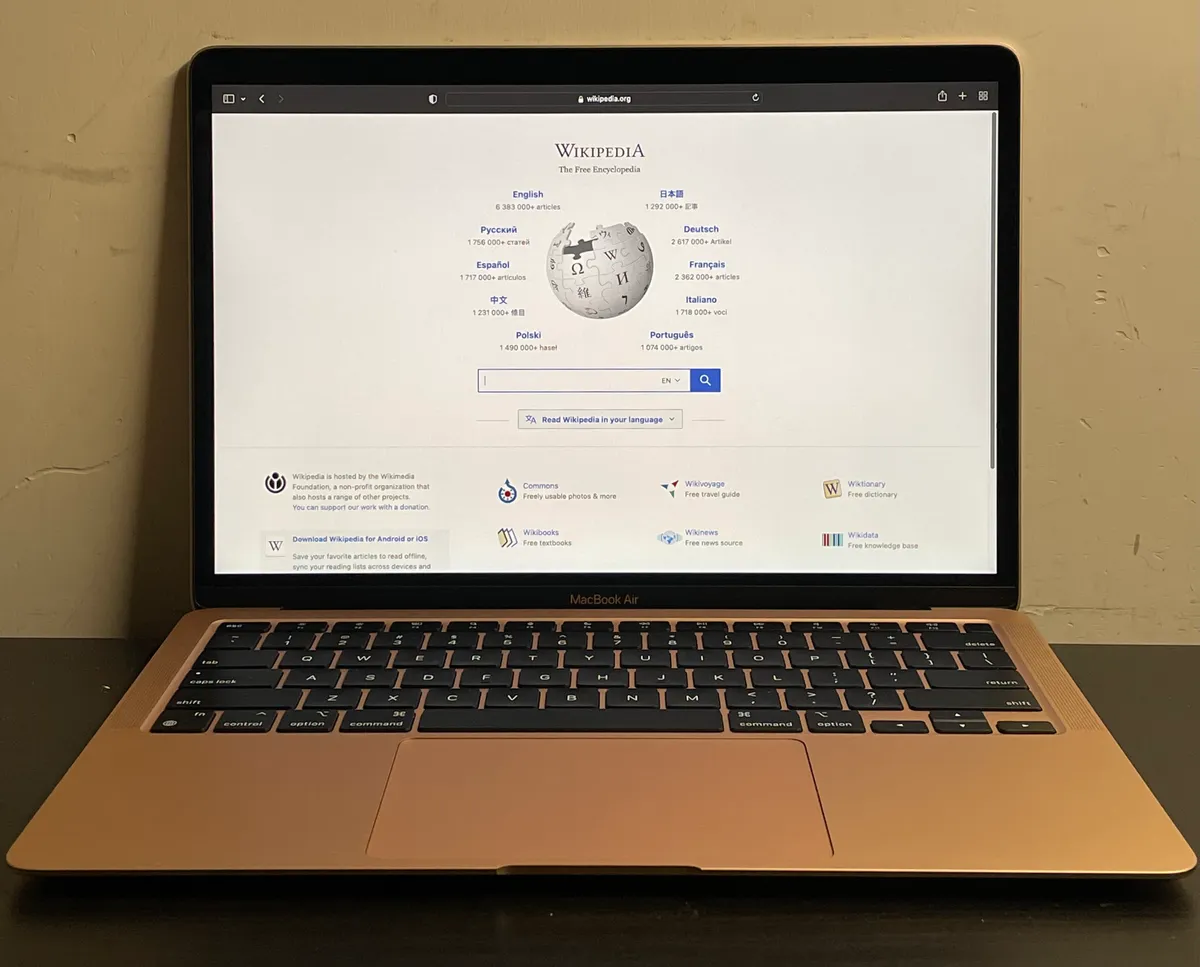
The 2026 MacBook Pro with PROLED XDR Display: tandem OLED, touch input, and a thinner pro chassis.
MacBook Pro M5 Review Snapshot (November 2026)
| Question | Short answer |
|---|---|
| What is it? | MacBook Pro with PROLED XDR Display — 14-inch and 16-inch pro laptops |
| Launch | Preorders ~28 Oct 2026; deliveries from ~6 Nov 2026 |
| Chips | M5 Pro or M5 Max (the 16-inch does not offer base M5) |
| Display | Tandem OLED, up to 2,000 nits HDR peak, 10,000,000:1 contrast, 120Hz ProMotion, glossy or nano-texture |
| Input | Full multi-touch display plus Force Touch trackpad and Magic Keyboard with Touch ID |
| Camera | Center-aligned hole-punch webcam (no notch) |
| Ports | 3× Thunderbolt 5, HDMI 2.1, SDXC, MagSafe, 3.5mm headphone jack |
| Wireless | Wi-Fi 7, Bluetooth 6 |
| Battery claim | Up to ~24 hours (Apple marketing figure, configuration-dependent) |
| US price (verify live) | 14-inch M5 Pro from ~$2,899; 16-inch from ~$3,399; high-end configs ~$4,799+, fully maxed ~$7,399 |
| NexReview score | 8.7/10 — class-leading screen and power, docked for price |
Editorial stance: Most launch coverage of a new MacBook Pro focuses on benchmark charts. In 2026 the chip story is incremental by comparison; the real change is the panel technology and input model. We weigh this review heavily toward what OLED and touch actually change in daily pro work, and whether that change justifies paying more than the excellent M4 Pro generation now costs on clearance.
What Is the MacBook Pro with PROLED XDR Display?
Apple's naming is deliberately display-first. Where the 2021–2025 machines were sold as "MacBook Pro with Liquid Retina XDR," the 2026 model leads with PROLED XDR, Apple's branding for a two-stack (tandem) OLED panel. Tandem OLED stacks two emissive layers so each layer runs at lower current for the same brightness. The practical effects are higher sustained brightness, longer panel life and lower burn-in risk than single-layer OLED — the same approach Apple used on the iPad Pro in 2024.
The lineup is split into two sizes:
- 14-inch with M5 Pro or M5 Max
- 16-inch with M5 Pro or M5 Max — no base M5 option, as on previous 16-inch generations
If you see a "MacBook Pro M5" listing with the base M5 chip, check carefully: Apple introduced a base-M5 14-inch mini-LED MacBook Pro in late 2025. That machine is not the PROLED model reviewed here. Verify whether Apple or your retailer still lists it, because it may be the value play for buyers who do not need OLED.
Naming hygiene for shoppers: retailers write "MacBook Pro M5 Pro," "MacBook Pro 2026," "MacBook Pro OLED," and "MacBook Pro PROLED" interchangeably. Check three things on every listing: the display name (PROLED XDR vs Liquid Retina XDR), the chip (M5 Pro/M5 Max vs M5 or M4 Pro), and the release year.
Design, Build, and the Return of the Glowing Logo
Apple used the switch to OLED to slim the chassis. OLED panels need no backlight unit, which frees up depth in the lid, and Apple put the savings into a thinner, lighter enclosure rather than a bigger battery. The machine still feels unmistakably like a MacBook Pro — flat sides, squared edges, aluminum unibody — but it no longer feels like a chunky reaction to the butterfly-keyboard era.
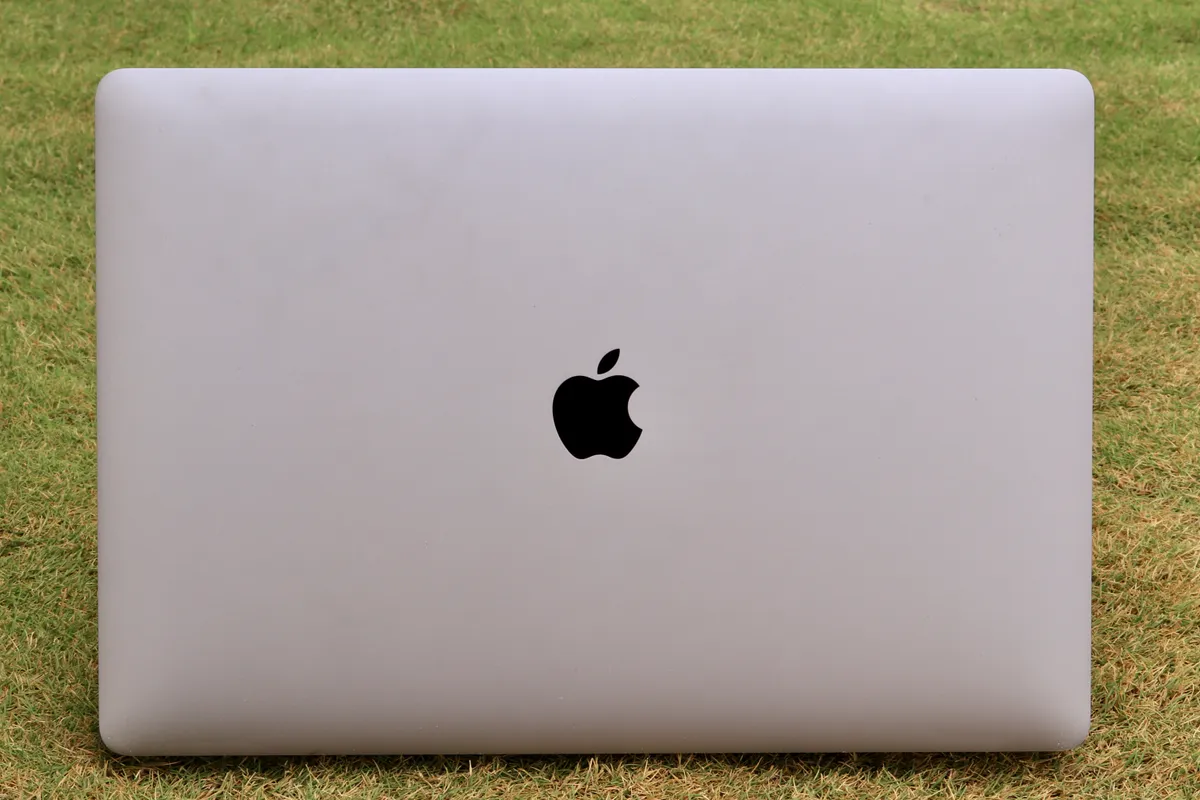
The headline nostalgia moment is the illuminated Apple logo on the lid, missing from MacBooks since 2016. It is purely cosmetic, and that is fine. It reads as a statement that this is a flagship generation, not a spec bump.
The notch is gone. In its place is a small hole-punch cutout for the webcam, centered at the top of the display. It takes up less of the menu bar than the notch, and with OLED, macOS can render the area around it in pure black so it disappears in dark mode. In full-screen video or photo editing with a bright background, you will still see it. It is a clear improvement, not an invisible one.
The keyboard and trackpad carry over in spirit: full-height function row, Touch ID, and a large Force Touch trackpad. We consider this important. Apple did not sacrifice the pointer-first experience to make room for touch, and that is the single best design decision in this generation.
The PROLED XDR Display: Why It Is the Real Upgrade
The mini-LED Liquid Retina XDR panel in previous MacBook Pros was already excellent. It used thousands of local dimming zones to hit high HDR brightness, but every zone covered many pixels, so bright objects on a dark background produced blooming — a faint halo around white text on black, or around a cursor in a dark timeline.
OLED removes that problem completely. Every pixel produces its own light and turns fully off for black. With Apple's claimed 10,000,000:1 contrast ratio and up to 2,000 nits HDR peak brightness, the practical results are:
- No blooming around subtitles, terminal text, or UI elements in dark mode
- True black letterboxing for film and HDR grading
- Faster pixel response than mini-LED, which makes 120Hz ProMotion scrolling look cleaner
- Better off-axis consistency for clients looking over your shoulder
For colorists, photographers and video editors working in HDR, this is the most meaningful laptop display upgrade since the original XDR panel arrived in 2021. For everyone else, it is the difference between "very good screen" and "the best screen you have used on a laptop."
Glossy vs nano-texture
Apple offers the panel in glossy or nano-texture finishes. Glossy gives the deepest perceived blacks and most saturated look indoors. Nano-texture cuts reflections dramatically in offices with overhead lighting or near windows, at a slight cost in perceived contrast. If you work in variable lighting, nano-texture is the better pick. If you mostly work in a controlled studio, glossy shows off what OLED can do. Check the upcharge on Apple's configurator before deciding — verify live pricing.
Burn-in: should you worry?
The honest answer is "less than you might think, but more than with mini-LED." Tandem OLED reduces the per-layer stress that causes burn-in, and macOS dims and shifts static elements. Still, MacBook buyers have never had to think about this before. If you run the same IDE layout or trading dashboard at full brightness for ten hours a day, consider auto-hiding the Dock and menu bar and using a dark theme. Check Apple's warranty and AppleCare terms for display coverage before buying.
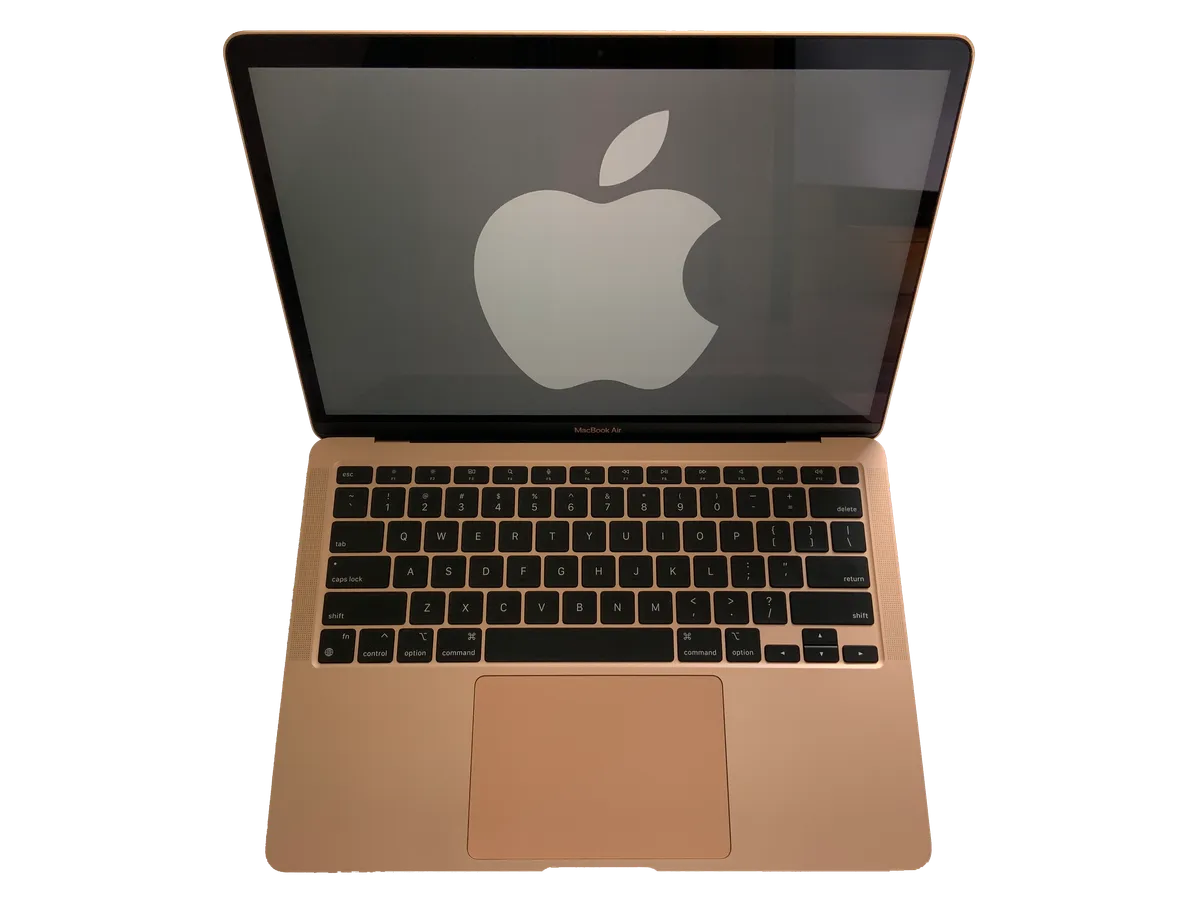
OLED blacks and HDR highlights matter most in grading, photo editing and dark-mode coding.
Touchscreen on a Mac: Useful, Not Revolutionary
For years Apple argued that touching a vertical laptop screen causes "gorilla arm" and that the trackpad is the better interface. The 2026 MacBook Pro quietly reverses that position, but in a cautious way. Touch is added, not imposed.
Where touch genuinely helps:
- Scrolling and pinch-zoom in long documents, PDFs and maps when your hand is already raised
- Quick taps on dialog buttons and notifications
- Scrubbing timelines and moving playheads in video apps that support it
- Presenting to someone across the table, where pointing and tapping is more natural than steering a cursor
- Running iPad and iPhone apps on Apple silicon, which were designed for touch in the first place
Where it does not change much:
- Precision work in Final Cut Pro, Logic Pro, Xcode or Photoshop, where the trackpad and keyboard shortcuts remain faster
- Long sessions — holding your arm up to a laptop screen is still tiring after a few minutes
- Apps that have not been updated for touch, where controls are simply too small for fingers
The hinge is firm enough that light taps do not wobble the display badly, though firm presses near the top edge will still move it slightly. There is no detachable tablet mode and no 360-degree fold. If you want a pen-first creative tablet, the iPad Pro remains Apple's answer.
Our view: touch is a pleasant extra that you will use daily for small things, but nobody should spend $2,899 just to get it. The display quality is the reason to buy; touch is a bonus.
Performance: M5 Pro and M5 Max
The PROLED MacBook Pro is offered only with M5 Pro and M5 Max. Apple's M5 generation focuses on faster GPU cores with dedicated neural acceleration, higher memory bandwidth and more efficient CPU cores. In practical terms:
- M5 Pro is the right chip for most professionals: software development, large photo libraries, multicam 4K editing, music production with heavy plug-in counts, and local AI models of moderate size.
- M5 Max is for 8K video, heavy 3D rendering, large local language models that need lots of unified memory, and anyone whose time is billed by the render minute.
Compared with an M4 Pro MacBook Pro, expect a solid generational step in CPU and a larger step in GPU and AI workloads, but not a night-and-day difference in everyday tasks. If your M4 Pro machine already exports your projects quickly, the chip alone is not a reason to upgrade. The display is.
Compared with the MacBook Air M4, the gap is much bigger. The Air is fanless and throttles under long sustained loads; the MacBook Pro has active cooling and holds peak performance through long renders and compiles. If your work regularly runs for more than ten or fifteen minutes at full load, the Pro is in a different class.
Memory and storage advice: unified memory cannot be upgraded later. For M5 Pro, we would not buy below the step above the entry memory tier if you work with large projects or local AI. Storage is also soldered; external Thunderbolt 5 SSDs are fast enough for active project files, so you do not need to max internal storage to work well. Check exact memory tiers on Apple's configurator — they differ between M5 Pro and M5 Max.
Ports, Connectivity, and Expansion
Apple kept the full pro port set, which was the best part of the 2021 redesign:
- 3× Thunderbolt 5 (USB-C) for high-bandwidth docks, fast external SSDs and multiple displays
- HDMI 2.1 for TVs, projectors and high-refresh external monitors
- SDXC card slot for photographers and video crews
- MagSafe charging, so a tripped cable does not pull the laptop off a desk
- 3.5mm headphone jack with support for high-impedance headphones
Wireless moves to Wi-Fi 7 and Bluetooth 6. Wi-Fi 7 only matters if your router supports it, but it helps with large file transfers to network storage and future-proofs the machine for a long ownership cycle.
There is still no USB-A, no Ethernet and no cellular option. For most pro users that is a non-issue. If you rely on legacy peripherals, budget for a Thunderbolt dock.
Battery Life and Thermals
Apple's marketing claims up to roughly 24 hours of battery life, depending on size and chip. As always, that figure comes from a light video playback test, not a day of compiling code or exporting 8K footage. Treat it as a ceiling.
OLED has an interesting effect on battery. Dark content draws much less power than on mini-LED, because black pixels are simply off. If you live in dark mode — code editors, terminal windows, dark-themed creative apps — you get a real efficiency benefit. Bright white documents and spreadsheets at high brightness draw more, and HDR highlights at 2,000 nits are power-hungry. The net result is excellent endurance for typical mixed work, with the usual caveat that heavy GPU loads will drain any laptop quickly.
Thermally, the thinner chassis did not appear to cost Apple much. M5 Pro configurations remain quiet in normal work. M5 Max under long, sustained GPU loads will spin up its fans audibly, as Max chips always have. The 16-inch, with its larger enclosure, sustains heavy loads more comfortably than the 14-inch Max.
Price: The Hardest Part of This Review
This is where the score drops. Apple's pricing for the PROLED generation (verify live on apple.com and with retailers):
| Configuration | Approx. US starting price |
|---|---|
| 14-inch, M5 Pro | from ~$2,899 |
| 16-inch, M5 Pro | from ~$3,399 |
| Higher M5 Max configs | ~$4,799+ |
| Fully maxed builds | up to ~$7,399 |
That is roughly $400 more than equivalent configurations of the previous generation. Some of that increase is clearly the cost of tandem OLED panels, which remain expensive to manufacture at laptop sizes. Some of it is Apple pricing a flagship generation like a flagship.
Meanwhile, the M4 Pro MacBook Pro is being cleared out at retailers. Its mini-LED display is still excellent, it has the same port set, and its performance is close enough for most users. If a deep discount appears, it is the better value for buyers who do not need OLED or touch. Treat any discount you see as temporary and check live pricing.
MacBook Pro M5 vs M4 Pro MacBook Pro vs MacBook Air M4
| Feature | MacBook Pro (PROLED, M5 Pro/Max) | MacBook Pro (M4 Pro) | MacBook Air M4 |
|---|---|---|---|
| Display | Tandem OLED, 2,000 nits HDR, 120Hz, touch | Mini-LED XDR, 1,600 nits HDR, 120Hz | LCD Liquid Retina, 60Hz |
| Blacks / blooming | Per-pixel, no blooming | Local dimming, slight blooming | LCD backlight |
| Touchscreen | Yes | No | No |
| Camera cutout | Hole-punch | Notch | Notch |
| Cooling | Active fans | Active fans | Fanless |
| Ports | 3× TB5, HDMI 2.1, SD, MagSafe, jack | 3× TB5, HDMI, SD, MagSafe, jack | 2× TB/USB-C, MagSafe, jack |
| Starting price (verify live) | ~$2,899 (14") | Clearance pricing varies | Far lower |
Choose the PROLED MacBook Pro if display quality is central to your job or your enjoyment, and you plan to keep the machine for four or more years.
Choose an M4 Pro MacBook Pro on discount if you need pro performance and ports but can live with mini-LED blooming and a notch.
Choose the MacBook Air M4 if your work is mostly browsing, writing, office apps, light photo editing and video calls. Our MacBook Air M4 review explains why it is still the best laptop for most people.
Against Windows alternatives
If you are cross-shopping, Windows OLED laptops have offered touch for years at far lower prices. The ASUS Zenbook 14 OLED delivers a lovely OLED panel for a fraction of the cost, though it cannot match the MacBook Pro's sustained performance, battery efficiency or speaker quality. If repairability and upgradeable memory matter more to you than raw display quality, the Framework Laptop 13 is the opposite philosophy to Apple's sealed design.

M5 Max is built for long renders and large local models; M5 Pro covers most pro workloads.
Speakers, Webcam, and the Everyday Details
The six-speaker sound system remains one of the best you can get on any laptop, with real bass and wide stereo separation. The webcam keeps Center Stage-style framing and Desk View, and the move to a hole-punch did not reduce image quality. Touch ID works quickly, and the keyboard remains comfortable for long writing sessions.
One small but welcome change: because the display can render true black, macOS can make the menu bar look like it floats over a black strip around the camera cutout. In dark mode, the hole-punch effectively vanishes.
Who Should Buy — and Who Should Skip
Good fit
- Photographers, colorists and video editors working in HDR who will see the OLED difference every day
- Developers and data scientists who live in dark mode and benefit from OLED efficiency and M5 Pro/Max headroom
- Owners of Intel or M1 MacBook Pros planning a long-term upgrade, who will feel every improvement at once
- Buyers who want the best Mac laptop available and are comfortable paying for it
Skip if
- You own an M3 Pro, M4 Pro or M4 Max MacBook Pro and are happy with it — the chip jump alone does not justify the spend
- Your work is browser, office and video calls — a MacBook Air does that for far less
- You want a tablet-style convertible with pen input — this is still a clamshell laptop
- Your budget is fixed and a discounted M4 Pro model is available
FAQ
Is this MacBook Pro M5 review about the base M5 MacBook Pro? No. This review covers the MacBook Pro with PROLED XDR Display with M5 Pro or M5 Max. Apple introduced a base-M5 14-inch mini-LED MacBook Pro in late 2025; it does not have OLED or touch.
Does the new MacBook Pro have a touchscreen? Yes. It is the first Mac with a touchscreen. It supports taps, scrolling and pinch-zoom, and works alongside the trackpad and keyboard rather than replacing them.
How much does the MacBook Pro M5 cost? In the US, the 14-inch M5 Pro starts at about $2,899 and the 16-inch at about $3,399. M5 Max configurations run from about $4,799, and fully maxed builds reach roughly $7,399. Verify live prices before you buy; promotions and regional pricing vary.
Is the PROLED XDR display better than mini-LED? For contrast and black levels, yes. Tandem OLED offers per-pixel lighting, 10,000,000:1 contrast and no blooming, with up to 2,000 nits HDR peak brightness. Mini-LED was excellent, but it shows halos around bright objects on dark backgrounds.
Will the MacBook Pro OLED display burn in? Tandem OLED is designed to reduce burn-in risk, and macOS helps manage static elements. Risk is low for normal use but not zero. Heavy users with static layouts should use dark mode, auto-hide the Dock, and check AppleCare coverage.
Should I upgrade from an M4 Pro MacBook Pro? Only if the OLED display or touch matters to your work. Chip performance improves, but most M4 Pro owners will not feel a dramatic difference in daily tasks.
Is the MacBook Pro M5 worth it over a MacBook Air M4? For sustained pro workloads, HDR editing, and heavy multitasking, yes. For writing, browsing and office work, the MacBook Air M4 is the smarter purchase.
What ports does the new MacBook Pro have? Three Thunderbolt 5 ports, HDMI 2.1, an SDXC card slot, MagSafe and a 3.5mm headphone jack, plus Wi-Fi 7 and Bluetooth 6.
How long does the battery last? Apple claims up to about 24 hours in its marketing, based on light video playback. Real-world endurance depends on brightness, workload and chip, but is excellent for mixed work, especially in dark mode.
Glossy or nano-texture — which should I choose? Choose nano-texture if you work near windows or under bright office lights. Choose glossy for the deepest perceived blacks in controlled lighting. Check the current upcharge on Apple's configurator.
Final Verdict
The MacBook Pro with PROLED XDR Display is the most significant MacBook Pro redesign since 2021, and nearly all of that significance lives in the screen. Tandem OLED removes the last real weakness of Apple's pro display, the thinner chassis keeps every port professionals need, and M5 Pro and M5 Max deliver more performance than most buyers will ever use. Touch input is implemented thoughtfully, without compromising the trackpad and keyboard that make Macs good to work on.
The problem is price. A roughly $400 increase over comparable previous configurations, with maxed builds above $7,000, makes this a hard sell for anyone already using an M4-generation MacBook Pro. We rate it 8.7/10: a near-perfect pro laptop for people who will benefit from the display every day, with a value score that reflects how much Apple is asking for it.
If you are buying your first pro Mac or replacing an Intel or M1 machine, this is the one to get. If you are happy with your current MacBook Pro, keep it, and let the OLED generation come down in price.