Pros
- 235 g slab fits jacket pockets — lighter than iPad mini or a Moleskine
- Same Canvas Color stack and reading light as full Paper Pro
- Entry at $449 is the cheapest color reMarkable in the lineup
- Two-week battery target survives travel without nightly charging
- Movable toolbar and gesture tweaks suit one-handed use
Cons
- 7.3-inch canvas cramps wide PDFs and landscape templates
- Dual-core A55 feels fast for ink but slow when paging dense files
- Template scaling bugs when syncing from larger Paper Pro screens
- Connect subscription still gates search, unlimited cloud, and Methods
- No app store, camera, or video — pure focus device or dead weight
The reMarkable Paper Pro Move is reMarkable AS’s pocket-sized color paper tablet — a 7.3-inch sibling to the 11.8-inch reMarkable Paper Pro that launched September 3, 2025 for professionals who want ink physics without a messenger bag. This reMarkable Paper Pro Move review (updated November 2026) walks through US pricing from $449, real-world battery life on a 2,334 mAh cell, how Canvas Color behaves at 264 ppi, and whether the smaller panel is a feature or a compromise.
If you landed here after searching remarkable paper pro move review, confirm the product: reMarkable (Norwegian company, lowercase branding) sells the Move only through remarkable.com and authorized refurb channels. It is not a random Android “paper tablet” from marketplace sellers, not Supernote, not Onyx Boox — and not the unrelated English word “remarkable.” The Move runs reMarkable OS (Linux-based Codex), pairs with reMarkable Marker styluses, and refuses to run TikTok. That refusal is the entire pitch.
Portable writing setup — photo via Wikimedia Commons
reMarkable Paper Pro Move Review Snapshot (2026)
| Field | Detail |
|---|---|
| Manufacturer | reMarkable AS (Oslo, Norway) |
| Launch | September 3, 2025 |
| Display | 7.3-inch Canvas Color (E Ink Gallery 3 stack), 1696×954, 16:9 |
| US price | $449 (Marker) · $499 (Marker Plus) + optional folios $69–$139 |
| Weight / size | ~235 g, 195.6 × 107.8 × 6.5 mm |
| Storage | 64 GB (same cap as Paper Pro) |
| Battery | Up to two weeks (modeled); 0–90% in <45 min via USB-C |
| NexReview score | 8.5/10 |
Buy it if you want the Paper Pro color experience in something that disappears into a blazer pocket and you mostly write portrait notebooks, annotate phone-sized PDFs, or capture meeting bullets on the move. Skip it if your work is spreadsheet-wide PDF markup, split-screen typing, or one device for Zoom + notes — shop iPad Pro M4 or keep the large Paper Pro.
What Is the Paper Pro Move?
reMarkable spent years selling grayscale slates (reMarkable 1, the cult reMarkable 2) before Paper Pro brought Canvas Color to an 11.8-inch canvas in 2024. Paper Pro Move shrinks that color stack into a 7.3-inch, 16:9 panel announced September 3, 2025 — reMarkable’s answer to “I love the Pro, but I will not carry a 525 g board to every coffee chat.”
Hardware is deliberate downsizing, not a budget strip:
- Canvas Color with integrated reading light and palm rejection
- 4,096 pressure levels, 12 ms ink latency (company spec — comparable to Paper Pro’s writing claim)
- NXP i.MX93 dual-core Cortex-A55 @ 1.7 GHz and 2 GB LPDDR4x (smaller CPU than quad-core Paper Pro, higher per-core clock in some benchmarks)
- 64 GB internal storage — same nominal ceiling as the big Pro (~810 notebooks in reMarkable marketing math)
- Wi-Fi (2.4 / 5 GHz), single USB-C (USB 2.0 data), no cellular SKU
Software is the same distraction-free OS: notebooks, PDF/EPUB import, cloud sync, limited integrations (Slack, Quick Share, cloud drives), handwriting conversion via MyScript. There is no app store, browser, or Kindle store. You are buying a digital Moleskine with color highlighters, not a mini iPad.
reMarkable positions Move beside Paper Pro and Paper Pure — it does not replace them. Big Pro stays the desk + contract markup machine. Paper Pure (~$399) remains the grayscale value play. Move is the travel color node in a three-device family that increasingly assumes you might own more than one slab.
reMarkable Paper Pro Move Review: Display and Color at 7.3 Inches
Color on Move uses the same philosophical tuning as Paper Pro: muted pigments, excellent daylight readability, and refresh flashes when large filled regions update. Gallery 3 under textured glass still feels closer to marker on paper than Kindle Colorsoft’s filtered grayscale — but the smaller diagonal changes how you work.
264 ppi on 1696×954 is sharp for handwriting and single-column EPUB text. Pain arrives with two-column academic PDFs, landscape slide decks, and wide architectural sheets. You will pinch-zoom and pan more than on 11.8 inches — not broken, but slower because every page turn pays the e-paper tax.
The 16:9 aspect ratio reads like a phone turned sideways more than A4. Portrait notebooks feel natural; imported US Letter PDFs may feel vertically generous but horizontally tight. Forbes Vetted and other 2026 reviews flag template scaling when notebooks created on Paper Pro sync to Move — lines and grids can misalign after rotation. reMarkable has iterated software, but if your workflow depends on pixel-perfect custom templates, test Methods (Connect-gated template beta) on Move before you fly cross-country with client deliverables.
The front light is the quiet hero for red-eye flights and dim keynote back rows. It illuminates the reflective panel instead of blasting OLED blue light. Crank brightness and the two-week battery story shortens — still days, not iPad hours.
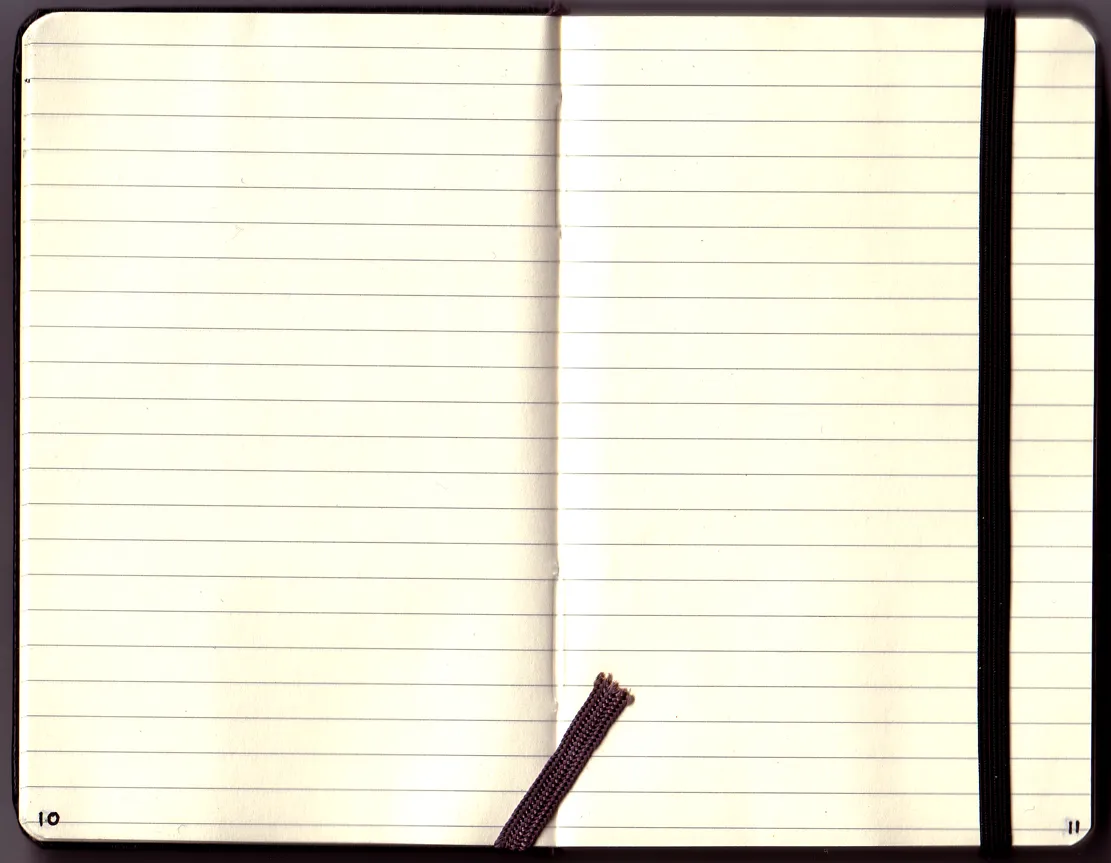
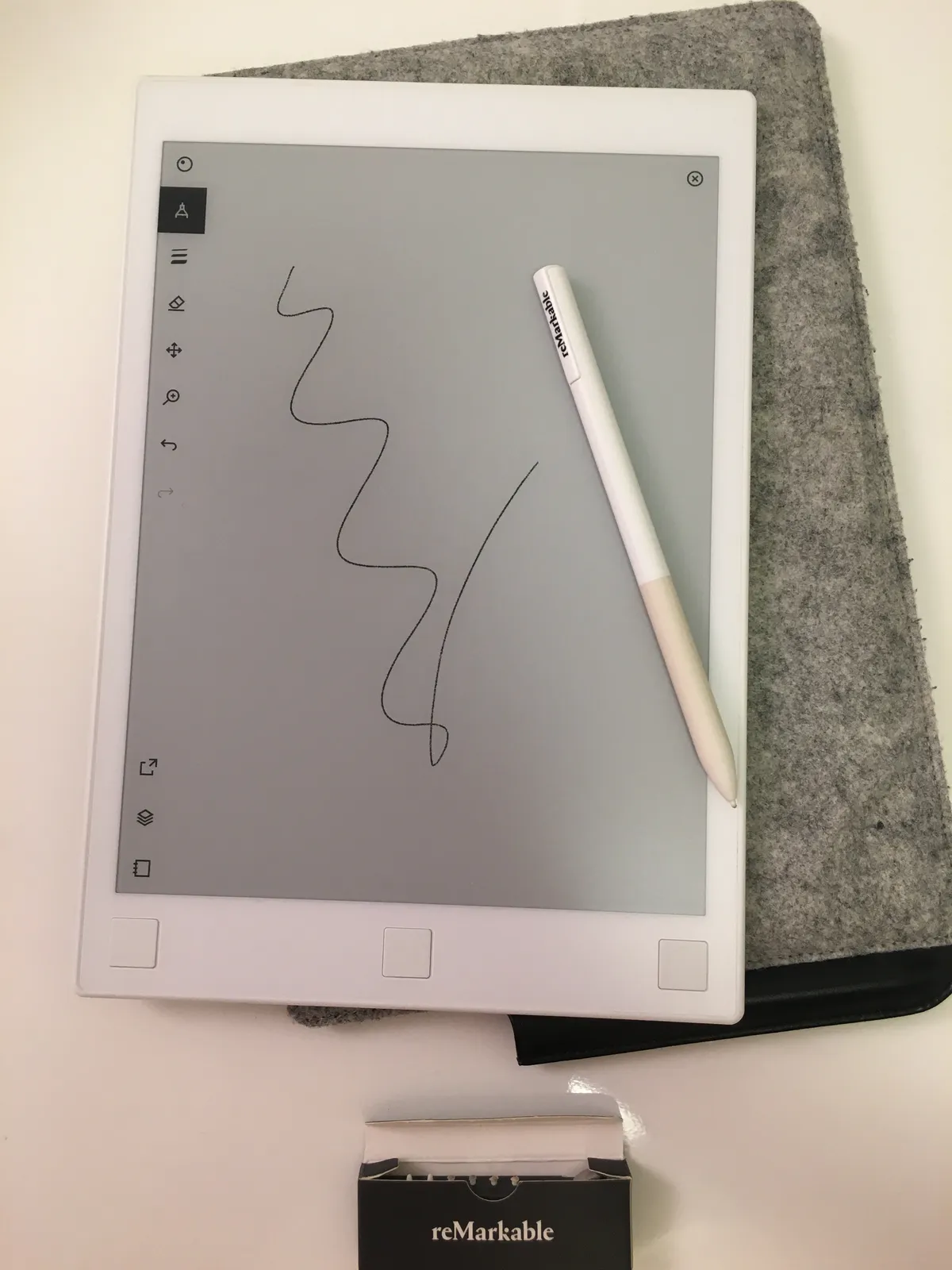
Notebook and desk context — Wikimedia Commons
Writing Feel: Why People Pay $449 for “Slower” Tech
Every credible remarkable paper pro move review eventually stops spec-sparring and talks about friction. Move inherits reMarkable’s tuned Marker nibs — standard Marker in the base box, Marker Plus ($50 step-up) with a capacitive eraser end that saves toolbar taps.
On a 7.3-inch canvas, strokes cover less distance per wrist flick; shading and diagram loops feel intimate, almost pocket-sketchbook. 12 ms latency is fast enough that your hand stops “leading” the ink after a session or two — a major upgrade psychologically versus early RM1 days, though still not Apple Pencil on ProMotion.
Palm rejection holds in portrait for right- and left-handed users (toggle in settings). Double-tap erase (two-finger tap) clears small mistakes — PC-WELT’s 2025 test called this out as genuinely useful in cramped seats.
What e-paper still cannot hide: when you finish a stroke, ink sometimes blooms in a beat later. Tom’s Guide and TechRadar describe that beat as meditative for sketching and irritating when flipping meeting packets under time pressure. Move is the fastest reMarkable many reviewers have used, but it is not instant like LCD. Buy for calm, not speedrun.
Marker Lock-In (Again)
Paper Pro Markers do not work on reMarkable 2, and RM2 pens do not work on Canvas Color devices. Move uses the same Marker generation as Paper Pro. Families with mixed generations budget $89–$129 for spare pens. Tips ship in-box (six replacements), but heavy annotators burn through nibs quarterly.
Software, Connect, and the Real Monthly Bill
reMarkable OS on Move matches the Pro feature set at a high level — notebooks, folders, tags, handwriting search with Connect, cloud sync, desktop/mobile companions. Connect is the subscription layer you must price before checkout:
| Connect benefit | Without subscription |
|---|---|
| Unlimited cloud history | 50-day rolling cloud window |
| Handwriting search | Not available |
| Create/edit notes in mobile/desktop apps | View-oriented limits |
| Methods templates, some integrations | Reduced |
| Trial on new pairing | 50-day Connect trial typical for new devices |
US pricing commonly lands around $2.99/month (regional variants exist). Annually that is modest — until you stack $449 hardware + folio + Marker Plus + years of rent. Five years of Connect adds ~$180 on top of the slab. The tablet works offline without Connect; lawyers on airplanes still ink PDFs from USB. Power users who live in search and cross-device editing treat Connect as mandatory overhead, same debate as on the Paper Pro.
Move-specific UX tweaks matter on small glass:
- Movable toolbar — park tools where your thumb reaches
- Improved gestures for back navigation and page turns
- Handwriting search (Connect) across pocket notebooks — finally usable when your archive is jacket-sized
- Slack and Quick Share hooks for teams that live in chat — still not a full Slack client, but sharing pages got easier in 2025–2026 updates
Security basics remain enterprise-adjacent: encryption on device and in transit, MFA, passcode, auto-lock after inactivity. Developer mode exists for tinkerers; most buyers never touch it.
Battery, Charging, and Travel Rhythm
Official guidance: up to two weeks modeled on ~two hours of writing per weekday with moderate front light. The 2,334 mAh cell is smaller than Paper Pro’s 5,030 mAh, but the smaller panel and lighter CPU keep Move in the same multi-day to two-week marketing band.
USB-C charges 0–90% in under 45 minutes per reMarkable — excellent for gate-side top-ups. Real travelers report several days with heavy light use or long conference days; still orders of magnitude beyond Galaxy Tab S9-class tablets that die on a single transcon if you forget a brick.
Pack one cable, skip the brick if your laptop charger negotiates USB-PD — Move does not need a proprietary dock.
reMarkable Paper Pro Move vs Paper Pro vs iPad mini
vs reMarkable Paper Pro
| Device | Screen | US from | Sweet spot |
|---|---|---|---|
| Paper Pro Move | 7.3" color + light | $449 | Pocket notes, travel, bedside capture |
| Paper Pro | 11.8" color + light | $629 | PDF markup, workshops, large sketches |
| Paper Pure | Mid grayscale | $399 | Budget monochrome focus |
Same 64 GB, same Marker family, same Connect rules. Move saves ~$180 upfront versus Paper Pro Marker bundle and ~290 g in your bag. You lose horizontal workspace — the reason consultants keep both is not greed; it is legibility on letter-size redlines.
vs iPad mini (A17 Pro class)
Apple’s iPad mini is wider, heavier (~293 g), and infinitely more versatile: FaceTime, Notability, browsers, games. It loses on battery, eye strain, and focus — notifications are a feature you cannot uninstall.
Move wins when:
- You want days without charging
- You want no app store rabbit holes during seminars
- You want e-paper texture for longhand thinking
iPad mini wins when:
- You type as much as you ink
- You record, present, or edit video
- You need one device under $600 that does everything
Many journalists in 2026 carry Move + phone instead of mini + Pencil because the phone already covers quick apps. That only works if you accept Move’s import/export friction (PDF/EPUB in; PDF/PNG/SVG out).
vs Kindle and Supernote
Kindle Paperwhite and Colorsoft beat Move for reading novels and store sync. Move beats Kindle for freeform ink and client PDF markup. Supernote and Onyx offer Android flexibility and sometimes larger screens at similar prices — but they invite app temptation and different stylus ecosystems. Move is the Apple-like walled garden of ink.
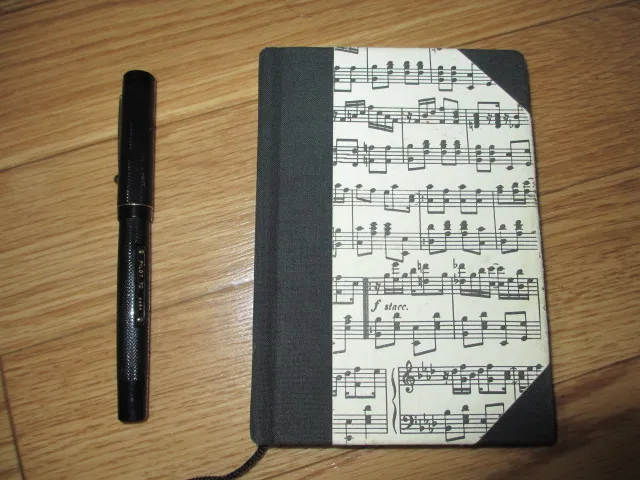
Stylus-first desk context — Wikimedia Commons
Who Should Buy — and Who Should Skip
Buy Paper Pro Move if…
- You loved Paper Pro demos but balked at $629 and 525 g.
- Your notes are meeting bullets, interview questions, or field sketches — not full blueprint sheets.
- You travel weekly and want color highlighters without a second messenger bag.
- You already pay Connect for a desk Paper Pro and want a second paired device (Connect supports multiple tablets on one account).
- Distraction-free is a workflow requirement, not a nice-to-have.
Skip Paper Pro Move if…
- One device must run Zoom, Slack threads, and Google Docs editing natively.
- You mark up full-width legal contracts daily — buy Paper Pro instead.
- You are price-sensitive and grayscale suffices — Paper Pure saves money.
- You need cellular download on trains without phone tethering.
- Template scaling across sizes is a deal-breaker for your firm’s ISO layouts — validate before return windows close.
Pricing and Bundles (Verify at Checkout)
US MSRP snapshots from reMarkable’s store (tax and promos vary):
| Configuration | Typical US price |
|---|---|
| Move + Marker | $449 |
| Move + Marker Plus | $499 |
| Polymer weave folio | from $69 |
| Leather folio | up to ~$139 |
| Connect | ~$2.99/month (annual plans may discount) |
Refurbished inventory rotates on reMarkable’s refurb store — worth watching if $449 stings. EU buyers see €479+ bundles in German retail tests (e.g. PC-WELT); always confirm DDP and warranty region.
Total realistic setup: $499 Marker Plus bundle + $99 folio + two years Connect (~$72) ≈ $670 before tax — still under a base Paper Pro, but not “cheap” for a single-purpose gadget.
FAQ
Is this remarkable paper pro move review about the real reMarkable product?
Yes. reMarkable Paper Pro Move is manufactured by reMarkable AS, announced September 3, 2025, with a 7.3-inch Canvas Color display. Avoid unrelated marketplace tablets that only use the English word “remarkable” in the title.
How much does the Paper Pro Move cost in 2026?
US pricing starts at $449 including a Marker. Marker Plus bundles typically hit $499. Folios and Connect add ongoing cost.
Do I need Connect for the Move to work?
No for local writing — onboard notebooks and USB transfer function offline. Yes for handwriting search, unlimited cloud history, full desktop/mobile editing, and many Methods templates. Most power users budget Connect like insurance.
Paper Pro Move vs Paper Pro — which should I buy first?
Choose Move if portability drives your day and your markup fits a small canvas. Choose Paper Pro if PDF width and desk sessions dominate. Owners of Pro often add Move as a satellite; first-time buyers with only $500 should borrow both sizes in a store if possible.
Can I sync notebooks between Move and my Paper Pro?
Yes via reMarkable cloud when both devices sit on one account. Watch template scaling when rotating or resizing between 7.3-inch and 11.8-inch layouts — verify critical templates before client work.
How does Move compare to iPad mini for students?
Students who type essays, take Zoom classes, and run LMS apps should buy iPad mini or a laptop. Students who handwrite seminar notes and want zero social feeds benefit from Move — if they accept no native Word and slower page turns.
Does Move support color books like Kindle Colorsoft?
Move reads EPUB and PDF you import; there is no Kindle store. For purchased ebook ecosystems, Colorsoft or Paperwhite wins. Move wins when your files arrive as email PDFs and scanned readings you ink by hand.
What file formats does Paper Pro Move support?
Import: PDF, EPUB. Export: PDF, PNG, SVG. Cloud companions cover macOS, Windows, iOS, Android; browser extensions push web articles via Read on reMarkable.
How long does the battery last on the Move?
reMarkable rates up to two weeks with moderate daily writing and conservative front light. Heavy annotation and max brightness land in multi-day territory — still far beyond typical LCD tablets.
Should reMarkable 2 owners upgrade to Paper Pro Move?
Upgrade if you want color, front light, and pocket fit and you accept new Markers. Stay on RM2 if grayscale and sunk folio/pen costs satisfy you — or consider Paper Pure for a lighter grayscale refresh without color.
Verdict
The reMarkable Paper Pro Move is the product reMarkable needed after Paper Pro proved color e-paper could sell at flagship prices: a $449 invitation to the same Canvas Color ritual in a 235 g package that actually clears a jacket pocket. Writing still feels like reMarkable’s best idea — textured glass, restrained color, and a UI that refuses to ping you. The compromises are honest: small glass for wide work, e-paper latency when you are late to a meeting, and Connect rent for search and archival peace of mind.
If your job is thinking in ink on the move, Move is the best pocket paper tablet in 2026 — sharper focus per dollar than the big Pro for travelers, and more purposeful than an iPad you will unlock for “just one scroll.” If your job is everything apps do, save the cart and buy a general-purpose tablet instead.
Score: 8.5/10 — Best Pocket Paper Tablet — Premium Ink, Deliberate Limits